






How to Build an Event Ticketing App with AI in 2026
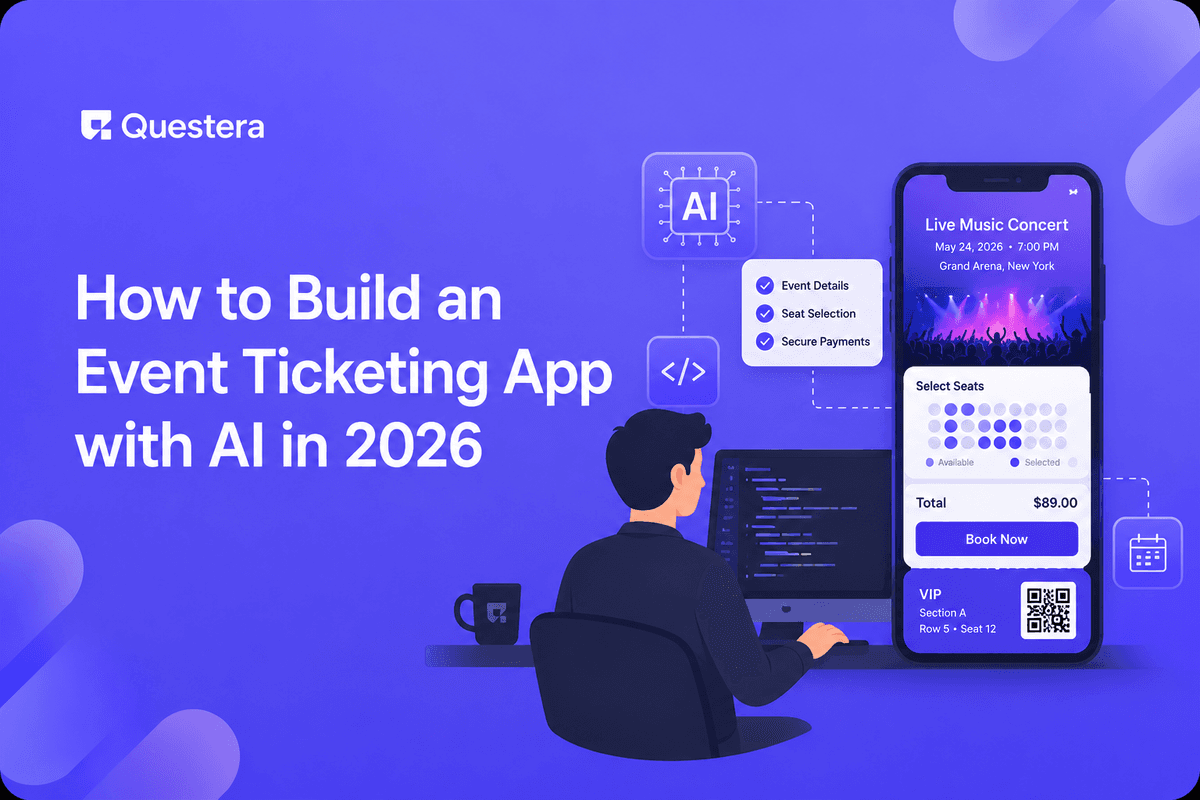
Event ticketing is a massive market dominated by Eventbrite, Ticketmaster, Universe, Hopin, and dozens more. Generic ticketing tools cover most basic needs. Yet niche opportunities remain — specific event types (workshops, fitness classes, conferences, music venues, festivals, supper clubs) often have specific workflow needs the horizontal platforms force into generic patterns.
In 2026, AI app builders make niche ticketing apps buildable in 6-9 days for the core software. Organizer dashboard, event setup, ticket sales via Stripe, QR codes, check-in flow, basic communications. The technical work is solved. The harder parts — payment splits to organizers via Stripe Connect, reliability during gate operations, niche-specific customer acquisition, refund workflow — require deliberate planning. This guide covers the realistic build sequence, the architecture, the niches where indie founders can compete, and the operational realities.
Why Niche Matters in Ticketing
- Eventbrite owns horizontal events; competing head-on is hard
- Niche audiences have specific workflows horizontal tools serve poorly
- Niche pricing power higher (specific value)
- Niche communities easier to reach than horizontal market
- Switching from horizontal to niche has lower friction when niche fits workflow
Niche Opportunities for Event Ticketing
- Fitness studio class ticketing (drop-in classes + class packs)
- Workshop and continuing education ticketing (certifications, CE credits)
- Supper club and pop-up dining ticketing (capacity-limited, recurring)
- Independent music venue ticketing (smaller venues underserved by Ticketmaster)
- Indie conference ticketing (small to mid-size tech, design, niche conferences)
- Comedy club and improv venue ticketing
- Yoga retreat and wellness event ticketing
- Sports league registration and game ticketing (amateur leagues)
- Wine tasting and brewery event ticketing
- Art gallery opening and exhibition ticketing
- Photography workshop and tour ticketing
- Maker faire and craft show ticketing
Payment Compliance Considerations
Ticketing handles payments on behalf of organizers, which involves Stripe Connect (or similar) for compliant payment splits. PCI compliance is handled by Stripe; but you still have responsibilities around platform fees, payouts, refunds, dispute handling, and tax reporting (1099-K for US organizers). Consult counsel for your specific jurisdiction. The build patterns in this guide use Stripe Connect to handle the heavy lifting.
Core V1 Scope
- Organizer account and Stripe Connect onboarding
- Event creation (title, date, venue, capacity, ticket types)
- Public event page with ticket purchase
- Stripe-handled payment (Stripe Checkout or Stripe Elements)
- Ticket delivery via email with QR code
- Check-in app (mobile-friendly PWA) scanning QR codes
- Attendee list and check-in status for organizers
- Payment splits to organizers (platform fee + organizer payout)
- Basic refund handling
- Attendee communications (event reminders, updates)
What to Skip in V1
- Native mobile apps (PWA suffices for check-in and attendee)
- Seat selection (general admission v1; reserved seating v2)
- Discount codes and promotions (defer)
- Multi-day events with sessions (single event v1)
- Wait lists
- Group ticket purchases with split payments
- Hardware integrations (printers, dedicated scanners)
- Marketplace discovery features (search across events)
The Data Model
- User (id, email, role — organizer/attendee, stripe_connect_id for organizers)
- Event (id, organizer_id, title, description, venue, datetime, capacity, status)
- TicketType (id, event_id, name, price, quantity_total, quantity_sold)
- Order (id, attendee_email, event_id, total_amount, stripe_payment_id, created_at)
- Ticket (id, order_id, ticket_type_id, qr_code, status — issued/scanned/refunded)
- CheckIn (id, ticket_id, scanned_at, scanned_by)
- Payout (id, organizer_id, event_id, amount, fee, stripe_payout_id, status)
Stripe Connect for Payment Splits
Stripe Connect lets you collect payments on behalf of organizers and split funds — platform fee to you, remainder to organizer. Three account types: Express (Stripe-hosted onboarding, recommended for ticketing), Custom (you handle UX), Standard (organizer creates own Stripe account). Express is the standard pattern for ticketing platforms.
Express Account Flow
- Organizer signs up for your platform
- Click 'connect Stripe' → redirect to Stripe-hosted onboarding
- Stripe handles KYC, bank details, identity verification
- Returns to your platform with stripe_account_id stored
- When tickets sell: payment intent created with application_fee_amount and transfer_data.destination = organizer's stripe_account_id
- Stripe handles the split automatically; you collect platform fee, organizer receives remainder
Platform Fee Structures
- Eventbrite-style: 3-7% platform fee + Stripe processing fee passed to buyer
- Subscription-based: flat fee from organizer; pure pass-through processing
- Hybrid: lower platform fee + monthly subscription
- Pick based on niche pricing tolerance
QR Code Generation and Check-In
QR Code Generation
- When ticket is issued, generate unique token (UUID)
- Encode in QR code (any QR library — qrcode npm package)
- QR contains a check-in URL with the unique token
- Email QR code as image attachment or inline in HTML email
- Also accessible in attendee's account page
Check-In Flow
- Check-in staff opens check-in PWA on phone
- Authenticates as event staff
- Scans QR code via phone camera
- App reads token, looks up ticket, verifies validity
- If valid + unused: mark scanned, show confirmation
- If duplicate scan: alert with details (when first scanned, by whom)
- If invalid: alert
Reliability Considerations
- Network drops at venues happen — check-in must tolerate offline
- Cache ticket list locally before event starts
- Queue check-in events when offline; sync when online
- Multiple staff scanning simultaneously — handle concurrent check-ins
- Test with 100+ tickets in test event before going live
The 6-9 Day Build Sequence
Day 1-2: Scaffolding, Organizer Flow
- Auth, data model, organizer dashboard
- Stripe Connect Express onboarding
- Event creation form (title, datetime, venue, capacity, ticket types)
Day 3-4: Attendee Purchase Flow
- Public event page
- Ticket selection and purchase via Stripe Checkout
- Payment intent with application_fee + transfer_data
- Order and ticket records created on payment success
Day 5: QR Generation and Email
- QR code generation library
- Confirmation email with QR code (Resend)
- Attendee account page showing tickets
Day 6-7: Check-In App
- Check-in PWA mobile interface
- Camera-based QR scanning (browser MediaDevices API)
- Ticket validation and check-in logic
- Offline mode with sync
- Attendee list for manual check-in fallback
Day 8-9: Refunds, Communications, Launch
- Refund flow (full and partial) — Stripe refund + ticket status update
- Event reminder email automation
- Bulk attendee communications
- Organizer analytics (tickets sold, revenue, check-in rate)
- Soft launch with 1-2 friendly organizers running test events
Common Mistakes
- Building horizontal Eventbrite competitor — Hard. Pick niche.
- Skipping Stripe Connect — Without it, you can't legally split payments to organizers in compliant way.
- Underestimating check-in reliability — Event day is high-stakes. Test extensively.
- No offline mode — Network drops at venues happen. Plan for it.
- Skipping refund workflows — Customer service nightmare. Build self-serve refunds within policy.
- Ignoring tax reporting — 1099-K thresholds apply for US organizers. Track and report properly.
- Pricing too low — Ticketing can sustain 3-7% platform fee. Don't underprice.
- Treating event day as set-and-forget — Be available during major events for support.
- Skipping organizer experience polish — Organizers are your customers; their workflow matters most.
- Underestimating fraud risk — Chargebacks happen on ticketing. Build dispute response workflows.
- Ignoring secondary market — Tickets get resold; some platforms allow, some prohibit. Decide your policy early.
Frequently Asked Questions
Why not just compete with Eventbrite?
Horizontal competition with Eventbrite requires capital and time indie founders don't have. Niche ticketing (specific event types) is genuinely viable. Many niche ticketing platforms sustain real businesses.
What about Stripe vs other payment processors?
Stripe Connect is the standard for ticketing platforms. PayPal works but has friction. Square is good for in-person heavy events. For most ticketing platforms, Stripe Connect Express is the realistic default.
How do I handle chargebacks?
Stripe handles disputes. You can configure your platform's exposure (who pays the chargeback — you or the organizer). Have clear refund policy displayed; respond to disputes promptly with evidence (delivery confirmation, terms agreement).
What about resale/transfer of tickets?
Allowing ticket transfer (give to a friend) is common. Allowing resale at higher price (scalping) is controversial. Some niches prohibit; others enable as feature. Decide based on niche norms.
What's the operational reality during events?
Be on call during major events. Organizers will have issues — check-in problems, refund requests, last-minute changes. Customer service during event hours is the unglamorous part of ticketing platforms.
Event ticketing is dominated by Eventbrite/Ticketmaster but niches remain. AI app builders enable 6-9 day core build. Core scope: organizer Stripe Connect, event creation, attendee purchase via Stripe, QR code delivery, check-in PWA with offline mode, refund handling, communications. Stripe Connect Express is the standard for payment splits. Reliability during gate operations is non-negotiable. If event ticketing interests you, pick your niche this week. Talk to 10+ organizers in that niche before writing code. Run the 6-9 day build with deliberate attention to check-in reliability. The niche path works; horizontal competition usually doesn't. Build deliberately. Support reliably. Reach the niche audience that horizontal platforms underserve.





© 2026 Questera
Follow in Google