






How to Build an Event Ticketing App With AI in 2026 (No-Code Guide)
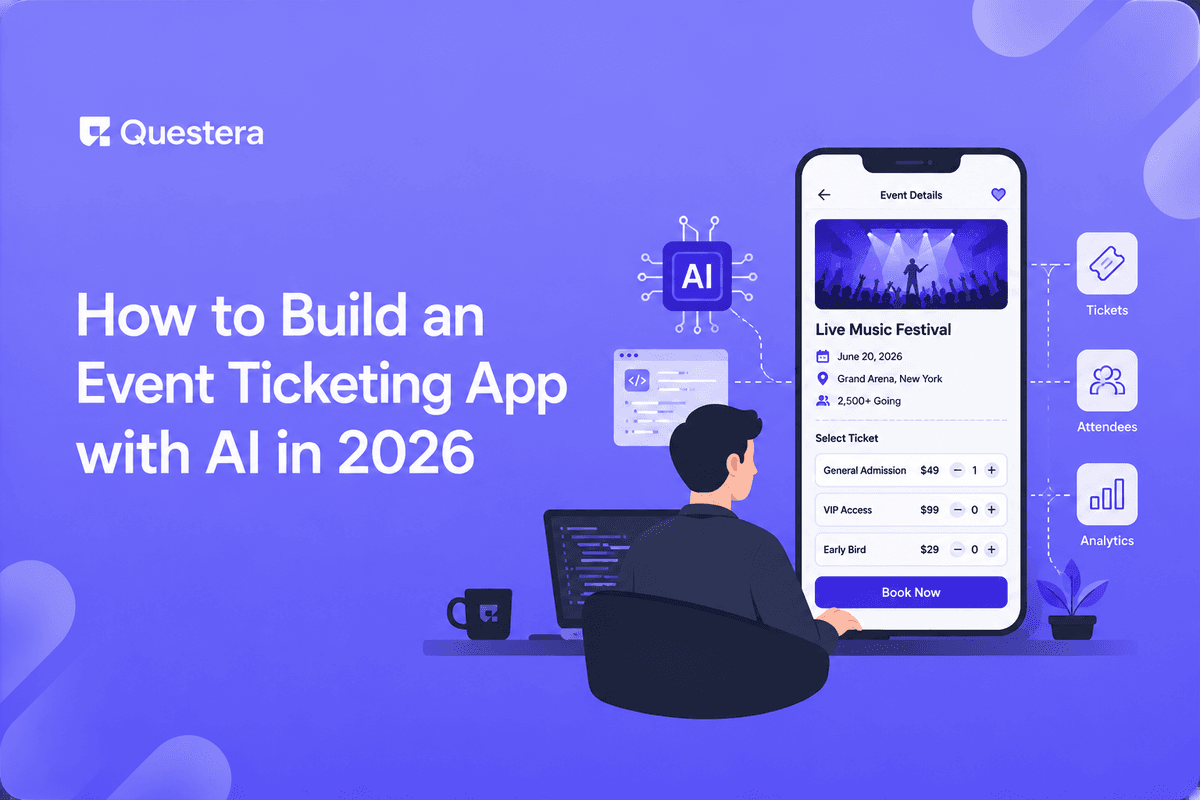
To build an event ticketing app with AI, describe your event, ticket tiers, and checkout to an AI app builder like Greta. It generates the database, payment flow, and QR check-in. You refine in plain English, test, and launch — typically in days, not months.
The global event management software market is projected to surpass $34 billion by 2032, per industry estimates. Yet most organizers still juggle spreadsheets, payment links, and a separate check-in app. You can collapse all of that into one product. This guide walks through how to build an event ticketing app with AI in 2026 — covering the data model, payments, QR check-in, and launch — without writing code yourself.
What Does an Event Ticketing App Actually Need?
An event ticketing app is a system that sells tickets, processes payments, issues unique entry passes, and validates them at the door. At minimum it needs events, ticket tiers, an attendee database, a payment integration, and a check-in mechanism.
Before prompting any builder, list these as your requirements. Clear inputs produce a far better first build.
How to Build an Event Ticketing App With AI, Step by Step
The fastest 2026 path is an AI vibe-coding tool like Greta, which turns a description into a working full-stack app. Here's the flow:
| Step | What You Do | What the AI Builds |
|---|---|---|
| 1. Describe | Explain the event, tiers, and checkout | App scaffold + database schema |
| 2. Add payments | 'Connect Stripe for ticket sales' | Checkout + payment processing |
| 3. Issue tickets | 'Email a QR code per purchase' | QR generation + email flow |
| 4. Check-in | 'Scan QR to mark attendance' | Scanner + attendance tracking |
| 5. Dashboard | 'Show sales and attendance' | Organizer analytics view |
| 6. Launch | Test, then publish | Deployed, live app |
What Features Make a Ticketing App Convert?
- Tiered pricing (early-bird, general, VIP) with automatic cutoffs.
- A frictionless mobile checkout — most ticket buys happen on phones.
- Instant QR delivery by email so attendees aren't left waiting.
- Real-time sales and capacity tracking for the organizer.
- A fast door-scan flow that works even on patchy venue Wi-Fi.
Should You Ship a Web App or a Native App?
For most events, a progressive web app is enough — attendees open a link, no install required. Native makes sense only if you need deep device features at scale. If you're unsure, weigh the PWA-vs-native trade-off before you build; for most ticketing use cases a PWA ships faster and reaches everyone with a link.
Common Mistakes to Avoid
- Launching without load-testing checkout for an on-sale rush.
- Storing payment data yourself instead of using a PCI-compliant processor like Stripe.
- Skipping a check-in dry run before the event day.
- Forgetting refund and transfer flows — attendees will ask.
- Not running a security review on the live, customer-facing app.
Frequently Asked Questions
How long does it take to build a ticketing app with AI?
With an AI builder, a working version can come together in a few days. Most time goes to testing payments and check-in rather than coding.
Want to try one of these? Start on Greta.sh — no setup, no boilerplate — just a prompt.Can I accept real payments in an AI-built app?
Yes. AI builders connect to processors like Stripe so you can take real card payments securely without handling raw card data yourself.
Do attendees need to download anything?
Not if you build a web app or PWA. They open a link, buy a ticket, and receive a QR code by email.
Can it handle hundreds of buyers at once?
It can, but you should load-test the checkout before an on-sale. Verify your database and payment flow under concurrency.
Is QR check-in reliable offline?
Build a fallback that caches valid tickets locally so scanning works even when venue Wi-Fi drops.
Key Takeaways
- Define events, tiers, payments, and check-in before you prompt.
- An AI builder can produce a full ticketing app in days.
- Use a PCI-compliant processor and always run a security review.
- For most events, a PWA beats a native app to ship quickly.
Describe your next event to Greta and watch a working ticketing app — checkout and QR check-in included — take shape before you commit to a build.





