






How to Set Up SEO for Your AI-Built App (2026 Checklist)
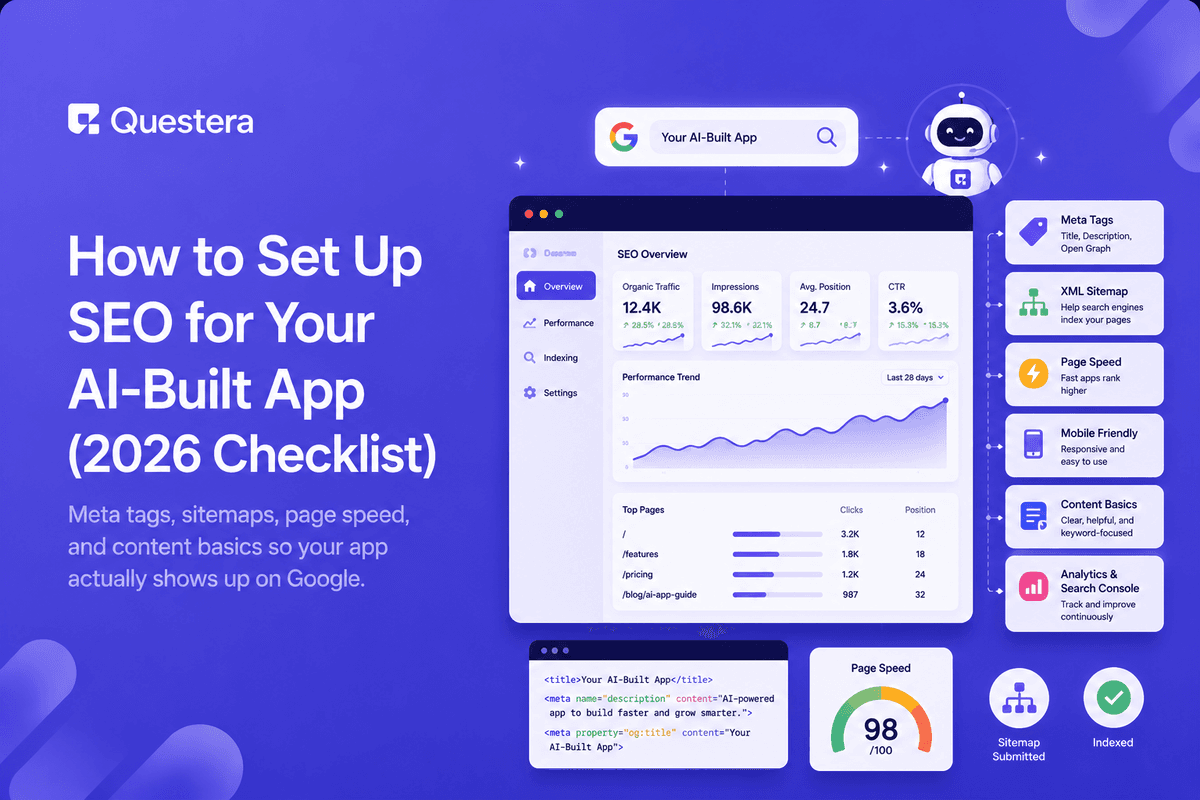
Setting up SEO for an AI-built app comes down to four things: clean meta tags on every public page, a sitemap submitted to Google Search Console, pages that load fast, and a few content pages that answer what your users actually search for. You can prompt your AI builder to handle most of the technical side — the part founders skip is checking that it worked.
Most AI-built apps launch with default titles like "My App" on every page and no sitemap at all. That's invisible to Google, and it means the only people who find your app are the ones you send there yourself. The gap between that and a properly set up site is an afternoon of work — and it's work that pays back every month the app exists.
This guide walks through the full setup in order: why it matters, the technical basics, meta tags and indexing, a step-by-step afternoon plan, the content worth adding, and a checklist to confirm Google actually sees you.
Does SEO Even Matter for an AI-Built App?
If your app has any public-facing pages — a landing page, pricing, a blog — then yes. SEO is the compounding channel: slow to start, but it keeps sending users long after a launch spike fades. A Product Hunt launch gives you a day of traffic; a page that ranks for a real search gives you visitors every day for years.
The economics matter for solo founders especially. Paid ads cost money for every click forever. Social content dies in a feed within days. Organic search is the one channel where effort you invest once keeps producing — which is why it deserves a place in your launch checklist even when results feel far away.
If your app is entirely behind a login and you acquire users elsewhere, a well-optimized landing page is still the minimum worth doing in 2026. When someone hears about your app and Googles its name, what they find — or don't find — decides whether they sign up.
What Are the Technical Basics to Get Right First?
Before touching content, make sure the foundation is in place. These are the things Google checks on every crawl, and every one of them can be produced by your AI builder if you ask for it explicitly:
- Unique title and meta description on every public page — not the same default everywhere. The title is your headline in search results; the description is your ad copy beneath it.
- One H1 per page that says what the page is about in plain language, with H2s and H3s in a logical hierarchy below it.
- Fast load times — compress images to WebP, lazy-load anything below the fold, and avoid heavy scripts on the landing page.
- Mobile-friendly layout — Google indexes the mobile version of your site first, so a page that breaks on a phone is broken for ranking purposes.
- HTTPS and a proper custom domain — a builder subdomain looks temporary to both Google and users.
None of these individually will rank you. But missing any of them quietly caps everything else you do — a brilliant content page with a three-second load time and no title tag is running with a parachute on.
How Do You Handle Meta Tags, Sitemaps, and Indexing?
These four tasks connect your site to Google's crawler. Each takes minutes with an AI builder doing the mechanical work:
| SEO Task | What It Does | How to Set It Up |
|---|---|---|
| Meta tags + Open Graph | Controls how pages look in search results and social shares | Prompt your AI builder to add unique titles, descriptions, and OG tags per page |
| Sitemap.xml + robots.txt | Tells Google which pages exist and which to skip | Ask the builder to generate both, then submit the sitemap in Search Console |
| Google Search Console | Shows indexing status, queries, and errors | Verify your domain and check the coverage report weekly |
| Schema markup | Helps Google understand your content type and enables rich results | Add Organization schema site-wide, plus Article and FAQ schema on blog posts |
Search Console is the one that founders skip and regret. It's free, it's the authoritative view of how Google sees your site, and it's where you'll discover problems — pages excluded from the index, mobile usability errors, or a robots.txt accidentally blocking everything — that are invisible from your own browser.
Build this with a prompt on Greta.sh — describe the app, Greta writes and deploys it.Step-by-Step: Set Up SEO in One Afternoon
Here's the whole setup as a sequence you can run start to finish today:
- Connect a custom domain with HTTPS, if you haven't already.
- Prompt your builder to add a unique title tag and meta description to every public page, describing each page the way a user would search for it.
- Ask for one H1 per page and a clean heading hierarchy below it.
- Generate sitemap.xml and robots.txt, and confirm both load at yourdomain.com/sitemap.xml and /robots.txt.
- Create a free Google Search Console account, verify your domain, and submit the sitemap.
- Run your landing page through PageSpeed Insights; if it scores poorly, compress images and remove unused scripts until Core Web Vitals pass.
- Add Organization schema markup site-wide and Article schema to any blog pages.
- Request indexing for your key pages in Search Console's URL Inspection tool.
Total time with an AI builder handling the code: two to three hours, most of it verification. From here on, SEO is a weekly ten-minute check rather than a project.
What Content Should Your App's Site Actually Have?
Beyond the landing page, add pages that match what your target users type into Google. The goal isn't volume — it's covering the handful of searches where someone is actively looking for what you built:
- A use-case page per audience — "invoicing for freelance designers" ranks for searches your homepage never will.
- A comparison or alternative page if people search for alternatives to a known tool in your space.
- A small blog answering the questions your users ask before they know your app exists.
- A pricing page — "[your app] pricing" is one of the highest-intent searches you can capture.
- Help docs — support content ranks for long-tail problem searches and doubles as onboarding.
Three or four genuinely useful pages beat thirty thin ones. Google's systems have gotten aggressively better at detecting content generated to fill space — pages that exist for the crawler rather than the reader now often hurt the whole domain rather than help it. Write each page for one specific search, answer it properly, and stop.
The 2026 SEO Checklist: How Do You Know It's Working?
Run through this checklist a week after setup, then monthly. Every item is checkable in under two minutes:
- Search Console shows your key pages as indexed, with no coverage errors.
- Searching your app's name on Google returns your site as the top result.
- Impressions in Search Console trend upward week over week, even if slowly.
- Every public page has a unique title tag when you view the page source.
- Your landing page scores 'Good' on Core Web Vitals in PageSpeed Insights.
- Clicking your site in results on a phone loads in under three seconds.
Impressions are your early signal — they climb weeks before clicks do. If impressions are flat at zero after a month, something structural is wrong: check the coverage report first, because the usual culprit is pages that never made it into the index at all.
Common Mistakes to Avoid
- Launching with default page titles and never checking what Google indexed.
- Blocking your whole site with a leftover robots.txt rule from development.
- Chasing keyword volume instead of the specific searches your users make.
- Publishing dozens of thin AI-generated pages that never get indexed — or worse, drag down the pages that were.
- Treating SEO as one-time setup instead of checking Search Console weekly.
- Ignoring page speed because the site "feels fast" on your own machine and network.
Frequently Asked Questions
Want to try one of these? Start on Greta.sh — no setup, no boilerplate — just a prompt.How long does SEO take to show results for a new app?
Expect days to weeks for indexing and two to six months for meaningful organic traffic. New domains start with no authority, so Google is slow to trust them. That is exactly why setting up the basics at launch matters — the clock starts when Google first finds you, not when you first care about rankings.
Can my AI builder handle SEO setup for me?
Most of it, yes. Prompt it for unique meta tags per page, a sitemap.xml, a robots.txt, schema markup, and compressed images — modern builders like Greta handle all of these when asked explicitly. Verifying the result in Google Search Console is the part you do yourself, and it takes about ten minutes.
Do I need a blog for my app to rank?
Not necessarily, but a few pages answering real user questions dramatically widen the searches you can appear for beyond just your app's name. Without content pages, you can rank for your brand and little else — which only helps people who already know you exist.
What's the single highest-impact SEO fix?
Unique, descriptive title tags on every public page. The title tag is the first thing Google reads and the first thing searchers see in results. An app whose every page is titled "My App" is invisible for every search except its own name.
Is paid advertising a substitute for SEO?
They complement each other rather than substitute. Ads bring traffic immediately but stop the moment you stop paying, while SEO compounds over time at no ongoing cost per click. Many founders run ads for the first months while their organic presence builds.
How do I check if Google has indexed my app?
Search site:yourdomain.com on Google for a quick view, then use the URL Inspection tool in Google Search Console for the authoritative answer. Search Console tells you not just whether a page is indexed but why not, if it isn't — crawl errors, noindex tags, or redirect problems.
Does page speed really affect rankings?
Yes — Core Web Vitals are a confirmed ranking signal, and speed affects conversion even more than ranking. A landing page that loads in over three seconds loses a large share of visitors before they see anything. Compressing images and cutting unused scripts fixes most slow AI-built pages.
Key Takeaways
- SEO for an AI-built app starts with meta tags, a sitemap, and fast pages — an afternoon of setup, not a project.
- Prompt your AI builder to do the technical setup — then verify it yourself in Search Console.
- A few content pages matching real user searches beat many thin ones, and thin pages can now hurt the whole domain.
- Run the checklist after launch: indexed pages, unique titles, good Core Web Vitals, sub-three-second mobile loads.
- Check Search Console weekly — impressions climb before clicks, and coverage errors are invisible from your own browser.
Shipping your landing page with Greta? Prompt it to add unique meta tags, a sitemap, and schema markup in the same build — your SEO setup is done before launch day.





© 2026 Questera
Follow in Google