






How to Set Up Customer Support for Your AI-Built App
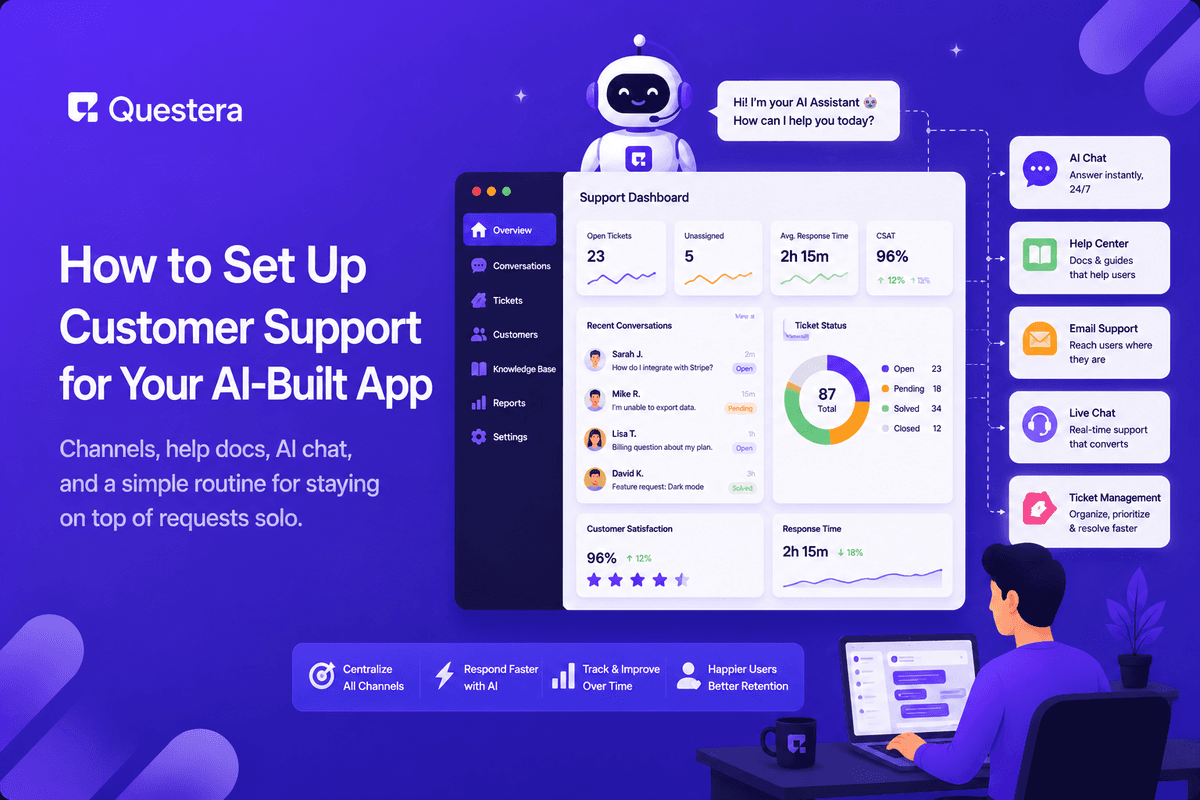
Setting up customer support for an AI-built app means giving users one obvious way to reach you, writing short help docs for the questions that repeat, and answering on a predictable daily rhythm. You don't need a support team or a help desk suite on day one — you need users to trust that a real person responds.
Solo founders usually fail in one of two directions: no support channel at all, so confused users just churn silently — or promising live chat everywhere and burning out answering the same three questions by hand. Both problems have the same fix: a small, deliberate setup you can actually sustain.
This guide covers how much support an early app really needs, the channels worth starting with, help docs that deflect repeat questions, where AI fits, and a daily routine that keeps support under an hour a day.
How Much Support Does an Early App Actually Need?
Less than you fear, but more than zero. A few hundred users typically generate a handful of requests a week — volume a single founder absorbs easily if it's organized, and drowns in if it arrives across five channels with no system.
Early on, most "support" requests are really product feedback: something was confusing, broken, or missing. Treat every ticket as a pointer to a fix — each confusing step you smooth out permanently deletes a category of future tickets. Support volume shrinking over time, while users grow, is one of the clearest signs the product is getting better.
Which Support Channels Should You Start With?
Pick channels for sustainability, not impressiveness. A slower channel you answer reliably builds more trust than a fast one you abandon:
| Channel | Good For | Trade-off |
|---|---|---|
| Support email (shared inbox) | Everything — the reliable default from day one | Slower feel; set expectations on response time |
| In-app contact form or widget | Questions in the moment, with page context attached | Needs routing to somewhere you actually check |
| Help center / docs | Repeat questions answered at scale, 24/7 | Must be updated as the product changes |
| Community (Discord/Slack) | Power users helping each other | A ghost-town community looks worse than none |
Start with a support email plus an in-app contact form that includes the user's ID, plan, and current page automatically — prompt your AI builder to attach that context to every submission. Half of support time is asking "what page were you on and what did you click"; automating it halves your workload before you've written a single reply.
Add a community only when users start asking for one. A Discord with three members and unanswered questions signals abandonment louder than having no Discord at all.
Build this with a prompt on Greta.sh — describe the app, Greta writes and deploys it.How Do You Write Help Docs People Actually Read?
Help docs exist to answer questions while you sleep. They only work if they're findable and skimmable:
- Write one article per repeated question — your inbox is the content plan, ranked by frequency.
- Lead with the answer, then the steps; nobody reads background first.
- Use the words users use, not your internal feature names — searches fail on vocabulary you invented.
- Add a screenshot per major step — most users skim images, not text.
- Link the relevant article instead of retyping answers in replies; if the article didn't resolve it, that's a signal to improve the article.
- Date or version-stamp docs and sweep them after big product changes — wrong docs are worse than no docs.
Launch with five to ten articles covering signup, core flows, and billing. That small set typically covers the majority of early questions, and everything after it should be written in response to a real ticket, never speculatively.
Can AI Handle Your First-Line Support?
Yes, for the repetitive half. An AI chat assistant grounded in your help docs can resolve how-do-I questions instantly and around the clock — which matters once your users span time zones you're asleep in.
Two rules keep it trustworthy: the assistant must say "I don't know — I've passed this to a human" rather than guess, and every conversation needs an obvious escalation path to you. An AI that confidently invents answers about your billing is worse than no AI at all. Think of it as AI first-line, human final word — and read the transcripts weekly, because the questions your bot fails on are your next docs articles.
What Does a Solo Support Routine Look Like?
- Batch replies into one or two fixed slots a day instead of reacting all day — context-switching costs more than the replies themselves.
- State your response time on the contact form — expectations beat speed.
- Keep saved replies for the top five questions; personalize the first line so they don't read as canned.
- Escalate bugs straight into your task list with the user's report attached, and tell the reporter when it ships.
- Track which questions repeat — each repeat is a docs article or product fix waiting to be made.
The routine's job is to make support a bounded, predictable block instead of an all-day interrupt stream. Most founders find that once docs and saved replies are in place, the daily block shrinks to twenty minutes.
Step-by-Step: Stand Up Support in a Day
- Create a dedicated support email address and connect it to an inbox you check daily.
- Prompt your AI builder to add an in-app contact form that captures the user's ID, plan, current page, and message.
- Set an auto-acknowledgment that states your response time honestly.
- Write your first five help articles: signup, the two or three core flows, and billing.
- Prompt your builder to add a searchable help center page serving those articles.
- Draft saved replies for the questions you already know will repeat.
- Put two 30-minute support slots in your calendar and turn off support notifications outside them.
Common Mistakes to Avoid
- Hiding all contact options so users churn instead of asking.
- Promising live chat you can't staff — a slower channel done reliably wins.
- Answering the same question by hand forever instead of writing the doc.
- Letting an AI bot bluff answers with no path to a human.
- Treating support as an interruption instead of your richest feedback source.
- Leaving stale docs up after the product changes underneath them.
Frequently Asked Questions
What response time is acceptable for a small app?
Within one business day is fine for most products — as long as you say so upfront and consistently hit it. Users forgive slowness they were warned about; they don't forgive silence. State the expectation right on the contact form.
Want to try one of these? Start on Greta.sh — no setup, no boilerplate — just a prompt.Do I need help desk software from the start?
No. A shared inbox handles the first few hundred users comfortably. Move to a help desk when you lose track of threads, need canned responses at scale, or bring on a second person — those are the real triggers, not user count alone.
How many help articles should I launch with?
Five to ten covering account setup and your core flows. After that, let real questions drive what you write next — your inbox is a ranked list of which articles are missing, updated daily for free.
Should support be free for all users?
Answer everyone early on — every question teaches you something about the product, and pre-sales questions convert. As you grow, reserve faster response times for paying plans rather than cutting free users off entirely.
Can I build the support system into my app itself?
Yes — a contact widget, a searchable help center, and even an AI assistant grounded in your docs are all things you can prompt an AI builder like Greta to add. Building it in keeps context (user, plan, current page) attached to every request automatically.
How do I stop support from eating my whole day?
Batch it: one or two fixed slots a day, notifications off in between. Combined with saved replies for the top five questions and docs that deflect the repetitive ones, most early-stage apps need well under an hour a day.
What should I do with feature requests that arrive as support tickets?
Acknowledge, log them into your feedback list, and don't promise anything in the moment. Support is one of your richest feedback channels — but roadmap decisions belong in your weekly review, not in a reply written to close a ticket.
Key Takeaways
- One reliable channel answered daily beats five channels answered sometimes.
- An in-app form with user, plan, and page context turns vague reports into fixable ones automatically.
- Write a help doc the second time you answer the same question — your inbox is the content plan.
- AI chat over your docs handles first-line volume, with honest "I don't know" behavior and human escalation always available.
- Batch support into fixed daily slots; bounded support doesn't burn you out.
- Every ticket is product feedback — fixing root causes shrinks future volume while your user base grows.
Setting up support this week? Prompt Greta to add a contact widget and a searchable help center to your app — first-line support, built in an afternoon.





© 2026 Questera
Follow in Google