






How to Add AI Agents Inside Your AI-Built App (Agents Building Agents)
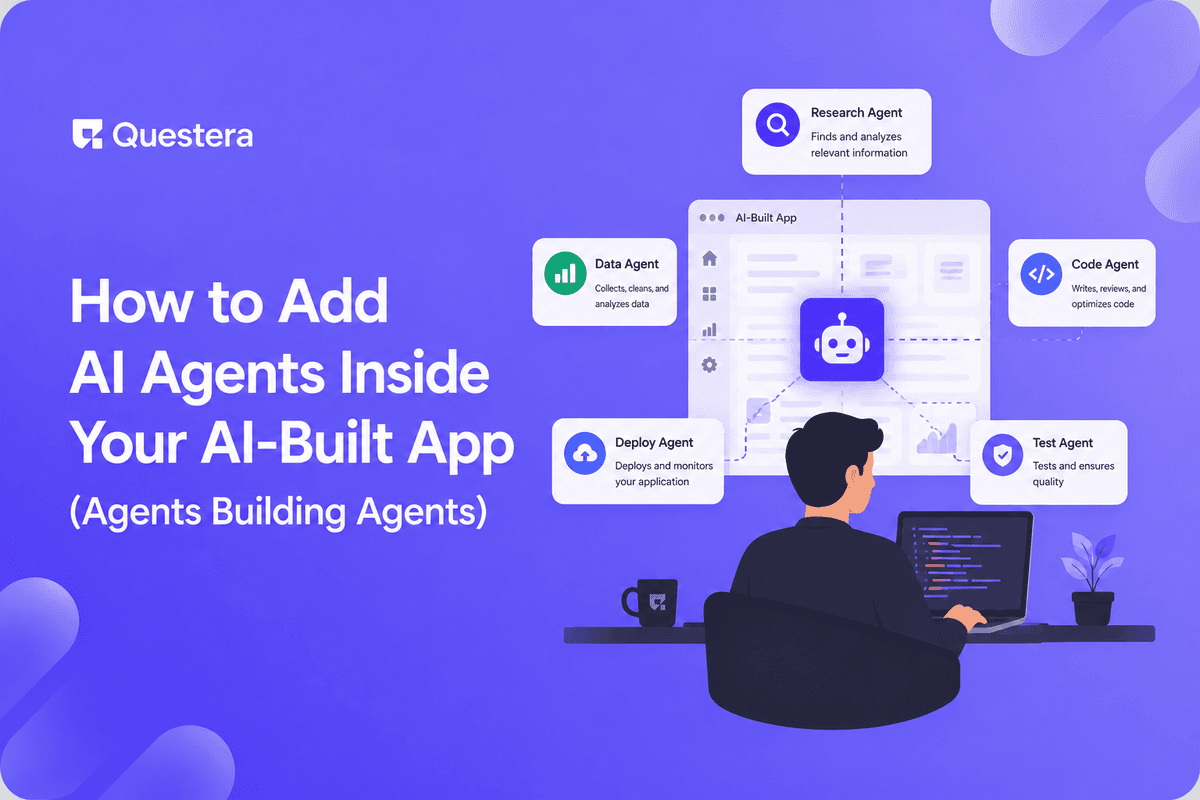
To add AI agents inside your AI-built app, describe the agent's job — what it should do, with what data and tools — to an AI builder, which wires the model, logic, and guardrails. This is 'agents building agents': using an AI builder to embed autonomous AI features. Define clear tasks and add safety limits.
There's something delightfully recursive about it: using an AI builder to add AI agents into your app. Agents building agents. As autonomous AI features become table stakes, this is how non-engineers will ship them. This guide explains how to add AI agents inside your AI-built app — what an embedded agent is, how to build one through prompts, and the guardrails that keep it safe.
What Is an Embedded AI Agent?
An embedded AI agent is an autonomous feature inside your app that performs tasks — answering questions, processing data, taking actions — using an AI model, rather than waiting for explicit user steps.
Examples include a support agent that resolves tickets, a research agent that gathers information, or a workflow agent that automates a multi-step process inside your app.
What Does 'Agents Building Agents' Mean?
It means using an AI app builder (one form of AI) to create an app that contains its own AI agents (another form of AI). You describe the agent you want, and the builder wires the model, logic, and integrations.
This collapses what used to require AI engineering into a prompt-driven workflow — making embedded agents accessible to non-engineers.
Build this with a prompt on Greta.sh — describe the app, Greta writes and deploys it.How Do You Add an Agent, Step by Step?
Using a builder like Greta, you describe the agent and it generates the feature. The table maps the build.
| Step | Prompt You Give | What AI Builds |
|---|---|---|
| 1. Define task | 'Agent that answers product Qs' | Agent scaffold |
| 2. Connect data | 'Use our knowledge base' | Data access |
| 3. Give tools | 'Let it create tickets' | Action/tool wiring |
| 4. Set guardrails | 'Limit it to these actions' | Safety constraints |
| 5. Add UI | 'Chat interface for users' | Agent interface |
| 6. Test | Probe edge cases | Validated agent |
What Guardrails Do Embedded Agents Need?
- Clear scope — define exactly what the agent may and may not do.
- Action limits so it can't take unintended or harmful steps.
- Human-in-the-loop review for sensitive or irreversible actions.
- Access controls on the data and tools it can reach.
- Logging and monitoring of what the agent does.
- A security review, since agents act with real permissions.
How Does This Fit Modern Product Building?
Embedded agents are becoming part of a polished first release, not a far-off add-on — which fits how AI builders let teams ship a complete product fast rather than a bare-bones MVP.
And because agents need a real backend to act on data and tools, a full-stack builder matters — UI-only tools can't wire this; see the best v0 alternatives that build full-stack apps.
Common Mistakes to Avoid
- Giving an agent broad, undefined scope or unlimited actions.
- Skipping human review for sensitive or irreversible operations.
- Letting the agent access more data or tools than it needs.
- Not logging agent actions, leaving no audit trail.
- Deploying an agent without a security review of its permissions.
Frequently Asked Questions
Can I add an AI agent without coding?
Yes. With an AI builder, you describe the agent's task, data, and tools, and it wires the model and logic for you.
Want to try one of these? Start on Greta.sh — no setup, no boilerplate — just a prompt.What does 'agents building agents' mean?
Using an AI app builder to create an app that contains its own AI agents — AI building AI features through prompts.
What can an embedded agent do?
Answer questions, process data, and take actions like creating tickets or running workflows, within the limits you set.
Are embedded agents safe?
They are if you set clear scope, action limits, access controls, human review, and a security review. Agents act with real permissions.
Do I need a full-stack builder for agents?
Yes. Agents need a real backend to access data and take actions, which UI-only tools can't provide.
Key Takeaways
- An embedded agent is an autonomous, task-running AI feature in your app.
- 'Agents building agents' uses an AI builder to create those features.
- Guardrails — scope, limits, review, logging — are essential.
- Define clear tasks and run a security review to add AI agents inside your AI-built app.
Want autonomous features in your product? Describe the agent you need to Greta and build AI into your AI-built app — with guardrails.





