






Version Control for Non-Developers: Git Basics for Vibe Coders
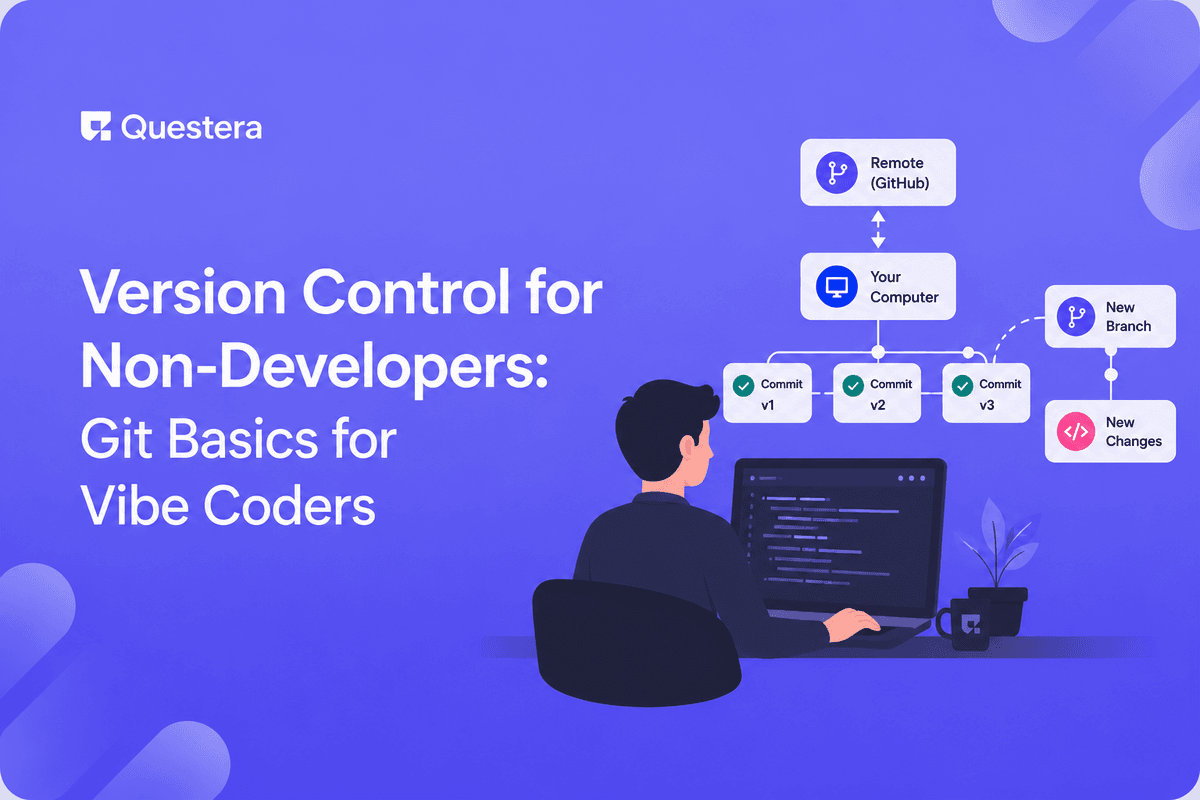
Git basics for vibe coders: version control tracks every change to your app so you can undo mistakes, compare versions, and never lose work. Key concepts are commits (snapshots), branches (parallel versions), and rollbacks. You don't need to be a developer to use it safely.
Vibe coding lets non-developers build real apps — but it also means you now have a codebase to protect. The single most common regret among new builders is losing work they can't get back. Version control fixes that. This guide covers Git basics for vibe coders in plain language — what commits, branches, and rollbacks are, and how to use them without a computer-science background.
What Is Version Control?
Version control is a system that records every change to your code over time, so you can review history, compare versions, and restore earlier states. Git is the most widely used version control system.
Think of it as an unlimited, organized undo history for your entire project — not just the last action.
What Do the Core Git Concepts Mean?
You only need a handful of concepts to use Git safely as a vibe coder. The table translates each into plain terms.
| Term | Plain-English Meaning | Why You Care |
|---|---|---|
| Commit | A saved snapshot of your project | Restore this exact state later |
| Branch | A parallel copy to experiment on | Try changes without risk |
| Merge | Combine a branch back into main | Keep good changes, drop the rest |
| Rollback | Return to an earlier commit | Undo a change that broke things |
| Repository | The full project + its history | Where everything lives |
Why Does Version Control Matter for Vibe Coders?
When an AI builder edits your app, version control lets you see exactly what changed and undo it if it breaks something. Without it, a bad change can be hard or impossible to reverse.
It also lets you experiment freely — try a risky feature on a branch, and discard it cleanly if it doesn't work. This safety net is what makes iterating on a Notion-style workspace or any evolving app far less stressful.
How Do You Use Git as a Non-Developer?
- Commit often — small, frequent snapshots are easier to roll back than one giant one.
- Write a short message with each commit describing what changed.
- Use a branch for any experiment you're not sure about.
- Roll back the moment something breaks, instead of patching blindly.
- Keep your repository connected to a remote (like GitHub) as an off-machine backup.
Does This Affect How You Ship Your App?
Version control underpins safe deployment — you ship a known, committed version and can revert instantly if needed. It pairs naturally with deciding how to deliver your app in the first place.
If you're weighing delivery formats, weigh the PWA-vs-native trade-off to choose what to ship from your version-controlled codebase.
Common Mistakes to Avoid
- Never committing, then losing hours of work with no way back.
- Writing vague commit messages like 'changes' that mean nothing later.
- Experimenting directly on your main branch instead of a copy.
- Keeping everything local with no remote backup.
- Ignoring version control entirely because 'the AI handles it.'
Frequently Asked Questions
Do I need to be a developer to use Git?
No. You only need a few concepts — commit, branch, rollback — to protect your work safely as a vibe coder.
Want to try one of these? Start on Greta.sh — no setup, no boilerplate — just a prompt.What is a commit?
A commit is a saved snapshot of your project at a point in time. You can return to it later if a change breaks something.
What's the point of branches?
Branches let you experiment on a parallel copy without risking your working app. You merge in good changes and discard the rest.
How do I undo a change that broke my app?
Roll back to an earlier commit. Because each commit is a snapshot, you can restore the last working version cleanly.
Does an AI builder use Git for me?
Many integrate version control, but understanding the basics lets you review changes and recover work confidently.
Key Takeaways
- Version control is an organized, unlimited undo history for your project.
- Commits are snapshots; branches are safe experiments; rollbacks save you.
- Commit often, write clear messages, and keep a remote backup.
- Even non-developers can master Git basics for vibe coders in an afternoon.
Building with AI? Keep your work safe with version control, and let Greta give you an ownable codebase you can commit, branch, and roll back.





