






How to Turn a Figma Design into a Working App with AI
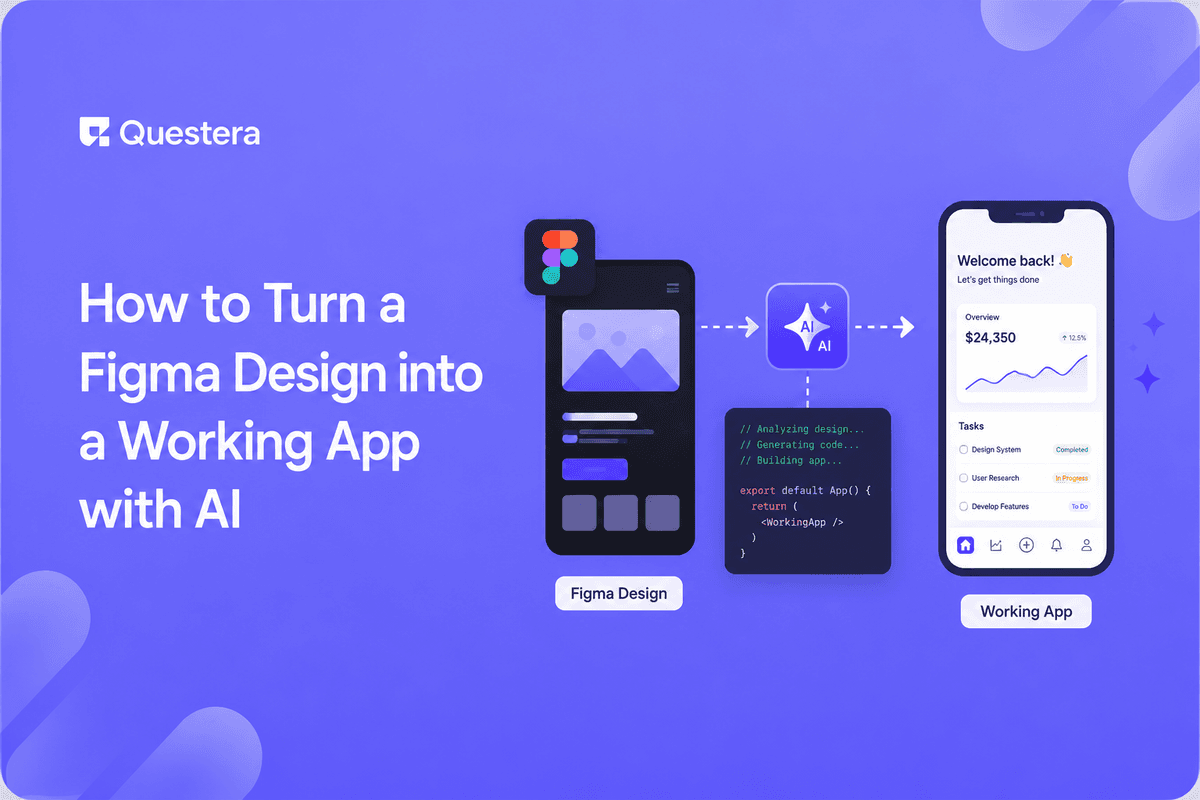
To turn a Figma design into a working app with AI, use your design as the visual blueprint and describe its screens, data, and logic to an AI builder. It generates a functional full-stack app matching the design's intent. You refine in plain English — turning a static mockup into a real, usable product.
A Figma file is a beautiful promise — and a frustrating one. It looks like an app but does nothing. The gap between a polished design and a working product has always required developers. AI is closing it. This guide shows how to turn a Figma design into a working app with AI — moving from static mockup to a functional, full-stack product without writing code yourself.
Why Doesn't a Figma Design Just Become an App?
A Figma design is a visual representation — it shows what an app should look like, not how it works. There's no data, logic, or backend behind the pixels.
Turning it into a real app means adding everything Figma doesn't: a database, business logic, authentication, and interactivity. That's the work AI builders now accelerate.
How Do You Turn a Figma Design into an App, Step by Step?
Using an AI vibe-coding platform like Greta, you use the design as a blueprint and describe its behavior. The table maps the path.
| Step | What You Do | What AI Builds |
|---|---|---|
| 1. Reference design | Share the design's structure | Matching layout |
| 2. Describe screens | Explain each screen's purpose | Functional pages |
| 3. Define data | Describe the data behind it | Database + models |
| 4. Add logic | 'What happens when…' | Interactivity + logic |
| 5. Auth | 'Users log in' | Authentication |
| 6. Launch | Test, then publish | Working app |
How Do You Preserve Design Intent?
- Describe the layout and hierarchy clearly so the build matches the design.
- Specify interactions the static design only implies.
- Note brand colors, spacing, and typography to keep the look.
- Iterate visually — refine until the app reflects the design.
- Treat the design as the source of truth for the UI.
What Turns the Design into a Real Product?
The leap from mockup to product is the backend and logic — and that's where a full-stack builder matters. A UI-only tool reproduces the look but not the function; see the difference in the best v0 alternatives that build full-stack apps.
If your design represents a data-heavy workflow — say, replacing a spreadsheet process — the approach overlaps with rebuilding your Excel workflow as a real web app, where the data model is the core.
Common Mistakes to Avoid
- Expecting a UI-only tool to make the design functional.
- Describing only the look and forgetting the logic behind it.
- Skipping the data model — the part Figma never shows.
- Losing design fidelity by not specifying brand details.
- Launching without a security review on the working app.
Frequently Asked Questions
Can AI turn my Figma design into a real app?
Yes. Using the design as a blueprint, an AI builder generates a functional full-stack app matching its intent — you describe the behavior.
Want to try one of these? Start on Greta.sh — no setup, no boilerplate — just a prompt.Does the app look exactly like my design?
It can closely match if you describe layout, hierarchy, and brand details. Iterate visually to refine fidelity.
What does Figma not include that an app needs?
Data, business logic, authentication, and interactivity — everything behind the pixels that makes an app work.
Do I need a full-stack builder?
For a working product, yes. UI-only tools reproduce the look but not the backend and logic.
Is the resulting app secure?
It can be, with proper auth and review. Run a security check before launching to users.
Key Takeaways
- A Figma design shows the look but has no data, logic, or backend.
- An AI builder uses the design as a blueprint to build a working app.
- The backend and logic are what turn a mockup into a product.
- Describe behavior and data to turn a Figma design into a working app.
Got a design that does nothing yet? Describe it to Greta and watch your Figma mockup become a working app.





