






How to Write the Perfect Prompt for Greta (or Any AI Builder)
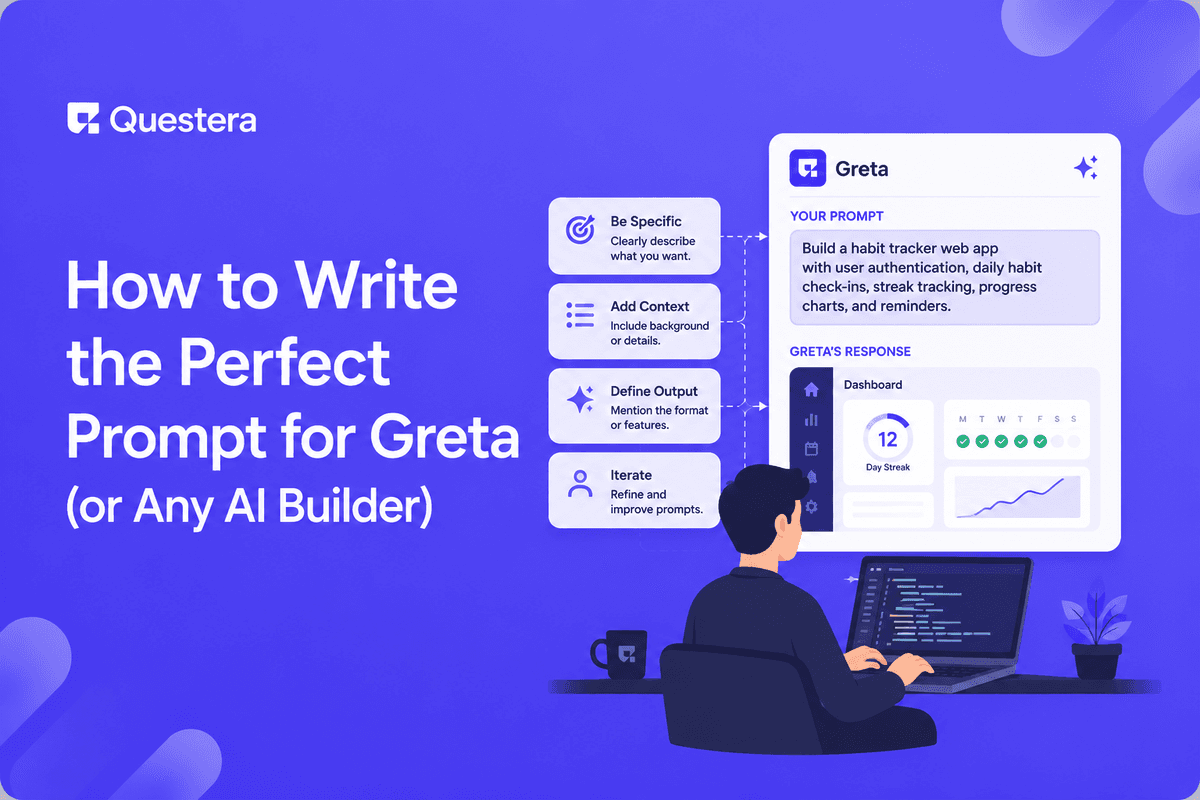
The perfect prompt for Greta (or any AI app builder) has five ingredients in a specific order: target user, problem, core action, data fields, and design vibe. Long mega-prompts that try to describe an entire app produce broken output; sharp focused prompts that do one thing well consistently produce clean output. The structure transfers across Greta, Lovable, Bolt, v0, Cursor, and every other modern AI builder. Learning to write good prompts is the single highest-leverage skill in vibe coding.
Introduction
The same AI model running on the same platform produces wildly different output depending on the prompt. Two builders running Greta on the same day, on the same idea, with the same goal will get dramatically different apps — not because of platform variance, but because their prompts were structured differently. The single biggest skill in vibe coding isn't picking the right tool; it's writing prompts the AI can act on cleanly.
Why Most Prompts Fail
Failure 1: The Mega-Prompt
The most common failure is the long, paragraph-stuffed mega-prompt that tries to describe an entire app — features, screens, design, integrations, edge cases — in one shot. The AI is forced to make dozens of decisions in parallel, and many of them will conflict. The output looks impressive on first scroll and falls apart the moment you try to refine anything.
Failure 2: The Vague Description
The opposite extreme: prompts like "build me a SaaS" or "make it look modern." The AI fills in dozens of assumptions, and almost none of them match what you actually wanted. The output is generic because the prompt was generic.
Failure 3: The Missing Ingredient
Even structured prompts often miss one of the five required ingredients. A prompt that names the user, problem, and design but skips the data model leaves the AI guessing at fields and relationships. The output's quality is determined by the worst-specified ingredient, not the average.
The Five Ingredients of a Perfect Prompt
Ingredient 1: Target User (Specific, Not General)
Name the user as narrowly as you can. "For freelancers" is a category; "for solo freelance graphic designers earning under $5k/month" is a target. The narrower the target, the more concrete the AI's interpretation of every other decision.
Ingredient 2: Problem (Specific Pain, Not Abstract Goal)
Describe a specific pain the user faces today. "Help with productivity" is abstract; "Spending 3 hours per week manually tracking invoices across 5 spreadsheets" is concrete. Specific pain produces specific solution; abstract goal produces generic output.
Build this with a prompt on Greta.sh — describe the app, Greta writes and deploys it.Ingredient 3: Core Action (One Specific User Behavior)
Name the single most important action the user takes in the app. Not the full feature list — just the one action that creates the most value. "They log a workout and the app updates their progress chart" is concrete. "Fitness tracking features" is not.
Ingredient 4: Data Fields (Named, Typed)
List the data the app stores, with field names and types. "A Workout has fields: exercise (text), sets (number), reps (number), weight in kg (number), date (timestamp), notes (optional text)." This single ingredient is what separates clean schema output from messy iterations later.
Ingredient 5: Design Vibe (Reference Brand, Colors, Typography)
Name the visual feel using reference brands, color palettes, and typography choices. "Linear-inspired minimal layout. Color palette: primary #5E6AD2, background #0E0E10, text #E1E1E6. Use Inter for body, Geist Mono for code." Specific design language produces specific design output. Vague design language produces beige Tailwind.
The Perfect Prompt Template
Put the five ingredients together in a specific order and you have a copy-ready template. Replace the brackets with your specifics.
- "# [Product Name] — Product Spec"
- "Target user: [specific user, narrow not broad — e.g., solo freelance graphic designers earning under $5k/month, not freelancers]."
- "Problem: [specific painful situation — e.g., spending 3 hours per week tracking invoices across 5 spreadsheets, not 'productivity issues']."
- "Core action: [the single most important user behavior — e.g., add a new invoice, send it to client, track payment status]."
- "Data model: [list each table with fields and types]."
- "Design vibe: [reference brand + color palette + typography]."
Before-and-After: A Real Prompt Rewrite
The Bad Prompt
"Build me a habit tracker app for people who want to be more productive. It should look modern and have streaks and stuff. Users should be able to log habits and see their progress over time. Make it nice."
What's wrong: vague target user, vague problem, vague design language, no data model, no specific actions. The AI will fill in a dozen assumptions, most of which will be wrong for what the founder actually wanted.
The Good Prompt
"# StrengthStreak — Product Spec. Target user: solo strength trainers ages 25–45 tracking deep-work habits like daily lifting and reading. Problem: General habit trackers feel generic; strength trainers want a tracker that respects how they think about consistency (workout streaks broken by rest days shouldn't count as failures). Core action: User taps a habit on the Today screen to log completion; streak updates immediately; weekly progress chart updates on Profile. Data model: Habit (id, user_id, name, frequency, target_count, color, icon, active). CheckIn (id, habit_id, completed_at timestamp, value optional number). Design vibe: minimal and dark like Linear, with electric green accent (#00FF87) for completion states. Use Inter for body, generous whitespace."
What's right: specific user, specific problem, named action, typed data fields, concrete design language. The AI has everything it needs to produce clean output on the first prompt. The first produces a generic tracker that needs 10–15 rebuilds. The second produces a usable v1 in 2–3 follow-ups.
Beyond the First Prompt: The Layered Approach
The perfect first prompt sets the foundation. Everything after it is layered refinement, one focused prompt at a time. The rule: one feature per prompt, in dependency order.
- Layer 1: Scaffold — Build the screens and navigation with placeholder content.
- Layer 2: Schema — Define the database tables and relationships.
- Layer 3: Auth — Add user accounts and protected routes.
- Layer 4: Features — Each core feature as its own focused prompt.
- Layer 5: Payments — Stripe integration with subscription tiers.
- Layer 6: Polish — Empty states, mobile responsiveness, error handling.
Platform-Specific Prompting Notes
Greta
Greta's unified flow handles full app generation from a tight PRD. The five-ingredient prompt is enough to scaffold cleanly; subsequent prompts add features layer by layer. Mention bundled tooling (domain setup, basic SEO, analytics, content management) explicitly in your initial prompt — Greta will integrate these into the build.
Lovable
Lovable's Plan Mode lets you discuss architecture before committing tokens. For complex builds, use Plan Mode for the early layers (PRD, scaffold, schema), Agent Mode for features, and Visual Edits for design polish.
Bolt.new
Bolt's WebContainer architecture means the preview updates near-instantly, which rewards faster iteration cycles. The five-ingredient structure still applies; Bolt also benefits from explicit Figma references when you have them.
v0 by Vercel
v0 produces best-in-class React/Next.js output. For v0 specifically, mention shadcn/ui patterns and Next.js conventions explicitly in your initial prompt to lean into v0's strengths.
Cursor and Windsurf
AI-first IDEs reward prompts that include file paths and code context. The five-ingredient PRD format still helps for new projects; for extending existing codebases, include the relevant file paths and the specific change you want.
Common Prompting Mistakes That Lose the Speed-Up
- Mixing concerns in a single prompt — Schema, UI, business logic, and design system all in one prompt produces inconsistent output.
- Skipping the PRD as a first prompt — Builders who jump straight to scaffold prompts produce inconsistent output because the AI lacks context.
- Vague reference brands — 'Modern design' means nothing. 'Linear-inspired' means a lot. Always use specific reference brands, hex colors, and named typography.
- Untyped data fields — 'A user has a name and email' produces unspecified database columns.
- Not naming the core action — Prompts that list features without naming the core user behavior produce feature-by-feature dashboards instead of focused product flows.
- Forgetting the success criteria — Always include 2–3 bullets defining what 'done' looks like for v1.
A High-Leverage Prompt Template You Can Reuse
Here's a complete, copy-ready prompt template. Replace the brackets with your specifics and paste as your first prompt on any modern AI app builder.
- "# [Product Name] — Product Spec"
- "Target user: [specific user — narrow, not broad]"
- "Problem: [specific pain — concrete, not abstract]"
- "Core feature: [single most important action — name it concretely]"
- "Data model: [list each entity with fields and types]"
- "Screens: [list of pages and the user flow through them]"
- "Design vibe: [reference brand + hex color palette + typography]"
- "Integrations: [auth method, payment provider, AI APIs, real-time needs]"
- "Success criteria: [2–3 bullets defining v1 done]"
This template fits on one page and takes about 30 minutes to fill in. That 30 minutes saves 6–10 prompts of re-establishing context later. Save it as a personal template and reuse it across projects — your personal prompt library compounds in value.
Common Mistakes to Avoid
- Writing a paragraph instead of using the five-ingredient structure — Paragraph prompts produce paragraph thinking.
- Skipping the PRD as the opening message — The PRD layer sets context for every prompt that follows.
- Treating prompts as one-shot magic — Real builds take 20–50 focused prompts. Marketing demos compress this dramatically.
- Not saving prompts that work — Every prompt that produces clean output becomes a reusable template.
- Asking the AI to be 'creative' — Specific outperforms creative. Concrete fills consistently produce better output.
- Forgetting to verify before moving on — Don't run the next prompt until the current output is right.
- Switching platforms expecting different results — The same vague prompt produces vague output on every platform. The fix is the prompt structure.
Frequently Asked Questions
Does the same prompt structure work on Greta, Lovable, Bolt, v0, and Cursor?
Yes — the five-ingredient structure transfers cleanly across every modern AI builder. Specific platforms reward slightly different additions, but the core structure is universal.
How long should my first prompt be?
About one page, or 400–800 words. Shorter loses essential context; longer dilutes the AI's focus. The five-ingredient structure naturally lands in this range.
What if I don't know my target user precisely yet?
Make a hypothesis and prototype. Even a wrong specific target produces sharper output than a vague broad one. You'll refine the target through customer conversations after v1 ships.
Can I prompt for complex features in one prompt?
No. Even with the perfect first prompt, follow-up features should each get their own focused prompt. The five-ingredient structure is for the foundational PRD; individual features are their own layered prompts.
What's the single most important ingredient?
The target user, by a wide margin. The narrower and more specific the user, the better every other decision the AI makes. "For everyone" is the most common mistake; "for solo X in industry Y under condition Z" is the fix.
Should I save my prompts?
Yes — building a personal prompt library is one of the highest-leverage things experienced vibe coders do. Most experienced builders accumulate 50–100 reusable prompt templates across projects. The library compounds in value across builds.
How do I prompt for AI features specifically?
Include the AI integration explicitly in the Integrations section of your PRD. Specify the model, the input, the output, and any caching or rate limiting needed. Vague AI prompts produce expensive, slow features.
Key Takeaways
- The perfect prompt has five ingredients in a specific order: target user, problem, core action, data fields, and design vibe. Miss any one and output quality drops.
- Specific beats creative. Concrete fills consistently produce better output than vague descriptions or open-ended creative direction.
- One feature per prompt, in dependency order. The five-ingredient structure is for the foundational PRD; subsequent features each get their own focused prompt.
- Save what works. Building a personal prompt library is the single highest-leverage compounding skill in vibe coding.





© 2026 Questera
Follow in Google