






How to Migrate Your App from Bubble (or Any No-Code Tool) to an AI Builder
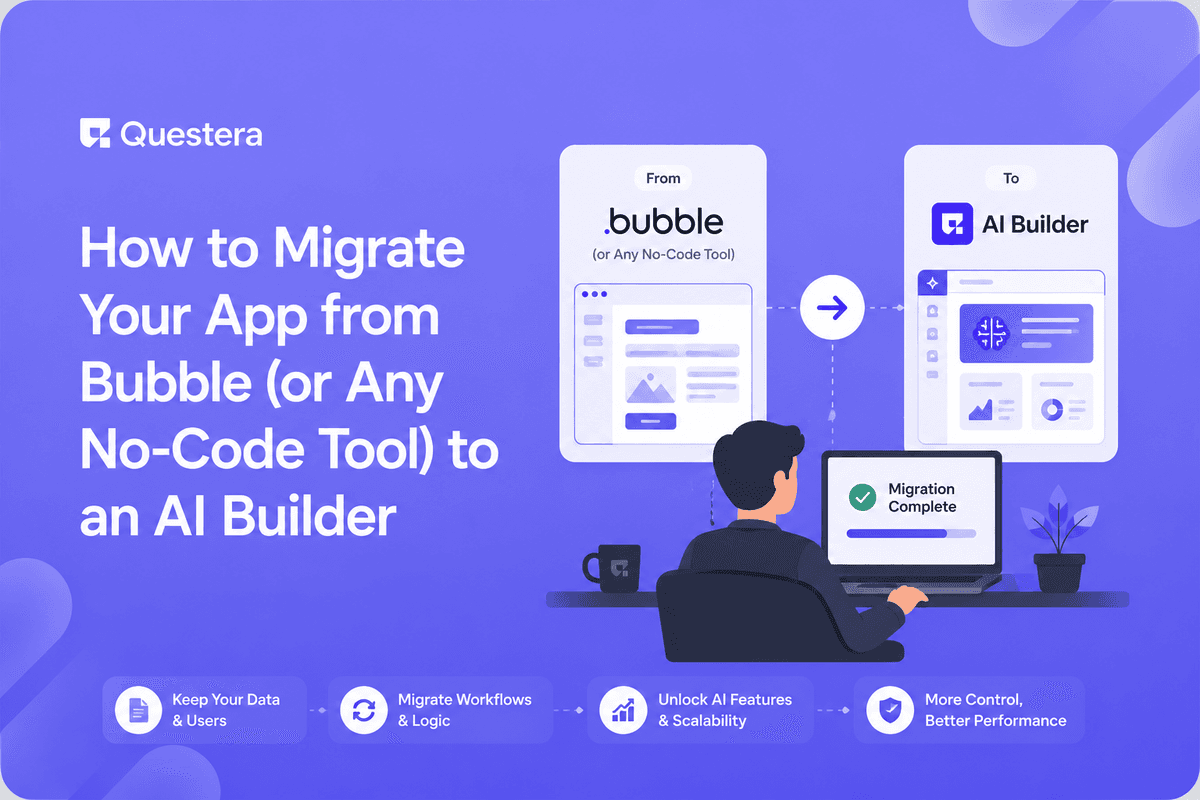
To migrate your app from Bubble to an AI builder, document your data model and features, export your data, rebuild the app by describing it to an AI builder, re-import the data, then test and harden. The payoff is ownable code and fewer platform limits — but plan the migration carefully.
No-code tools like Bubble are great for launching — until you hit their ceiling: performance limits, pricing, or the inability to own your code. At that point, founders look to migrate to an AI builder that generates a real, ownable codebase. This guide explains how to migrate your app from Bubble (or any no-code tool) to an AI builder — covering planning, data export, rebuild, and testing.
Why Do Founders Migrate Off No-Code Tools?
Founders migrate when a no-code platform's limits start costing more than they save — performance ceilings, escalating fees, or the lack of code ownership that blocks fundraising and flexibility.
The goal isn't to abandon no-code thinking, but to keep the speed while gaining an ownable codebase and fewer platform constraints.
How Do You Migrate, Step by Step?
Migration is a structured rebuild, not a one-click transfer. The table outlines the path.
| Step | What You Do | Why It Matters |
|---|---|---|
| 1. Document | Map data model + features | Blueprint for the rebuild |
| 2. Export data | Pull data from the old tool | Preserve your records |
| 3. Rebuild | Describe the app to an AI builder | Generate ownable code |
| 4. Re-import | Load data into the new app | Continuity for users |
| 5. Test | Verify features + edge cases | Catch gaps before launch |
| 6. Harden | Security + performance review | Production readiness |
What Should You Watch Out For During Migration?
- Hidden business logic in the old app that's easy to miss when documenting.
- Data formatting differences that complicate re-import.
- Integrations and webhooks that need rewiring in the new build.
- URL and SEO changes if the app has public pages.
- Auth and user accounts — plan how existing users transition.
How Do You Make the Rebuild Safe and Durable?
Rebuilding with Greta gives you ownable code, but a migrated app still needs hardening before it carries real traffic. Treat the rebuild like any production launch.
Follow a structured MVP to production hardening checklist, and once you own the codebase, use version control basics for non-developers so you can roll back if a migration step goes wrong.
Common Mistakes to Avoid
- Treating migration as a one-click transfer instead of a rebuild.
- Forgetting to document hidden logic before leaving the old tool.
- Migrating data without validating formats and relationships.
- Cutting over to the new app before testing all features.
- Skipping the security review on the freshly rebuilt app.
Frequently Asked Questions
Can I move my app from Bubble automatically?
No. Migration is a structured rebuild — you document features, export data, and recreate the app in the new builder, then re-import data.
Want to try one of these? Start on Greta.sh — no setup, no boilerplate — just a prompt.Why migrate off a no-code tool?
To escape performance limits, escalating fees, and lack of code ownership. An AI builder can give you an ownable codebase.
Will I lose my data?
Not if you export and re-import carefully. Validate formats and relationships so records transfer cleanly.
How long does migration take?
It depends on app complexity. Documenting logic and testing usually take more time than the rebuild itself.
Do I need to harden the migrated app?
Yes. A rebuilt app needs the same security and performance review as any production launch before carrying real traffic.
Key Takeaways
- Migration is a planned rebuild, not a one-click export.
- Document features, export data, rebuild, re-import, then test.
- Use version control so you can roll back risky migration steps.
- Harden and run a security review when you migrate to an AI builder.
Hit your no-code ceiling? Describe your existing app to Greta and see how a rebuilt, ownable version comes together.





