






Is Vibe Coding Safe? Security Risks in AI-Generated Apps (and How to Fix Them)
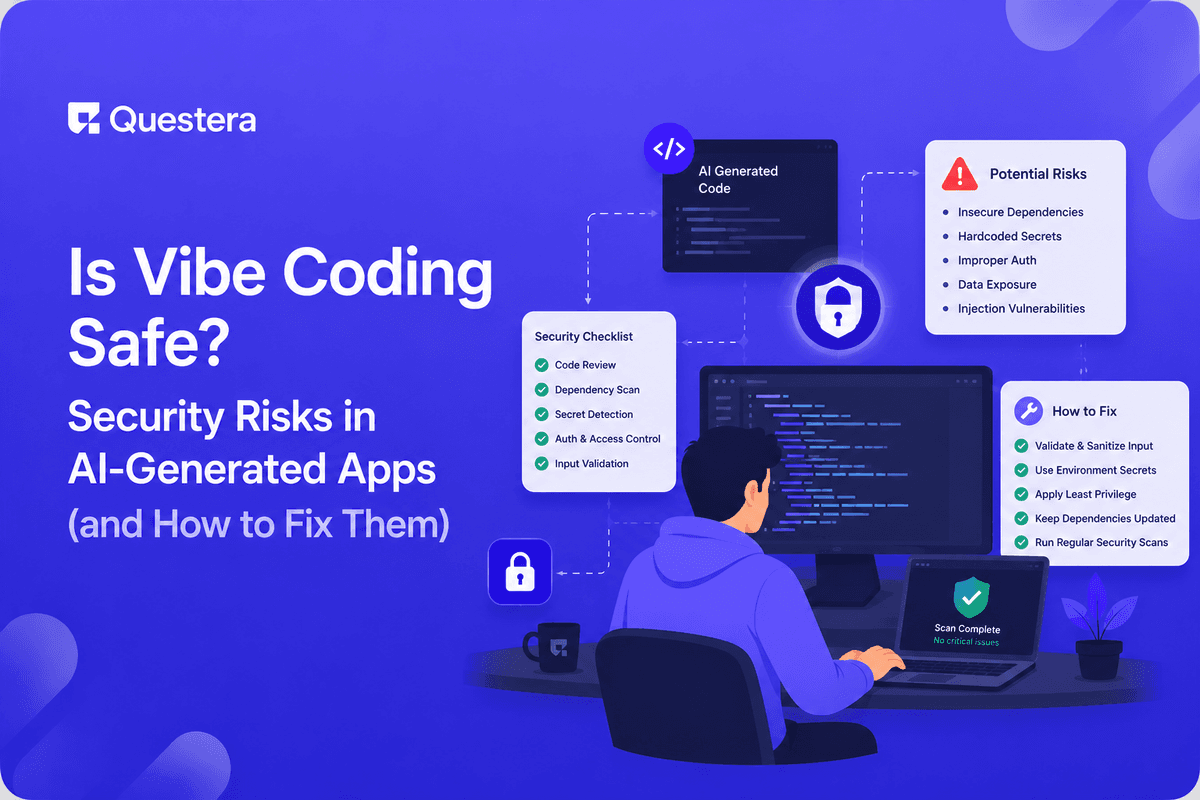
Vibe coding is no less secure than hand-written code on average, but the risk patterns differ. AI-generated apps commonly have: missing row-level security (RLS), authentication logic that looks correct but skips edge cases, hardcoded secrets in committed code, missing input validation, overly permissive CORS, missing rate limiting, exposed API keys in client code, SQL injection from string-concatenated queries (rarer with ORMs but still happens). None are unfixable; all are common. This guide covers the specific risks in AI-generated apps, how to find them, and the harden phase that turns AI-built prototypes into production-ready software.
Security concerns about vibe coding are real but often misframed. The framing 'AI-generated code is insecure' suggests inherent risk in AI generation. The honest version: AI-generated code has similar overall risk to hand-written code, but the risk patterns are different. AI produces code that looks correct and follows conventions, but can miss specific security best practices that experienced engineers internalize over years. Each pattern is fixable; the harden phase between AI generation and production deployment is where these issues get caught.
The Honest Framing on AI Code Security
AI-generated code in 2026 follows reasonable patterns most of the time. Modern AI builders generate code with auth integrated, parameterized queries, environment variables for secrets in scaffolding, and conventional security practices. The issues aren't that AI generates wildly insecure code; the issues are that AI doesn't always catch the specific edge cases and best practices that need active attention.
Compared to hand-written code, AI-generated code has different failure modes. Experienced engineers catch certain security patterns instinctively. AI generates plausible-looking code that may miss those patterns. The fix isn't to avoid AI builders; the fix is to recognize the patterns and audit deliberately before production.
Common Security Risks in AI-Generated Apps
Risk 1: Missing Row-Level Security (RLS)
- Most common AI-generated app security issue
- Without RLS in Supabase (or equivalent), authenticated users can potentially access each other's data
- AI-generated apps often have RLS DISABLED by default, or enabled with permissive policies
- Test: log in as User A; try to fetch User B's data via API. Should fail.
- Fix: enable RLS on every table containing user data; write explicit policies using auth.uid(); test policies with actual users
Risk 2: Authentication Edge Cases
- AI-generated auth flows handle happy paths well
- Edge cases that often miss: email verification before access, password complexity, account lockout after failed attempts, session timeout
- Multi-factor authentication often missing
- Fix: require email verification before sensitive features; use established auth providers (Supabase Auth, Clerk, Auth0); enable MFA support; use HttpOnly cookies for session tokens
Risk 3: Hardcoded Secrets and Committed .env Files
- Stripe keys, OpenAI API keys, database credentials in code
- .env files in public repos are exposed forever (even after deletion)
- Once exposed, secrets must be rotated
- Fix: never commit .env files (use .gitignore from start); use environment variable platforms (Vercel, Supabase); scan codebase with TruffleHog or GitGuardian; rotate any exposed secrets
Risk 4: Missing Input Validation
- AI generates form handlers without comprehensive validation
- Lengths, formats, types not enforced server-side
- Fix: server-side validation on every endpoint (use Zod or similar); validate types, lengths, formats; sanitize HTML inputs to prevent XSS; use parameterized queries
Risk 5: Permissive CORS
- AI sometimes generates CORS configuration that allows all origins
- Allows requests from any website to your API; can enable cross-site attacks
- Fix: restrict CORS to specific origins (your domain only); configure on API routes server-side; never allow all origins in production
Risk 6: Missing Rate Limiting
- Auth endpoints especially vulnerable to brute-force without rate limiting
- AI APIs can run up huge costs if rate-limit not in place
- Fix: rate limit auth endpoints (login, signup, password reset); rate limit AI-powered endpoints per user; use Upstash Redis or Vercel Edge Config
- Reasonable defaults: 5 login attempts per 15 minutes; 10 signups per IP per day
Risk 7: Exposed API Keys in Client Code
- OpenAI, Stripe secret key exposed in client-side JavaScript — anyone can extract from browser dev tools
- Fix: never use secret keys in client-side code
- Stripe: publishable key in client; secret key only on server
- OpenAI: API key only on server; client calls your API which calls OpenAI
- Anything in NEXT_PUBLIC_ env vars is public; anything else is server-only
Risk 8: SQL Injection via String Concatenation
- Modern ORMs (Prisma, Drizzle) prevent this automatically
- But raw SQL queries (via Supabase rpc, custom queries) can still have issues
- Fix: use parameterized queries always; don't concatenate user input into SQL strings; audit any raw SQL queries
Risk 9 and 10: CSRF and Insufficient Logging
- CSRF: use SameSite=Strict cookies for sessions; modern frameworks handle most CSRF concerns
- Logging: log auth events (login, password change, sensitive actions)
- Use error monitoring (Sentry); set up alerts for suspicious patterns
- Retain logs for at least 90 days; don't log sensitive data (passwords, full payment info)
The Harden Phase
What 'Hardening' Means
- Reviewing generated code for security issues
- Adding missing protections (RLS, rate limiting, validation)
- Testing edge cases and adversarial scenarios
- Performance optimization for production load
- Setting up observability and monitoring
- Configuring backups and disaster recovery
- Documenting architecture decisions
Realistic Timeline
- Generate prototype: hours to days
- Harden for production: equal or greater time investment
- AI builds the prototype faster; harden phase takes similar time as before
- Total: AI saves overall time but doesn't eliminate harden work
- Indie SaaS shipping to production: 1-2 weeks of harden after generation
Security Audit Checklist
Authentication and Authorization
- RLS enabled on every table with user data
- RLS policies tested with multiple users
- Email verification required before sensitive actions
- Password reset flow tested end-to-end
- Session timeout configured reasonably
- MFA available for users who want it
Secrets and Credentials
- No secrets in committed code
- .env file in .gitignore
- Different secrets for dev/staging/production
- Stripe secret key only on server
- AI API keys only on server
Input Validation, Network, and Database
- Server-side validation on every endpoint
- HTML sanitization for user-generated content
- File uploads validated for type and size
- CORS restricted to specific origins; HTTPS enforced
- Cookies set with HttpOnly, Secure, SameSite
- Rate limiting on auth and AI endpoints
- Parameterized queries used throughout
- Passwords hashed via bcrypt/argon2
- Database backups configured and tested
Operations
- Error monitoring (Sentry) configured
- Logs collected for security events
- Alerts for suspicious patterns
- Incident response plan documented
When to Bring in Security Expertise
- Before launching to production with paying customers
- When handling sensitive data (financial, health, PII)
- For compliance requirements (SOC 2, HIPAA, PCI)
- When growth attracts attention (success = target)
- After any incident (post-mortem with security perspective)
- Annually as ongoing audit
- When taking external investment (investors often require security review)
AI Security Audit Tools
- GitHub Code Scanning — Automated SAST for committed code
- Snyk — Dependency vulnerability scanning
- TruffleHog / GitGuardian — Secret scanning
- OWASP ZAP — Dynamic security testing of running app
- Burp Suite — Penetration testing tool
- Cursor / GitHub Copilot — Can be prompted to review code for security
- Claude / GPT — Can audit code if you paste it; useful for finding obvious issues
- Established security firms for formal audits (when stakes warrant)
Common Mistakes
- Treating AI-generated code as production-ready without harden phase — Generated ≠ ready to ship.
- Skipping RLS setup — Most common issue. Enable RLS; write policies; test with multiple users.
- Committing .env files — Permanent secret exposure. Use .gitignore from start.
- Putting API keys in client code — Anyone can extract. Server-only for sensitive keys.
- No rate limiting on auth endpoints — Brute force attacks succeed eventually.
- Assuming AI catches all security issues — AI generates plausible code; doesn't catch all patterns. Audit deliberately.
- No observability — Without logs, you can't detect breaches. Set up monitoring from day 1.
- Storing passwords in plaintext or weak hashing — Use bcrypt or argon2 via established auth providers.
- Building custom auth — Don't. Use Supabase Auth, Clerk, Auth0. Hand-rolled auth has many edge cases.
- Skipping security audit before launch — Especially when handling payments or sensitive data.
Frequently Asked Questions
Is AI-generated code more or less secure than hand-written code?
Similar overall risk; different risk patterns. AI produces conventional code that follows reasonable patterns. Issues come from missing edge cases and specific best practices that experienced engineers internalize. Audit deliberately rather than assuming AI handles security.
Can I trust AI to audit AI-generated code?
Partial yes. AI catches obvious issues (hardcoded secrets, missing parameterization, basic patterns). AI misses subtler issues (business logic vulnerabilities, complex authorization bypasses, novel attacks). Use AI for first-pass audit; supplement with human review and security tools.
Do I need a security expert for a small SaaS?
Depends on stakes. Hobby project handling no real data — informal audit is fine. SaaS handling customer payments and personal data — formal security review before launch is wise. SOC 2 or HIPAA territory — bring in expertise from start.
How often should I audit?
Initial audit before launch. Quarterly internal audit (checklist review). Annual external audit if handling sensitive data. After any incident. After major code changes (new features touching auth or payments).
What if I find security issues in production?
Triage by severity. Critical (active exploitation, data exposure) — patch immediately, notify affected users if required by law. High (theoretical exploit possible) — patch within days. Medium/low — patch in next sprint. Post-incident: document, learn, prevent recurrence.
Vibe coding is not inherently less secure than hand-written code, but the risk patterns differ. Most common AI-generated app security issues: missing RLS, weak auth edge cases, hardcoded secrets, missing input validation, permissive CORS, no rate limiting, exposed API keys. The harden phase is non-optional. Use established auth, Supabase RLS, server-side secrets only, rate limiting, server-side validation, restricted CORS. If you've shipped an AI-generated app and haven't gone through a security audit, do it this week — the basics catch 80% of common issues. Security isn't optional; it's just easier to skip when AI generation makes the build feel done. Don't skip it.





© 2026 Questera
Follow in Google