






How to Build Your First Web App Using Greta?

TL;DR
- You can build your first web app using Greta without coding
- Greta turns simple prompts into full-stack web apps
- Follow clear steps: login, describe, generate, preview, improve
- Start small and iterate using prompts for best results
- Greta handles frontend and backend setup automatically
Introduction:
If you’ve never built a web app before, you’re not alone. Most beginners assume they need to learn HTML, CSS, JavaScript, backend frameworks, databases, and deployment tools before they can even start. That used to be true. It isn’t anymore.
Today, an AI website builder can help you build your first web app by handling most of the technical setup for you. Instead of writing code from scratch, you explain what you want to build in simple language, and the system generates a working app as a starting point.
This guide is written for complete beginners. You don’t need a technical background. You don’t need to understand how servers work. You just need a clear idea and the willingness to follow simple steps.
What Does Build Your First Web App Mean?
Before we go further, let’s set realistic expectations.
- A basic but real application
- Pages that users can open in a browser
- Simple features like login, forms, or dashboards
We do not mean a massive product like Facebook or Shopify. Your first web app should be small.
An AI website builder or prompt to app builder helps you get moving without overwhelming you.
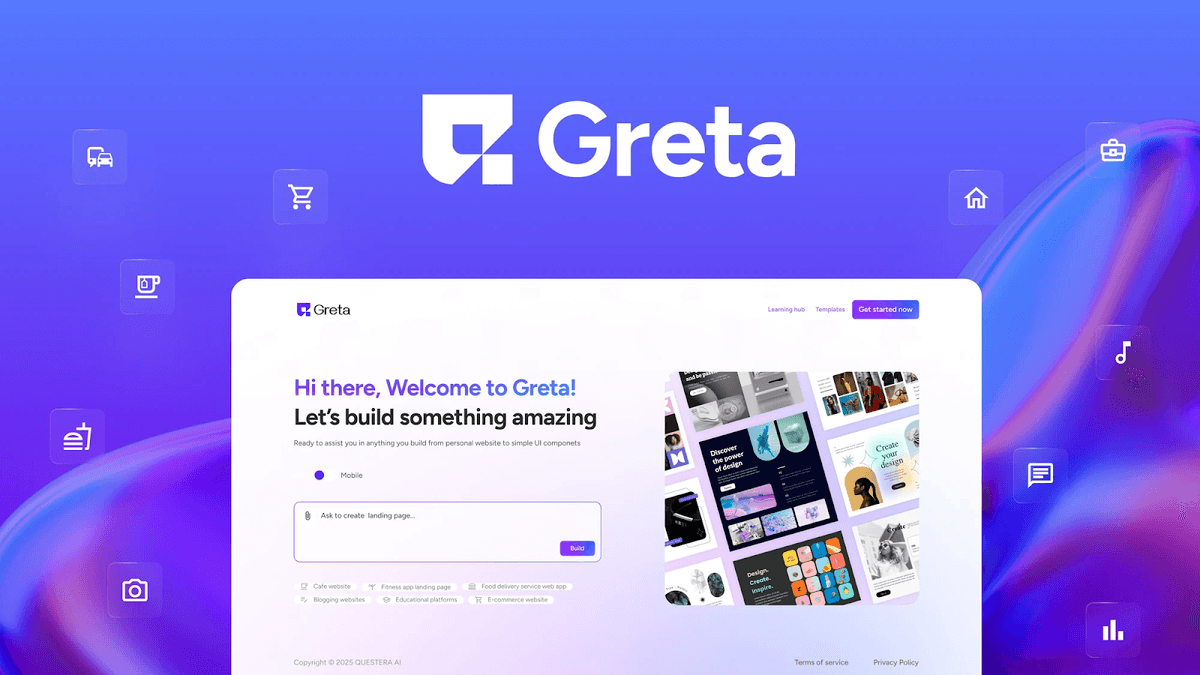
Step 1: Decide What Your First Web App Will Do (Before Opening Greta)
Before logging into Greta, pause for a moment and decide one simple goal for your app. Greta works best when your idea is clear and focused.
- Who will use this app?
- What is the one main action users should be able to do?
Good beginner examples:
- A task manager where users add and track tasks
- A feedback app where users submit suggestions
- A simple project tracker with status updates
When you build your first web app using Greta, starting small helps Greta generate a cleaner and more understandable app.
Build this with a prompt on Greta.sh — describe the app, Greta writes and deploys it.Step 2: Log In to Greta
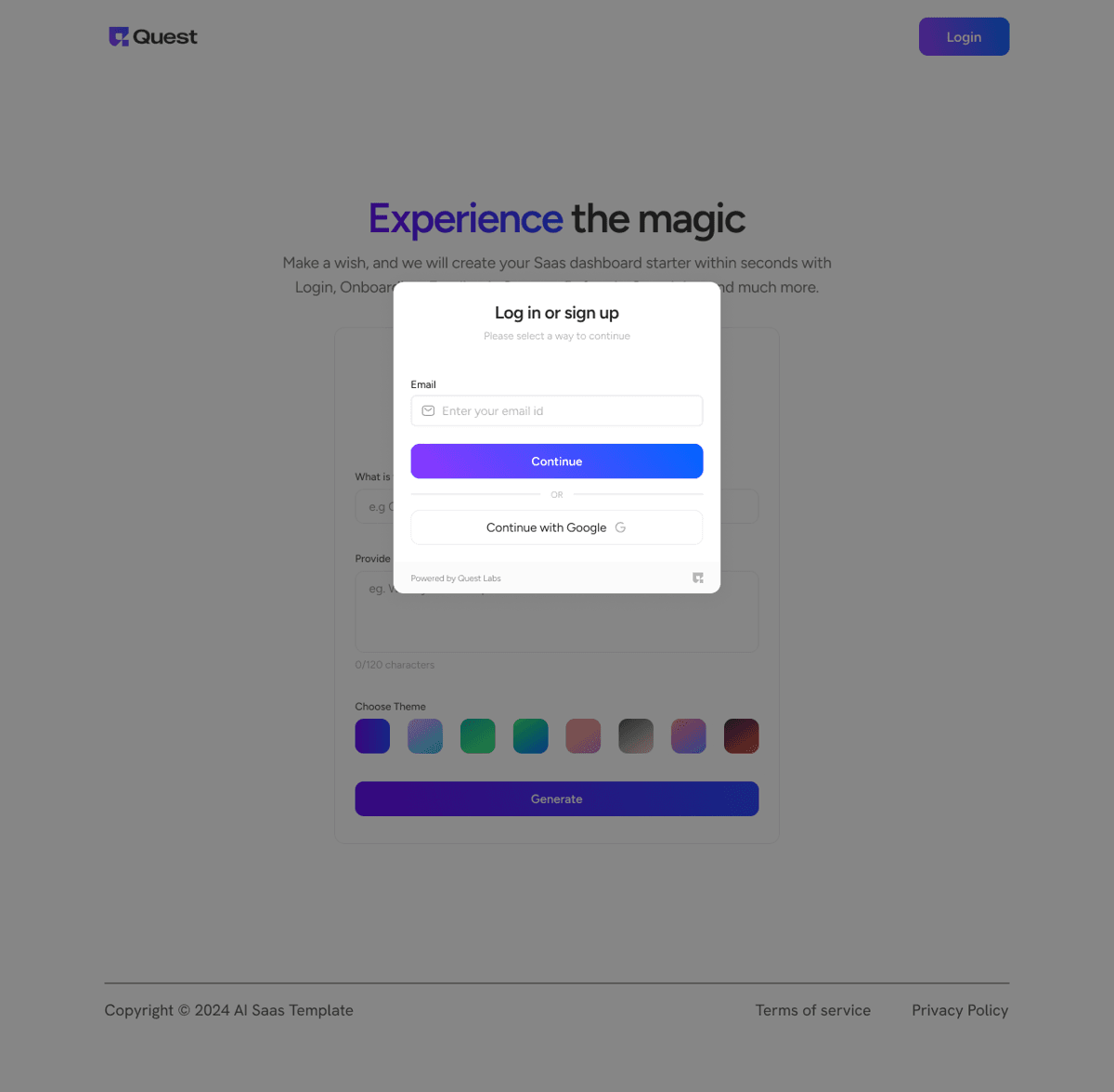
- Open your browser and go to https://www.greta.sh/
- Click Log in
- Sign in using your email address or Google account
- Greta uses secure login, so your projects and preferences are saved automatically. You don’t need to install anything.
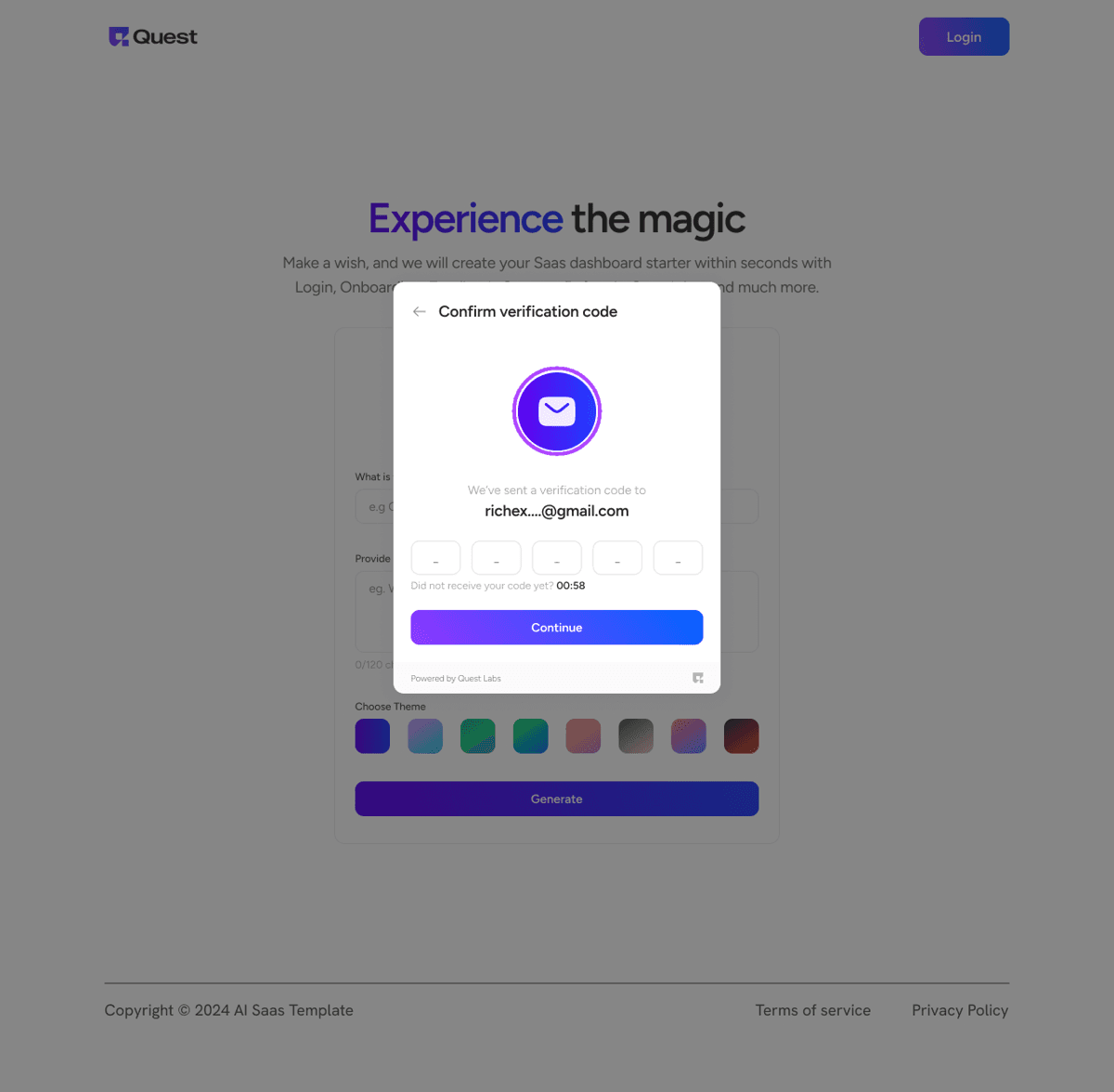
Step 3: Verify Your Account Using OTP
- Check your email for a one-time password (OTP)
- Enter the OTP on the Greta screen
- Complete verification
This step ensures your workspace is secure and personalized.
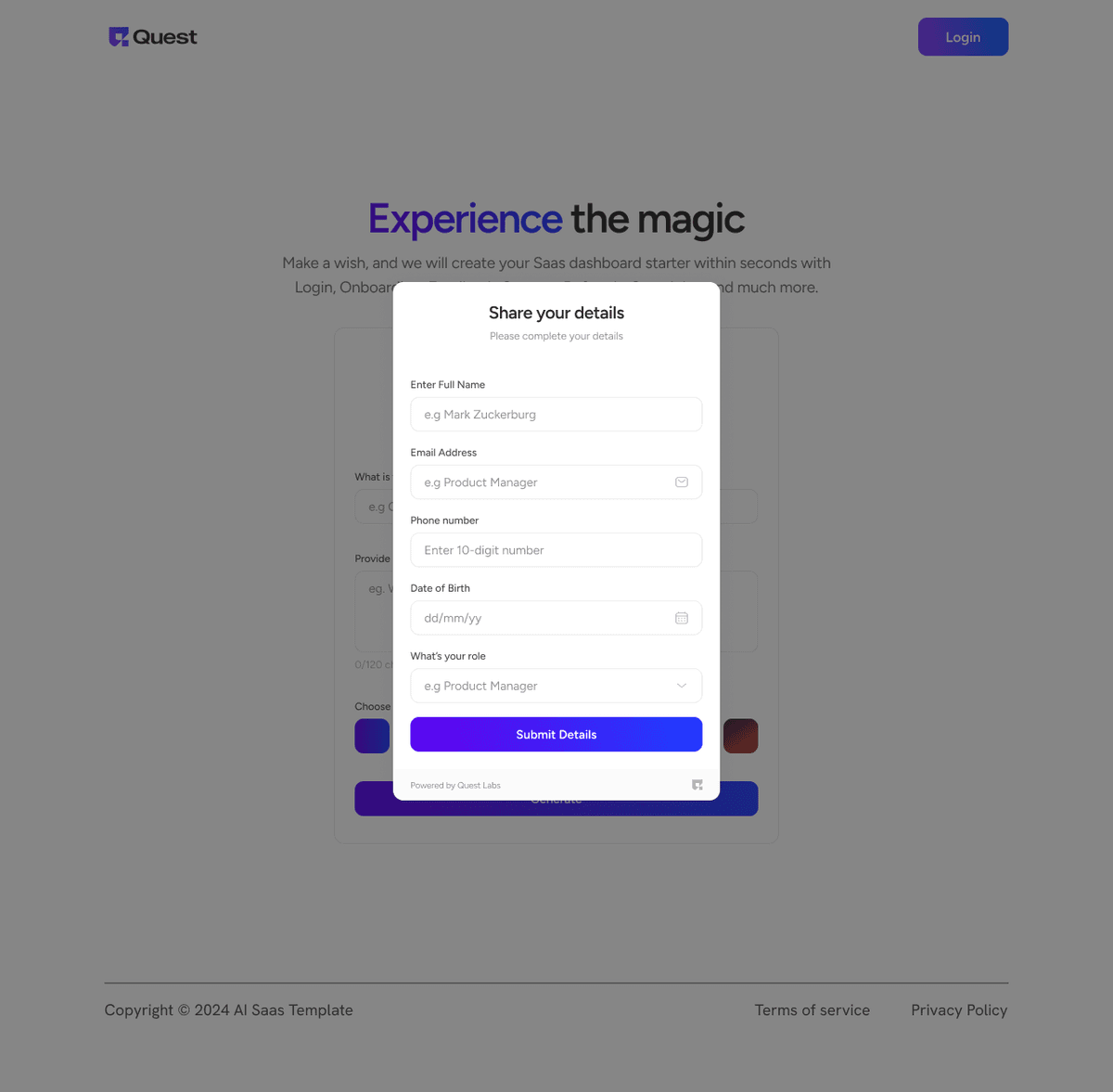
Step 4: Complete the Initial Onboarding Questions
When you log in for the first time, Greta will ask a few onboarding questions.
- Your role (founder, developer, marketer, etc.)
- What you’re trying to build
- Your experience level
Tip for beginners:Answer honestly. Greta uses this information to adjust how it generates your app and explanations.
Step 5: Access the Greta Dashboard
Once onboarding is complete, you’ll land on the Greta dashboard.
- A main input box where you describe your app
- Options to create a new project
- Navigation to view existing projects
This dashboard is where you’ll build your first web app using Greta.
Step 6: Describe Your Web App in Simple Language
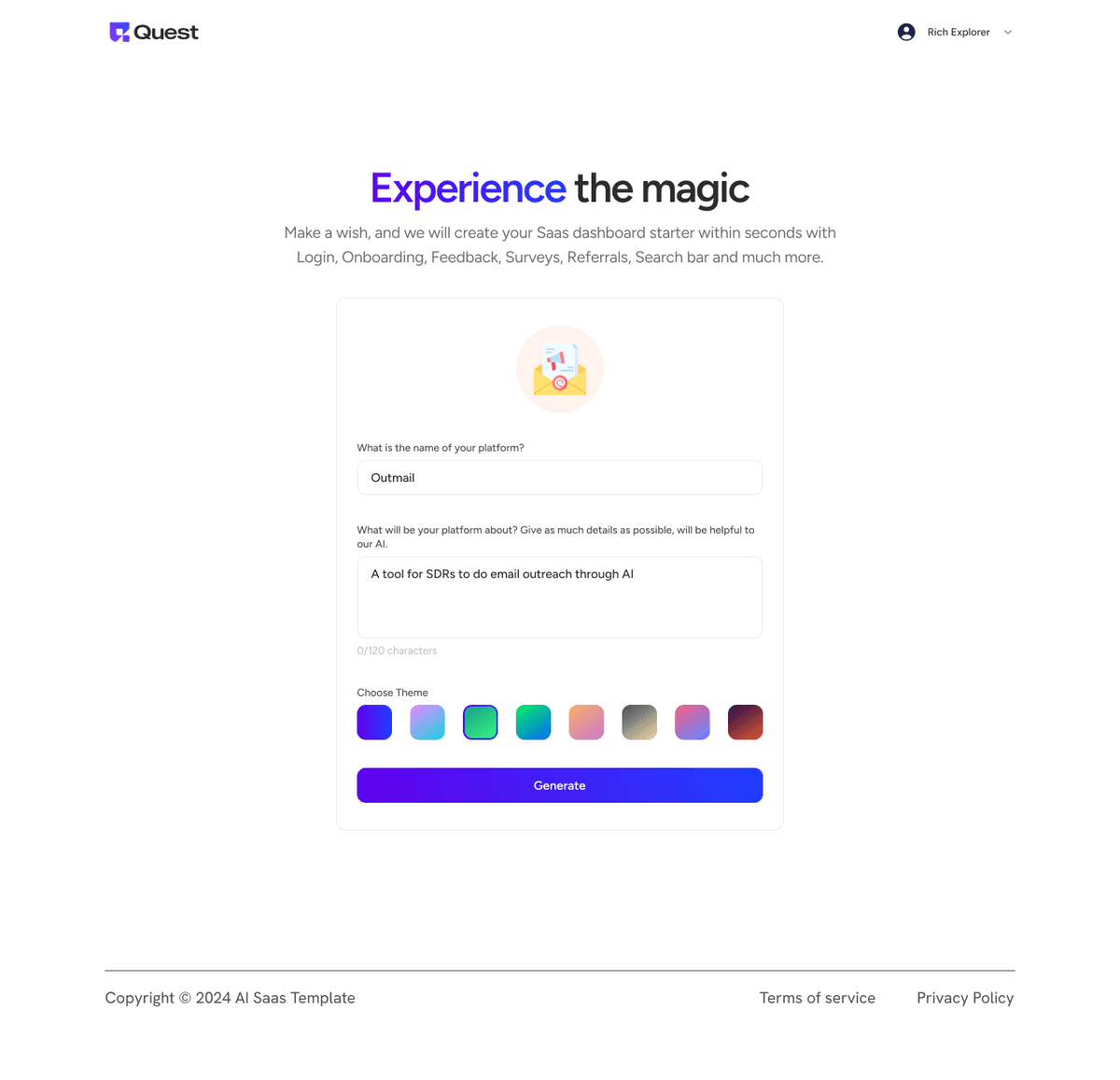
This is the most important step.
In the main input box, write a clear, simple description of your app. Example:
“Build a web app where users can sign up, create tasks, mark them as complete, and view them on a dashboard.”
You don’t need technical terms. Greta is a beginner-friendly app builder, so plain English works best.
Step 7: Generate Your Web App
- Click Generate
- Wait while Greta processes your request
Behind the scenes, Greta acts as:
- An AI website builder
- A full-stack app builder
- A frontend and backend generator
This may take a minute or two. Be patient.
Step 8: Preview the Generated App
Once generation is complete, Greta will show you a preview of your web app.
Spend time clicking through:
- Login or sign-up pages
- Dashboards or forms
- Navigation menus
At this stage, your goal is not perfection. It’s understanding what Greta created for you.
Step 9: Make Simple Improvements Using Prompts
Want changes? Just ask.
Examples:
- “Add an edit task feature.”
- “Allow users to delete tasks.”
- “Show a summary of completed tasks.”
Greta will update your app without requiring a complete restart. This is how beginners learn quickly using an AI coding platform.
Step 10: Fork the Project (Optional but Recommended)
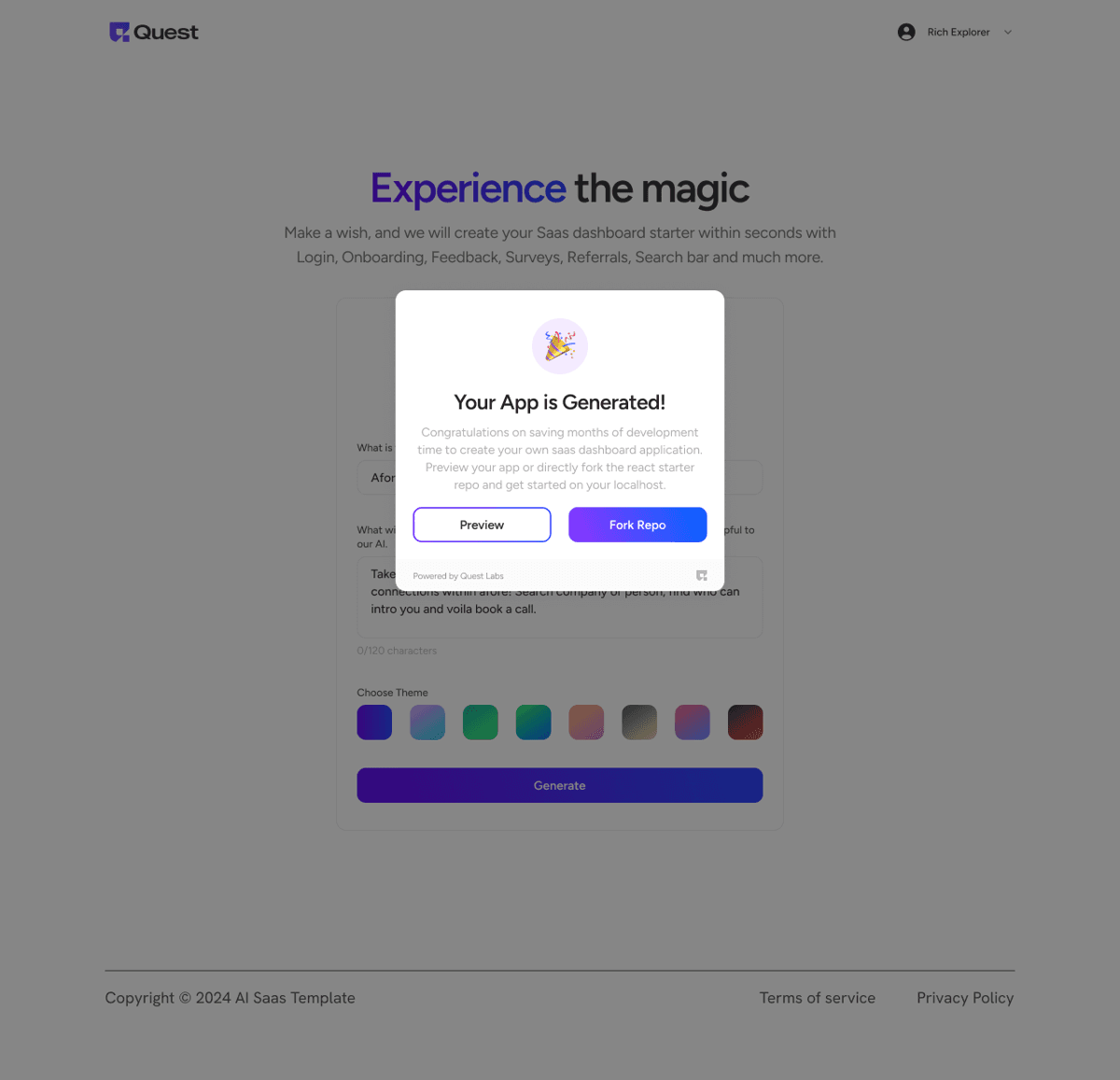
Greta allows you to fork the generated project repository.
Why this matters:
- You own the code
- You can customize later
- You’re not locked in
Even if you don’t code yet, forking is a good habit when you build your first web app.
Step 11: Share or Deploy Your App
- Share the preview link, or
- Deploy the app using the options Greta provides
Congratulations, you’ve officially built your first web app using Greta.
Ready to ship? Open Greta.sh — your idea → a working app, in one chat.Beginner Tip: What Not to Do
When starting with Greta, avoid:
- Writing very long, complex prompts
- Trying to build a large app on day one
- Expecting everything to be perfect immediately
Greta is most powerful when used iteratively.
Why Greta Is Ideal for First-Time Builders
Greta is beginner-friendly because:
- You don’t need coding knowledge
- It generates both frontend and backend
- You can learn by seeing real apps
- You stay in control without being overwhelmed
Conclusion
Building your first web app can feel intimidating, but platforms like Greta make the process far more approachable. You don’t need to be a developer or have a deep understanding of complex technical concepts to get started. By following simple steps, writing clear prompts, and iterating gradually, you can turn an idea into a working web app faster than you might expect.
What matters most is not building a perfect app on your first try, but learning how web apps are structured and how small changes improve the product. Greta helps by handling the heavy technical work, frontend, backend, and setup, so you can focus on understanding how your app works and what it needs next.
As you gain confidence, you’ll naturally start refining your ideas, improving features, and building more complex apps. Your first web app isn’t the finish line, it’s the foundation. With Greta, that first step is simpler, clearer, and much more achievable.
FAQs
1. Can beginners really build a web app without coding?
Yes. An AI website builder lets you create apps using prompts and simple controls.
2. Do I need to understand frontend and backend?
Only at a basic level. The AI coding platform handles most of the complexity.
3. Is this the same as a no-code web app builder?
Not exactly. Many tools support low-code web app development, giving you more flexibility.
4. What kind of apps should beginners start with?
Simple tools like task lists, forms, or trackers are ideal.
5. What should I do after building my first app?
Improve it, rebuild it, or start a new one. Practice is the best teacher.





