






How to Audit an AI-Generated Codebase Before Launch
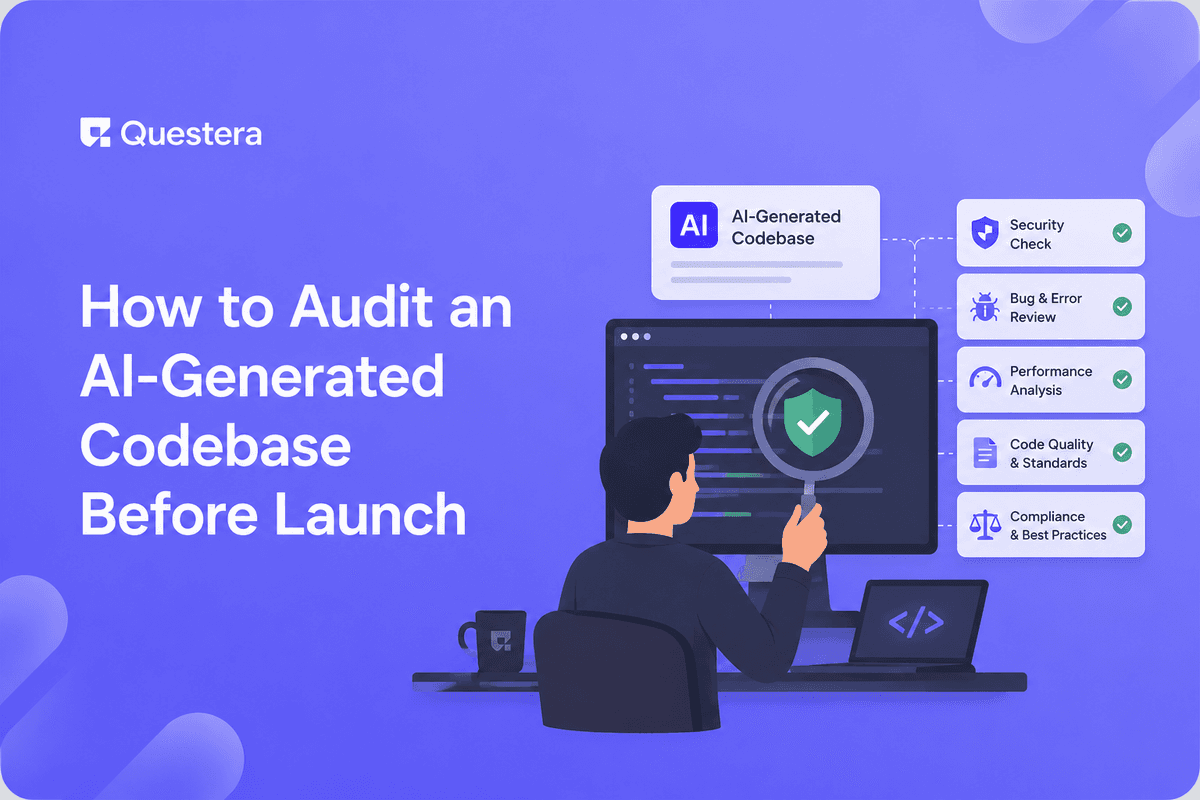
AI app builders generate working apps fast. But 'working in the happy path' and 'safe to ship to real users' are different bars. The gap between them is the audit — the systematic review that catches the security holes, data integrity issues, performance problems, and operational gaps that don't show up in a quick demo but surface painfully in production with real users.
This isn't a knock on AI generation. Hand-written code needs auditing before launch too. The point is that generated code is a draft that needs review, not a finished product ready to ship. This guide gives the complete pre-launch audit checklist for AI-generated codebases — six dimensions: security, data integrity, performance, error handling, correctness, operations. The tools that help, the realistic time investment, and a systematic process for taking an AI-generated app from 'generated' to 'safe to ship.'
Why AI-Generated Code Needs Auditing
- Generated code looks correct but can miss edge cases
- Security best practices aren't always applied by default
- Performance issues invisible at demo scale surface under load
- Error handling often happy-path only
- Data integrity constraints sometimes missing
- Operational concerns (monitoring, backups) rarely generated automatically
- Same as hand-written code: draft needs review before shipping
Dimension 1: Security Audit
Authentication and Authorization
- RLS enabled on every table with user data
- RLS policies tested with multiple user accounts (User A can't see User B's data)
- Email verification required before sensitive actions
- Password reset flow tested end-to-end
- Session management secure (HttpOnly cookies, reasonable timeout)
- Authorization checks on every protected endpoint (not just UI hiding)
Secrets, Input, and Network
- No secrets in committed code (scan with TruffleHog/GitGuardian)
- .env in .gitignore; server-side secrets only
- Different secrets for dev/production; rotate any exposed secrets
- Server-side input validation on every endpoint (Zod or similar)
- Parameterized queries (no string concatenation into SQL)
- CORS restricted to specific origins; rate limiting on auth and AI endpoints; HTTPS enforced
Dimension 2: Data Integrity Audit
- Database constraints (NOT NULL where required, foreign keys, unique constraints)
- Cascade behavior correct (deleting parent handles children appropriately)
- Migrations are reversible and tested
- No orphaned records possible through normal flows
- Data types appropriate (money as integer cents, not float)
- Timestamps in UTC; timezone handling correct
- Backups configured and restore tested (don't just configure; test recovery)
- Idempotency on operations that could double-execute (payment webhooks especially)
Dimension 3: Performance Audit
- Indexes on commonly-queried columns (foreign keys, filter/sort columns)
- No N+1 query patterns (check with query logging)
- Pagination on list endpoints (don't load all records)
- Large queries optimized (EXPLAIN ANALYZE on slow ones)
- Images optimized (WebP, lazy loading, appropriate sizes)
- Bundle size reasonable (code splitting where helpful)
- Caching where appropriate (static data, expensive computations)
- Load test critical paths (simulate realistic concurrent users)
Dimension 4: Error Handling Audit
- Errors caught and handled gracefully (no white-screen crashes)
- User-facing error messages helpful, not stack traces
- Errors logged (not silently swallowed)
- Error monitoring configured (Sentry or similar)
- External API failures handled (retries, graceful degradation)
- Payment failures handled completely (webhooks, dunning, edge cases)
- Email send failures don't break flows
- Loading and empty states present (not just success states)
Dimension 5: Correctness Audit
- Core workflows actually work end-to-end (not just look right)
- Edge cases tested (empty inputs, max values, special characters)
- Business logic correct (calculations, state transitions, rules)
- Tests on critical paths (auth, payments, data-loss-risk operations)
- Manual testing of full user journeys
- Cross-browser testing (especially Safari quirks)
- Mobile testing (responsive, touch targets, mobile-specific issues)
- Accessibility basics (keyboard navigation, alt text, contrast)
Dimension 6: Operations Audit
- Deployment process documented and repeatable
- Environment variables configured correctly in production
- Rollback procedure exists and tested
- Monitoring and alerting set up (uptime, errors, performance)
- Logs accessible and retained appropriately
- Database backups automated
- Domain, SSL, DNS configured correctly
- Status page or incident communication plan
- Dependency vulnerabilities checked (npm audit, Snyk)
The Audit Toolkit
Automated Scanners
- TruffleHog / GitGuardian — secret scanning
- Snyk / npm audit — dependency vulnerabilities
- GitHub Code Scanning — static analysis (SAST)
- Lighthouse / PageSpeed Insights — performance and accessibility
- OWASP ZAP — dynamic security testing
AI-Assisted Review and Manual Checks
- Paste code into Claude/GPT; ask for security and correctness review
- AI catches obvious issues (missing validation, hardcoded secrets, basic patterns)
- AI misses subtle issues (business logic bugs, complex auth bypasses) — use AI for first pass
- Multi-user RLS testing (log in as different users; verify isolation)
- Full user journey walkthroughs; edge case testing by hand
- Code review of critical paths (auth, payments); load testing critical endpoints
The audit takes 1.5-3 days for a typical indie SaaS. It feels slow when you're eager to launch. It's far faster than dealing with a security incident, data loss, or a production meltdown after launch. The audit is insurance you pay before you need it.
Prioritization When Time Is Limited
Must-Do Before Any Launch
- RLS enabled and tested (data isolation)
- No secrets in committed code
- Server-side secrets only
- Payment handling correct and idempotent (if handling money)
- Error monitoring configured
- Backups configured and restore tested
- Core workflows tested end-to-end
Do Soon After Launch
- Performance optimization (indexes, N+1)
- Comprehensive error handling
- Load testing
- Accessibility improvements
- Test coverage expansion
When to Bring in a Security Professional
- Handling payments or financial data
- Handling health data (HIPAA) or other sensitive PII
- Before enterprise sales requiring security review
- For compliance (SOC 2, PCI, HIPAA)
- When growth makes you a target
- After any incident
- When stakes exceed your security expertise
Common Mistakes
- Skipping the audit entirely — Generated ≠ ready to ship. Audit before real users.
- Demo-testing only happy paths — Edge cases and error paths break in production. Test them.
- Forgetting RLS — Most common AI-generated app issue. Enable and test data isolation.
- No error monitoring — Production issues invisible without it. Set up Sentry before launch.
- Configuring backups without testing restore — Untested backups fail when you need them. Test recovery.
- Trusting AI review alone — AI catches obvious issues; misses subtle ones. Supplement with tooling and manual review.
- Skipping load testing — Demo scale hides performance issues. Test realistic concurrency.
- Secrets in committed code — Permanent exposure. Scan before launch.
- No rollback plan — When deployment breaks, you need to revert fast. Have a plan.
- Ignoring dependency vulnerabilities — Known CVEs in dependencies. Run npm audit / Snyk.
- Auditing once and never again — Audit is ongoing as code changes. Re-audit after major changes.
Frequently Asked Questions
How long does a pre-launch audit take?
1.5-3 days for typical indie SaaS. Longer for complex apps or compliance contexts. The time feels significant when you're eager to launch but is far less than dealing with post-launch incidents.
Can AI audit AI-generated code?
Partially. AI catches obvious issues (hardcoded secrets, missing validation, basic patterns). AI misses subtle issues (business logic bugs, complex authorization bypasses, novel attacks). Use AI for first pass; supplement with automated tooling and manual review.
What's the single most important audit item?
RLS (row-level security) — verify users can only access their own data. The most common and most dangerous AI-generated app issue. Test with multiple user accounts that User A genuinely can't reach User B's data.
How do I test backups?
Don't just configure backups — actually restore one to a test environment and verify the data is intact and the app works against it. Untested backups frequently fail when needed. Test the restore process before you rely on it.
What if I find issues during audit?
Triage by severity. Critical (data exposure, payment bugs) — fix before launch, no exceptions. High — fix before launch if possible. Medium/low — fix soon after launch. Don't launch with critical issues to hit a date.
AI-generated code is a draft that needs auditing before shipping to real users. 'Works in demo' and 'safe to ship' are different bars. Six audit dimensions: security, data integrity, performance, error handling, correctness, operations. Toolkit: automated scanners, AI-assisted review (first pass), manual checks. Time investment: 1.5-3 days. Must-do before any launch: RLS tested, no committed secrets, payment idempotency, error monitoring, tested backups, core workflows verified. The audit is the difference between an app that works in demo and an app that holds up in production. Audit deliberately. Ship with confidence.





