






How to Add Payments and Subscriptions to a Vibe-Coded App
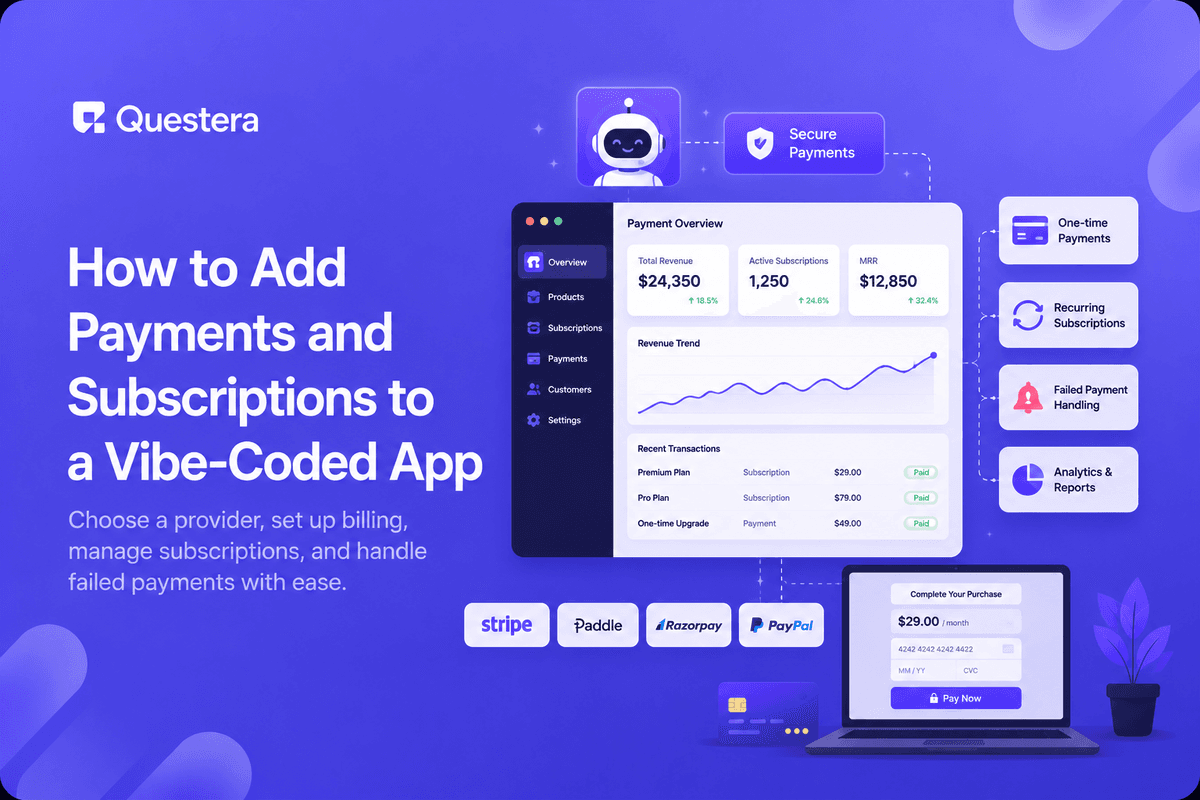
Adding payments to a vibe-coded app means connecting a payment provider like Stripe, describing your pricing plans to the AI builder, and letting it generate the checkout flow, billing records, and access control that unlocks features once someone pays. You rarely write payment logic from scratch — you describe the plans and let the integration handle the transaction itself.
This is usually the point where a side project becomes a real business: the moment someone can actually pay you. Getting it right the first time avoids the two most common outcomes of getting it wrong — charging people incorrectly, or leaving paid features unlocked for free.
What Does Adding Payments Actually Require?
Four pieces work together: a payment provider that handles the actual transaction, a pricing structure you define, a checkout flow the user goes through, and a way for your app to know who has paid for what. The AI builder generates the checkout UI and the access logic — the provider handles moving money.
Never build your own credit card processing. Every serious app connects to an established provider instead, both for security and because payment regulation is not something to reinvent per project.
One-Time Payment or Subscription — Which Do You Need?
| Model | Good For | What Changes in Your App |
|---|---|---|
| One-time payment | Single tools, lifetime access, templates | A paid flag, set once |
| Subscription | Ongoing tools, SaaS products | Recurring billing status that can lapse |
| Usage-based | APIs, credits, metered features | A balance that decreases with use |
| Freemium | Consumer apps with an upgrade path | Feature flags tied to plan tier |
How Do You Choose a Payment Provider?
- Stripe — the most common default, well documented, handles subscriptions natively.
- Paddle or LemonSqueezy — handle tax and compliance for you as a merchant of record.
- PayPal — familiar to buyers, useful as a secondary option for some audiences.
- Whichever you pick, confirm it supports your billing model (one-time vs recurring) before building around it.
What Should Your Pricing Page and Checkout Cover?
Keep pricing simple enough to explain in one sentence per plan. Your checkout should show exactly what's being charged, when, and how to cancel — hidden terms are the fastest way to generate chargebacks and support tickets.
This is the same instinct behind rebuilding a manual Excel workflow as a proper app: replace ambiguity with a clear, structured flow the user can trust at a glance.
How Do You Handle Failed Payments and Cancellations?
Cards expire and payments fail — build for it from day one. A failed renewal should trigger a retry and a notification, not silently leave a customer's account in a broken state. Cancellations should be self-serve wherever possible; forcing a support email to cancel damages trust even among happy customers.
Access control matters just as much here as it does in login and user accounts — a lapsed subscription should reliably lock features, not just show a banner that a determined user can ignore.
Common Mistakes to Avoid
- Building custom card processing instead of using an established provider.
- No handling for failed renewals, so lapsed customers stay fully unlocked.
- Burying cancellation behind an email request instead of a self-serve button.
- Pricing plans that don't map cleanly to a feature flag in the app.
- Testing only the happy path — never simulating a declined card before launch.
Frequently Asked Questions
Do I need to know payment APIs to add billing to my app?
No — describe your pricing and billing model to the AI builder and it generates the integration against a provider like Stripe.
Want to try one of these? Start on Greta.sh — no setup, no boilerplate — just a prompt.Should I start with one-time payments or subscriptions?
Match it to your product: a single tool suits one-time payment, while ongoing value suits a subscription.
How do I avoid charging customers incorrectly?
Test every plan and every failure path — successful charge, declined card, and cancellation — before taking real payments.
Do I need to handle tax myself?
Providers like Paddle or LemonSqueezy act as merchant of record and handle tax for you, which is simpler for small teams.
What happens if a subscriber's card fails?
Configure automatic retries and a notification, then lock paid features if payment isn't resolved after the retry window.
Key Takeaways
- Never build your own payment processing — connect to an established provider.
- Match your billing model (one-time, subscription, usage-based) to your product.
- Keep pricing and checkout terms clear enough to explain in one sentence.
- Plan for failed payments and self-serve cancellation before launch, not after.
- Access control must actually lock features on a lapsed plan, not just display a warning.
Ready to start charging for your app? Prompt Greta with your pricing plans and get a working checkout flow today.





© 2026 Questera
Follow in Google