






How to Add Login and User Accounts to Your AI-Built App
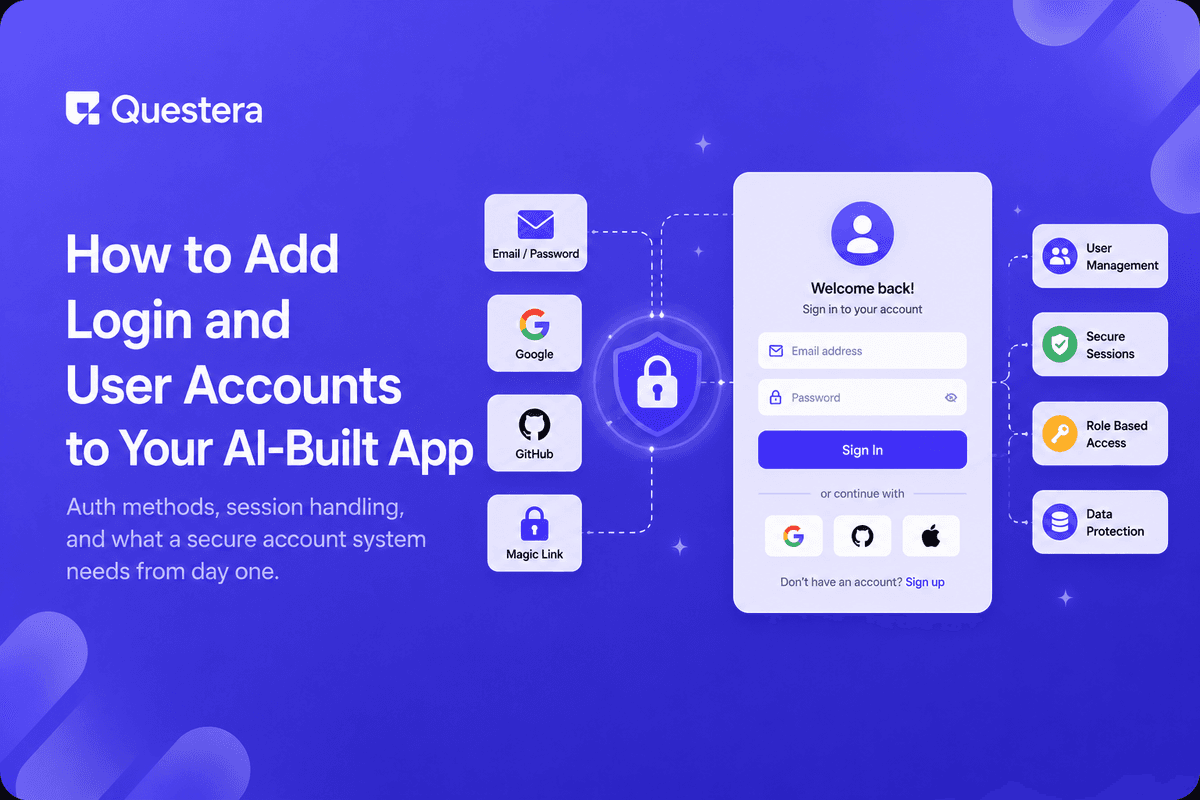
Adding login to an AI-built app means describing the auth method you want — email/password, magic link, or social login — and telling the builder which pages should be locked behind it. The app then generates the sign-up form, session handling, and protected routes together, instead of you wiring each piece by hand.
Most vibe-coded apps start public because it's faster to test the core idea without a login wall. The moment you have real users with real data, that changes — accounts stop being optional and become the thing that keeps one user's data separate from another's.
What Does "Adding Login" Actually Involve?
Login is really three connected pieces: a way for someone to prove who they are, a session that remembers them as they move around the app, and rules about which pages or data each account can see. Skip any one of these and you don't have a real account system — you have a form.
When you prompt an AI builder for this, name all three explicitly: the sign-up/sign-in flow, how long a session should last, and which parts of the app require being logged in.
Which Authentication Method Should You Pick?
The right method depends on who's signing up and how much friction they'll tolerate.
| Method | Best For | Trade-off |
|---|---|---|
| Email + password | General apps, full control | You own password security |
| Magic link | Low-friction signup | Depends on email delivery |
| Google / social login | Consumer apps, fast onboarding | Users need that provider account |
| Invite-only | Internal tools, B2B pilots | No self-serve signup |
What Should a User Account Actually Store?
- A unique identifier — email or username, never something guessable.
- A securely hashed password, if you're using that method — never plain text.
- Basic profile fields you'll actually use: name, role, plan tier.
- A created-at timestamp, useful for support and analytics later.
- A role or permission level, even if everyone starts as the same role.
How Do You Handle Passwords and Sessions Safely?
Passwords must be hashed, never stored in plain text — this should be non-negotiable in whatever the builder generates. Sessions should expire after a reasonable window and refresh on activity, rather than staying valid forever on a single token.
These are the same fundamentals covered in why vibe-coded apps get hacked — most of those fixes trace back to auth being rushed or left at its default, unreviewed state.
What Comes After Login Works?
Once accounts exist, every page and every database query needs to check who's asking. That means row-level checks — a user should only ever see their own data, not just a hidden button that assumes they won't look for the URL directly.
This is also where you decide on password reset, email verification, and what happens when someone deletes their account. None of these are exciting, but each one is a support ticket waiting to happen if it's missing.
Common Mistakes to Avoid
- Hiding a page in the UI without actually restricting the data behind it.
- Storing passwords in plain text or logging them anywhere by accident.
- Sessions that never expire, so a stolen link works forever.
- No password reset flow, so a locked-out user has no way back in.
- Treating every account as admin because it was easier to build that way.
Frequently Asked Questions
Can an AI app builder really generate a full login system?
Yes — sign-up, sign-in, session handling, and protected routes can all be generated from a clear prompt describing the flow you want.
Want to try one of these? Start on Greta.sh — no setup, no boilerplate — just a prompt.Should I build my own auth or use a provider?
For most apps, using a proven auth provider through your builder is safer than hand-rolling password hashing and session logic yourself.
How do I know if my login system is secure enough?
Check that passwords are hashed, sessions expire, and every data query is scoped to the logged-in user — not just the visible UI.
Do I need email verification from day one?
Not always, but add it before you have real user data at stake — it prevents fake signups and account takeover via typoed emails.
What happens if I add login after launch?
You'll need to migrate any existing data to be owned by an account — plan for this early if you expect to add accounts later.
Key Takeaways
- Login is three parts: authentication, sessions, and access rules — build all three.
- Pick an auth method based on who's signing up, not just what's fastest to build.
- Hash passwords, expire sessions, and scope every query to the logged-in user.
- Hiding a page isn't the same as restricting its data — check both.
- Plan password reset and account deletion before you need them urgently.
Ready to add real accounts to your app? Prompt Greta with your auth flow and get a working login system today.





© 2026 Questera
Follow in Google