






How to Add Analytics to Your AI-Built App (and Actually Use It)
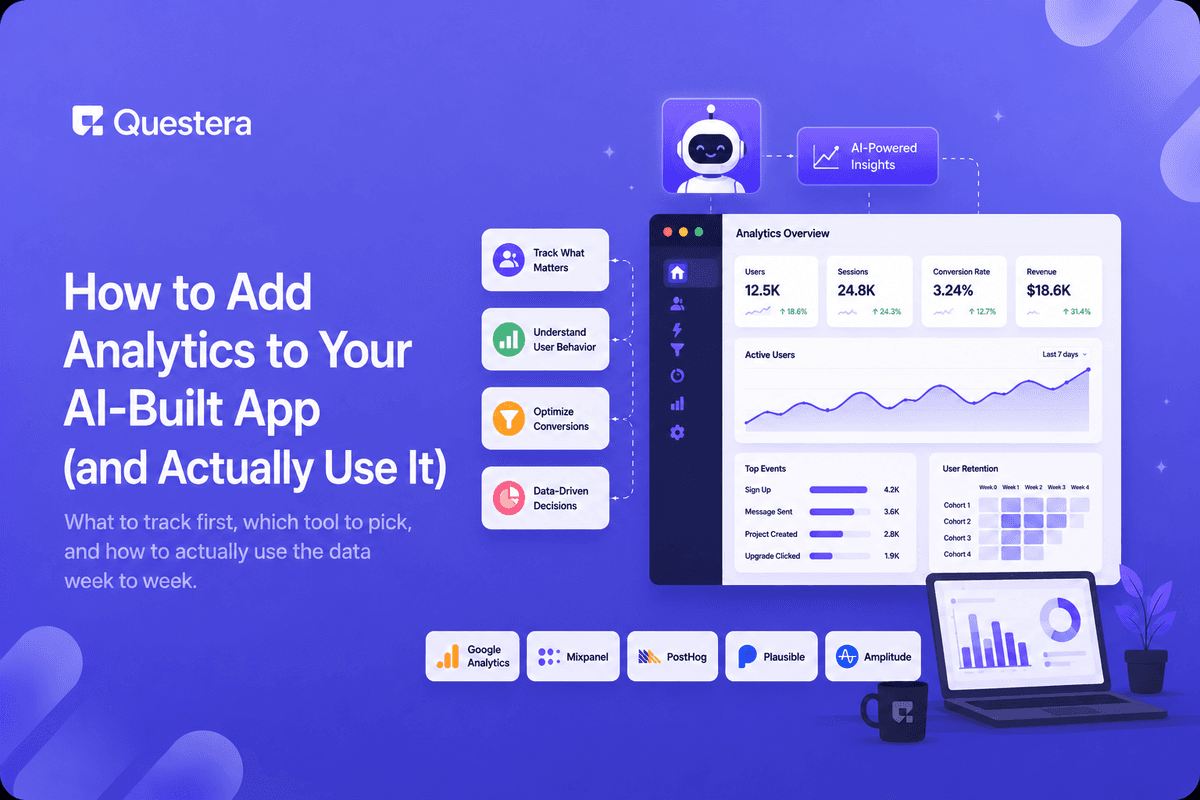
Adding analytics to an AI-built app means picking a lightweight tool, telling your AI builder to fire events at a handful of key actions — signup, first core action, upgrade — and checking that data on a regular cadence instead of letting it sit unread. The tool matters less than the habit of actually looking at it.
Most solo founders either skip analytics entirely or install everything at once and never open the dashboard again. Both leave you flying blind on what's actually happening in your app after launch.
What Should You Actually Track First?
Before adding any tool, list the handful of actions that tell you whether your app is working. For most early apps, that's signup, the first core action a user takes, and any point where they'd pay or upgrade.
- Signup completed — the top of your funnel.
- First core action — the moment someone gets real value (your 'aha moment').
- Return visit — did they come back without a nudge?
- Upgrade or payment — the moment intent turns into revenue.
- Drop-off points — where users leave a multi-step flow.
Which Analytics Tool Fits an AI-Built App?
| Tool Type | Good For | Trade-off |
|---|---|---|
| Privacy-first analytics (e.g. Plausible, Datafast) | Simple page/event tracking, fast setup | Less granular than full product analytics |
| Product analytics (e.g. PostHog, Mixpanel) | Funnels, cohorts, feature usage | More setup and more data to interpret |
| Built-in dashboard | A few custom metrics you define yourself | You build and maintain it |
How Do You Add Analytics Without Slowing Down the App?
Describe the specific events to your AI builder rather than asking it to "add analytics" broadly — vague prompts tend to produce either nothing useful or event tracking on everything, which is just as unusable. Name the five or six events from the list above and ask it to fire them at the right points in the flow.
Keep tracking asynchronous so it never blocks the actual user action — a signup or payment should never wait on an analytics call to finish.
What Does "Actually Using It" Look Like Week to Week?
Set a recurring 15-minute slot, weekly at first, to check your core numbers: signups, activation rate, and any obvious drop-off. This is where the numbers connect back to the tactics in how to increase activation rate — the dashboard tells you where to focus that work next.
Write down what changed since last week and what you'll try because of it. A number nobody looks at might as well not exist.
When Should You Add More Advanced Tracking?
Once the basics are in a routine, add cohort views (how do users from a specific week behave over time) and feature-level events for anything you're actively trying to improve. Don't add this earlier — more dashboards you don't check just add noise.
Common Mistakes to Avoid
- Installing a full analytics suite and never opening the dashboard again.
- Tracking dozens of events with no clear question each one answers.
- No weekly review cadence, so trends go unnoticed until they're a problem.
- Blocking core actions like signup on analytics calls completing first.
- Ignoring privacy basics — check what data you're allowed to collect and how.
Frequently Asked Questions
What's the minimum analytics setup worth having?
Signup, first core action, and upgrade events tracked and reviewed weekly — that alone beats most over-built setups nobody checks.
Want to try one of these? Start on Greta.sh — no setup, no boilerplate — just a prompt.Do I need a dedicated analytics tool or can I build my own?
Either works. A dedicated tool is faster to start with; a custom dashboard makes sense once you know exactly what you want to see.
How do I avoid tracking too much?
Only add an event if you can name the question it answers — if you can't, skip it for now.
Will analytics slow down my app?
Not if events fire asynchronously in the background, which any reasonable analytics setup should do by default.
Should I track analytics before or after launch?
Before — you want signup and activation data from day one, not a gap in your earliest and often most telling numbers.
Key Takeaways
- Track a handful of meaningful events, not everything the app does.
- Pick a tool that matches your stage — simple tracking is fine to start.
- Fire events asynchronously so analytics never blocks a core action.
- Review the numbers on a fixed weekly cadence, not sporadically.
- Add advanced tracking only once you're consistently using the basics.
Building your next feature? Prompt Greta to wire up the key events alongside it so you're never flying blind.





© 2026 Questera
Follow in Google