






Greta vs Cursor: No-Code AI App Builder vs AI Code Editor
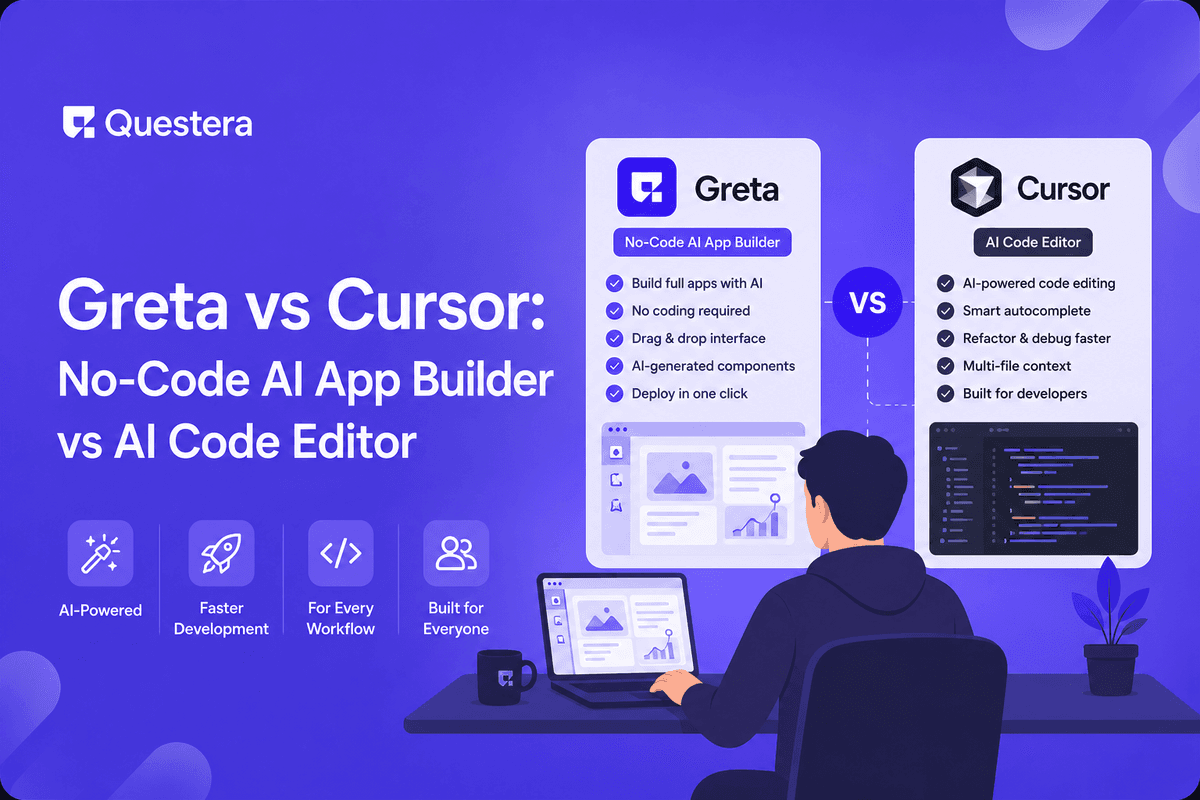
Greta and Cursor solve fundamentally different problems. Greta is a no-code AI app builder for non-developer founders who want to describe a product and ship it without touching code. Cursor is an AI-powered code editor for developers who want AI as a force multiplier inside a familiar IDE workflow. Both produce working software faster than 2024-era tooling did. The honest answer: pick Greta if you don't read code; pick Cursor if you do. Trying to force either tool into the wrong workflow is the most common mistake builders make.
Introduction
Greta and Cursor get compared a lot. The comparison is misleading because they're not really competing. They sit in adjacent categories with overlapping marketing but completely different mental models — Greta abstracts code away entirely, Cursor keeps you closer to code than most developers ever have been. Picking the wrong one for your workflow doesn't just slow you down; it makes you fight the tool every prompt.
This guide breaks down the two platforms head-to-head — pricing, workflow, code control, deployment, and the specific kind of builder each one actually fits. By the end, you'll know which one matches how you work and why the answer isn't "whichever is more popular."
The Core Difference: Who Is Each Tool Actually For?
Greta is a no-code AI app builder. You describe a product in natural language; the platform generates a working full-stack app — frontend, backend, database, auth, payments, deployment — without you reading or writing any code. The mental model is "product manager who can ship." Greta assumes you'd rather describe a SaaS than read a codebase.
Cursor is an AI-powered code editor — a fork of VS Code with deep AI integration. You write code, the AI assists by completing lines, refactoring across files, generating components from chat, and running multi-step agentic edits via Composer mode. The mental model is "developer with AI superpowers." Cursor assumes you can read and edit code and want to stay close to it.
Both are excellent at what they do. Neither does what the other does well. The single most common mistake builders make is picking based on hype or marketing rather than honest assessment of their own skill set.
Greta vs Cursor: Feature-by-Feature Comparison
| Feature | Greta | Cursor |
|---|---|---|
| Type | No-code AI app builder | AI-powered code editor |
| Best For | Non-developers, solo founders | Developers, technical founders |
| Code Access | Abstracted (export available) | Full — you write code throughout |
| Stack | Flexible multi-backend | Any (you choose) |
| Standout Feature | Bundled growth tooling | Composer multi-file agent |
| Pricing | Subscription with bundled capacity | $20/month Pro |
| Deployment | Built-in, bundled with platform | You set up (Vercel/Netlify/etc.) |
| Learning Curve | Lowest in category | Familiar to VS Code users |
| Marketing Stack | Built-in (domain, SEO, analytics) | Not included |
| IDE Plugin Support | N/A (web platform) | VS Code-derived |
Which One Ships Projects Fastest?
Cursor Ships Fastest When...
- You already write code and want AI as a force multiplier inside your existing workflow
- Your app needs a non-standard stack (Go backend, Rust services, embedded systems)
- You're extending an existing codebase rather than building from scratch
- You need fine-grained control over performance, security, or compliance
- You're shipping to enterprise customers who require code review and ownership
- You'll bring engineers in early — they'll prefer extending Cursor-generated code
Greta Ships Fastest When...
- You're a solo non-developer founder shipping your first SaaS
- Your build needs a landing page, blog, or marketing site alongside the app
- You want predictable pricing without credit anxiety during heavy iteration
- You're building a content-driven SaaS where SEO and analytics matter
- You want one workspace handling app + domain + SEO + analytics + content
Pricing: What Each Actually Costs in Practice
- Cursor — $20/month Pro for extended model access (Claude, GPT-4, others). Subscription-based, predictable.
- Greta — Subscription pricing with bundled capacity. Growth tooling (domain, SEO, analytics) included rather than billed separately.
- Hidden Cursor costs — Hosting and deployment not included; add $0–$50/month. Analytics and SEO tools sit outside the Cursor subscription too.
- Hidden Greta costs — Deployment, domain (one included), and basic SEO/analytics are bundled. Fewer separate subscriptions.
Code Control: Who Owns What
Cursor gives you total code ownership from day one. You write, the AI assists. The codebase looks and behaves like any handwritten codebase — making it easy to bring in engineers later or extend with traditional development workflows.
Greta exports real, working code to GitHub. The abstraction is the point during the build, but the exit path is genuine. Most non-developer founders shipping vibe-coded apps that grow into real businesses eventually export the code and bring in engineers for the hardening phase.
The trade-off is direction. Cursor is code-first with AI assistance. Greta is AI-first with code as an output. Pick based on whether reading code helps you ship faster or slows you down.
How They Compare on Common Workflows
Shipping a SaaS MVP
For a solo non-developer founder shipping a SaaS MVP, Greta is dramatically faster. The bundled growth tooling alone removes 1–2 weeks of work compared to assembling separate tools around a Cursor codebase. A complete SaaS MVP — auth, payments, dashboards, landing page — ships on Greta in 5–10 days for a beginner. The same MVP via Cursor is faster for an experienced developer (3–7 days) but inaccessible to a non-developer.
Extending an Existing Codebase
Cursor wins decisively here. The Composer agent navigates existing code, makes targeted edits across files, and integrates with your existing Git workflow. Greta isn't designed for this — its strength is generating new apps from scratch, not modifying existing ones.
Building with Custom Infrastructure
If your app needs unusual architecture — custom databases, niche frameworks, embedded systems, performance-critical services — Cursor's stack flexibility is the right call. Greta's multi-backend support covers most cases but doesn't extend to genuinely custom infrastructure.
Shipping a Content-Driven SaaS
Greta wins. Content-driven SaaS — products where blogs, free tools, and SEO drive distribution — benefit enormously from Greta's bundled content management and SEO tooling. With Cursor, you'd assemble Ghost or similar separately, add analytics, set up your CMS, and wire everything together. Greta does it in one workspace.
Who Should Pick Which?
- Pick Cursor if you write code already and want AI to make you faster, not replace your workflow.
- Pick Cursor if you're building on a custom or non-standard stack, or extending an existing codebase.
- Pick Cursor if you're shipping enterprise apps where code ownership and review are non-negotiable.
- Pick Greta if you're a solo non-developer founder shipping your first SaaS.
- Pick Greta if your build needs a marketing site, blog, or content layer alongside the app.
- Pick Greta if you want predictable pricing without watching credit usage during heavy iteration.
- Pick Greta if you've never written code and want the lowest-friction path from idea to shipped product.
- Pick Cursor if you'll hire engineers early — they'll prefer Cursor-generated code over any other AI builder's output.
How They Compare to Other AI Tools
- Cursor vs Windsurf — Closest direct competitor to Cursor. Slightly cheaper at $15/month, with the Cascade agent and SWE-1.5 proprietary models.
- Cursor vs GitHub Copilot — Copilot is older and more focused on autocomplete than agentic workflows. Cursor's Composer mode is meaningfully more capable for multi-step builds.
- Greta vs Lovable — Lovable competes more directly with Greta as a no-code app builder, with a fixed React + Tailwind + Supabase stack and Visual Edits mode.
- Greta vs Bolt.new — Bolt is browser-native via WebContainers with strong Figma import. Token-based pricing model differs from Greta's bundled subscription approach.
- Greta vs v0 by Vercel — v0 produces best-in-class React/Next.js UI quality with Vercel-native deployment. Less full-stack than Greta.
Common Mistakes to Avoid
- Picking Cursor if you can't read code — Greta matches your skill set; Cursor will feel slower than promised when you can't follow what the AI generated.
- Picking Greta if you want to edit every line — Greta abstracts code intentionally. If you want code visibility throughout, Cursor fits better.
- Comparing on sticker price alone — A $20/month Cursor plan plus $25/month for hosting, analytics, SEO tools elsewhere can cost more than a single bundled Greta subscription.
- Trying to use Cursor as a no-code builder — Cursor isn't designed for non-developers. Vague prompts produce vague code.
- Trying to use Greta as a developer IDE — Greta abstracts intentionally. Developers who want code control throughout will fight the platform.
- Switching tools mid-project — Migration costs more than starting fresh. Pick one, ship the v1, then evaluate.
Frequently Asked Questions
Is Greta or Cursor better for non-developers?
Greta. The no-code abstraction is designed for non-developers; Cursor assumes you read code throughout. Non-developers trying Cursor usually struggle because they can't follow what the AI generated and can't reason about whether it's correct.
Can Cursor really build entire apps, or just edit code?
Cursor's Composer mode can plan, edit across files, and execute multi-step builds — so yes, it can build apps from scratch. The catch is that you stay close to the code throughout, which is great for developers and overwhelming for non-developers.
Which has the better agent?
Cursor's Composer is one of the strongest agentic flows in any AI tool — comparable to Windsurf's Cascade. Greta's unified agent isn't one feature but the whole platform; it's apples-to-oranges.
Can I use both Greta and Cursor for the same project?
Yes — and many builders do. Use Greta for the rapid SaaS scaffold and marketing site; export to GitHub when complexity grows; bring Cursor in for the hardening phase. The exit path is genuine on both.
Which is cheaper for a solo founder shipping a SaaS?
At sticker price, Cursor ($20/month) beats Greta. Once you factor in separate hosting, analytics, SEO tools, and content management that Greta bundles, the totals can flip. Calculate your actual stack cost before picking.
Does Greta produce production-grade code that engineers can extend later?
Yes. Greta exports real, working code to GitHub. The exported codebase is clean and follows standard patterns; engineers extending it don't need to rewrite from scratch.
Are these tools going to replace developers entirely?
Not in the near term. They automate boilerplate and shrink the on-ramp for non-developers, but senior engineering, complex systems, and production hardening still need human expertise.
Key Takeaways
- Greta and Cursor solve different problems. Greta abstracts code for non-developer founders; Cursor keeps developers close to code as an AI force multiplier.
- Cursor wins on code control, stack flexibility, and agent depth for developers. Greta wins on end-to-end shipping speed, bundled growth tooling, and accessibility for non-developers.
- Both produce working production apps. Both export real code. Neither locks you in long-term. The decision is about how you want to work.
- Many experienced builders use both — Greta for the rapid SaaS scaffold, Cursor for the hardening phase later.





© 2026 Questera
Follow in Google