






Email Marketing for No-Code SaaS Founders
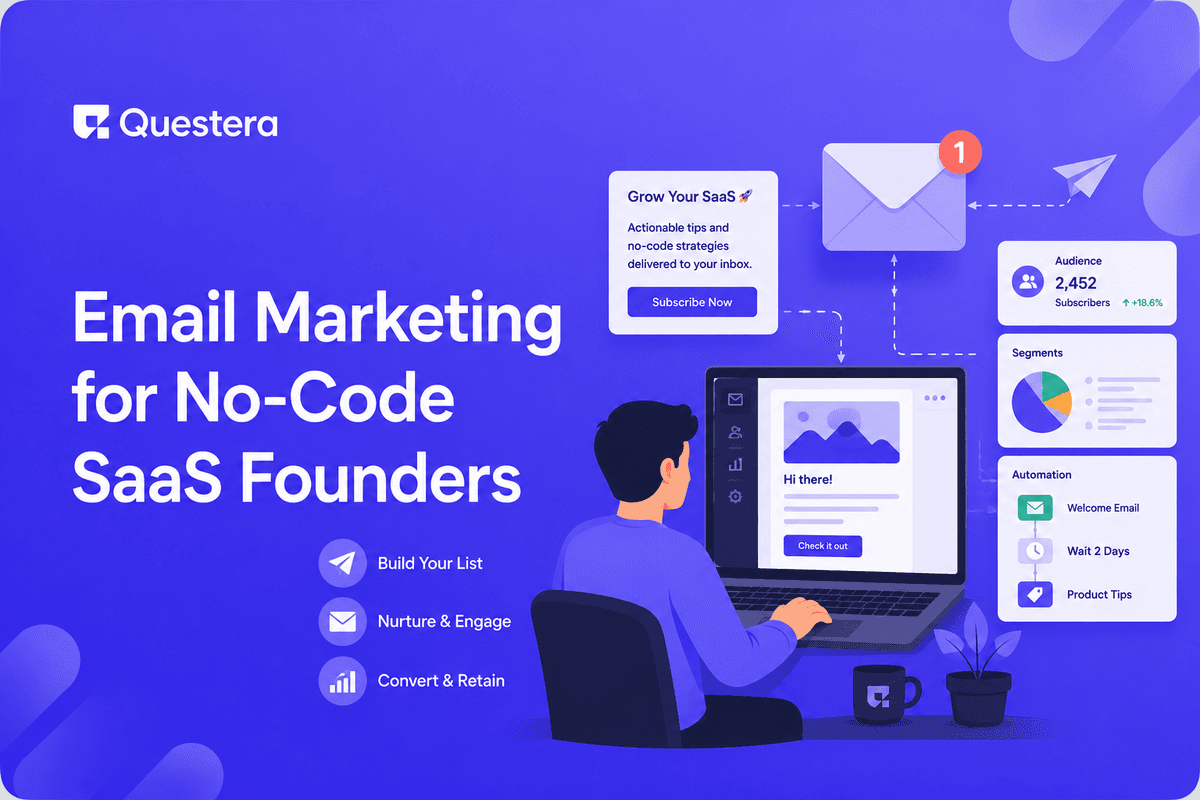
Email is the highest-ROI channel for SaaS — 40–60% of indie SaaS revenue traces back to email at maturity. The realistic stack for no-code SaaS founders: Resend or Postmark for transactional, ConvertKit or Beehiiv for marketing, Customer.io or Loops for lifecycle automation. This guide covers what to send, when, the automation flows that actually move metrics (welcome series, activation nudges, expansion sequences, win-back), the realistic stack at different revenue stages, and the operational discipline that separates email-as-channel from email-as-spam.
Email is the highest-ROI marketing channel for SaaS — period. Multiple industry analyses put email at 40–60% of indie SaaS revenue at maturity. The reason: email is owned (no algorithm changes), measurable (open rates, click rates, conversions), and intimate (one-to-one, sender-to-recipient). No-code SaaS founders often under-invest in email. In 2026, the email stack for no-code SaaS founders is simpler and cheaper than ever.
The Three Categories of SaaS Email
Transactional Email
- Password resets, email verification, signup confirmations
- Payment receipts, invoice notifications
- System alerts (security notifications, account changes)
- Triggered by user action; one-to-one delivery
- Tools: Resend, Postmark, SendGrid, AWS SES
Marketing Email
- Newsletters and product updates
- Educational content and case studies
- Promotional campaigns and sales
- Broadcasted to lists or segments
- Tools: ConvertKit, Beehiiv, Mailchimp, Substack
Lifecycle and Behavioral Email
- Welcome series for new signups
- Activation nudges for users who signed up but haven't completed onboarding
- Engagement campaigns for active users
- Expansion sequences (free → paid, monthly → annual)
- Win-back campaigns for inactive users
- Tools: Customer.io, Loops, Vero, Userlist
The Realistic Stack at Different Stages
| Stage | Transactional | Marketing | Lifecycle |
|---|---|---|---|
| $0–$1K MRR | Resend (free tier) | ConvertKit Free (300 subs) | Loops free tier or skip |
| $1K–$10K MRR | Resend $20/month | ConvertKit $9–$25/month | Loops $25–$50/month |
| $10K–$100K MRR | Resend or Postmark $30–$100/month | ConvertKit $25–$79/month | Customer.io $150+/month or Loops |
| $100K+ MRR | Postmark or AWS SES | Beehiiv or ConvertKit creator tier | Customer.io enterprise |
Most indie SaaS at $0–$10K MRR run on $30–$100/month of email tooling total. The investment scales with revenue; don't over-tool early. Pick the simplest stack that handles your actual sends.
Setting Up Transactional Email
Resend Installation (Recommended for AI-Built Apps)
- Sign up at resend.com
- Add your sending domain; verify DNS records (SPF, DKIM, DMARC)
- Generate API key
- npm install resend
- Send emails via simple API call from your app
- Free tier: 100 emails/day; $20/month for 50K/month
Email Types to Send Transactionally
- Email verification (signup)
- Password reset
- Subscription confirmation
- Payment receipt
- Invoice (monthly/yearly)
- Account changes (email change, password change)
- Security alerts (new device login, etc.)
- Magic link login (if used)
Domain Authentication Essentials
- SPF record — Authorizes your email service to send for your domain
- DKIM record — Cryptographic signature for email authentication
- DMARC record — Policy for handling unauthenticated email
- All three are mandatory in 2026 — Gmail and Outlook require them
- Use a subdomain (e.g., mail.yourdomain.com) for transactional — keeps reputation isolated from your marketing domain
Setting Up Marketing Email
ConvertKit Setup (Most Common for SaaS)
- Sign up at convertkit.com (now Kit)
- Verify sending domain with DNS records
- Build signup form for your site (embed in your app)
- Create welcome sequence (initial broadcast or automation)
- Free tier: 300 subscribers; paid tiers scale to 100K+
What to Send as Marketing Email
- Newsletter — Weekly or biweekly product updates, lessons learned, customer stories
- Product launches — When you ship a new major feature
- Educational content — How-to guides, best practices for your domain
- Case studies — Customer success stories with permission
- Resources — Templates, free tools, useful content
List Building Tactics
- Lead magnet on landing page (template, guide, free tool)
- Exit-intent popup (use sparingly; can hurt UX)
- Newsletter signup in footer of every page
- Signup option in your app
- Cross-promotion with adjacent SaaS
- Content marketing → blog reader to newsletter pipeline
Setting Up Lifecycle and Behavioral Email
Why Lifecycle Email Matters Most for SaaS
- Newsletter: broadcasts to everyone
- Lifecycle: behavioral — triggered by user actions
- Activation rate (users who reach key value moment) directly affected by lifecycle email
- Retention curves significantly improved by good lifecycle email
- ROI: lifecycle email often 5–10× ROI of marketing newsletters
The 5 Essential Lifecycle Flows
- Welcome series — Day 0, 1, 3, 7 after signup
- Activation nudges — Triggered when user signs up but doesn't complete key action
- Engagement re-activation — Triggered when active user goes inactive 7+ days
- Expansion — Triggered when free user hits usage limits or qualifying behavior
- Win-back — Triggered for canceled/churned users after 30–60 days
The Welcome Series
Day 0 (Immediately After Signup)
- Welcome message with founder name (personal feel)
- Single clear next action: complete onboarding
- Link to documentation or quickstart
- Reply prompt — 'Hit reply and tell me what you're trying to accomplish'
- Reply prompts produce real conversations and product insight
Day 1
- Check-in: are you stuck on anything?
- Quick win tutorial — How to get value in 5 minutes
- Customer success story (brief)
- Single CTA: complete next onboarding step
Day 3
- Common use cases overview
- Tutorial for a specific feature
- Showcase what other users have built
- Single CTA: try [specific feature]
Day 7
- How are things going? (ask for feedback)
- Common questions users ask at this stage
- Power user tip (advanced feature)
- CTA: share your feedback or upgrade if free
Activation Nudges and Win-Back Campaigns
Activation Nudges
- Trigger: signed up but didn't complete key action in 24h
- First nudge: gentle reminder with quickstart link
- Second nudge (72h after signup): offer help via reply
- Third nudge (7 days after signup): final reminder before deactivating from sequence
Win-Back Campaigns
- Trigger: canceled subscription or churned user 30–60 days ago
- Send 1: 'We miss you' with quick reactivation offer
- Send 2: 'What can we improve?' (genuine survey)
- Send 3: Discount or extended trial offer
- Conversion: 5–15% of churned users reactivate; higher for products with episodic usage patterns
Deliverability Essentials
- SPF, DKIM, DMARC — Required for inbox delivery in 2026
- List hygiene — Remove hard bounces immediately; remove inactive after 6 months
- Engagement maintenance — Inactive subscribers hurt sender reputation
- Warm up new sending domains — Don't blast 10K emails from a brand-new domain
- Avoid spam triggers — 'Free!', excessive exclamation marks, all caps, weird formatting
- Plain text alternatives — Include text version alongside HTML
- Reply-to address that works — Forwarded to a real person who responds
- Unsubscribe link prominent — Required by CAN-SPAM and GDPR
Email Metrics to Track
| Metric | Healthy Range | Note |
|---|---|---|
| Open rate | 20–40% | Lower than historical due to Apple Mail privacy |
| Click rate | 2–8% | Varies by content type |
| Click-to-open rate | 10–25% | Better indicator than raw click rate |
| Unsubscribe rate per send | <0.5% | Above 1% indicates problems |
| Bounce rate | <2% | Above 5% indicates list hygiene issues |
| Spam complaint rate | <0.1% | Above 0.3% triggers ISP penalties |
| Reply rate (for personal emails) | 1–5% | Higher = better conversation |
Compliance Basics
- CAN-SPAM (US) — Unsubscribe link, physical address, no deceptive subject lines
- GDPR (EU) — Explicit opt-in consent, ability to delete data, lawful basis
- CASL (Canada) — Strict opt-in requirements
- CCPA (California) — Opt-out mechanism, data deletion
- Use double opt-in for EU users (sends confirmation email before adding to list)
- Store proof of consent (timestamp, IP, source)
Common Mistakes No-Code SaaS Founders Make with Email
- Skipping email entirely — Underestimating email's ROI is the most common and most expensive mistake.
- Sending only newsletters, no lifecycle — Behavioral email drives higher ROI than broadcasts. Build lifecycle flows.
- Sending too often — Daily emails from B2B SaaS feels spammy. Weekly is usually right; monthly is fine for newsletter.
- Generic 'newsletter' that doesn't match audience — Be specific to your audience's needs.
- Ignoring domain authentication — Gmail/Outlook requirements got stricter. Without SPF/DKIM/DMARC, emails go to spam.
- No-reply email addresses — Sends signal you don't want conversation. Use real email that someone monitors.
- Buying email lists — Cold email is different from bought lists. Bought lists destroy sender reputation.
- Not measuring — Open rates, click rates, conversions. Without measurement, you can't improve.
- Forgetting unsubscribe management — Required by law. Make it easy.
- Treating all subscribers the same — Segment by behavior, plan, source. Different messages for different segments.
- Mixing transactional and marketing — Use different sending domains/subdomains to protect deliverability.
- Skipping welcome series — The most important automation. Don't skip.
Frequently Asked Questions
How often should I send marketing email?
Weekly newsletter is the sweet spot for most SaaS. Monthly is fine for slower-paced content. Daily is too often unless you've earned daily attention (specific niches like daily news or daily learning content). Test your specific audience.
Should I send from founder name or company name?
Founder name for early-stage SaaS (more personal, higher reply rate). Company name for established brands. Many indie founders maintain founder-name sending throughout — keeps the personal connection.
How do I build my list without spamming?
Lead magnets (templates, guides, free tools), newsletter-first content strategy, signups embedded in your app, content marketing → reader → subscriber pipeline. Quality over quantity always. 1,000 engaged subscribers beat 10,000 disengaged.
How much time should I spend on email per week?
Early stage: 4–8 hours/week (writing newsletter, building flows, analyzing metrics). Established: 2–4 hours/week (mostly maintenance and optimization). Front-load investment in building flows; ongoing time decreases as automation does the work.
Should I use AI to write my emails?
For ideas and first drafts, yes. For final voice, edit heavily. AI-generated emails often have a detectable 'AI tone' — too perfect, lacking specific opinions. Your audience can tell. Use AI as starting point; revise into your voice.
Email is the highest-ROI channel for SaaS — 40–60% of indie SaaS revenue traces back to email at maturity. Most no-code founders under-invest in it. The stack: Resend or Postmark for transactional, ConvertKit or Beehiiv for marketing, Customer.io or Loops for lifecycle. Lifecycle email matters most. Welcome series, activation nudges, engagement re-activation, expansion, win-back. Deliverability matters. If you're a no-code SaaS founder and email isn't a major channel for you, start this week. The no-code SaaS founders who treat email seriously consistently outperform those who don't.





© 2026 Questera
Follow in Google