






How to Build an Internal HR Dashboard Without Coding
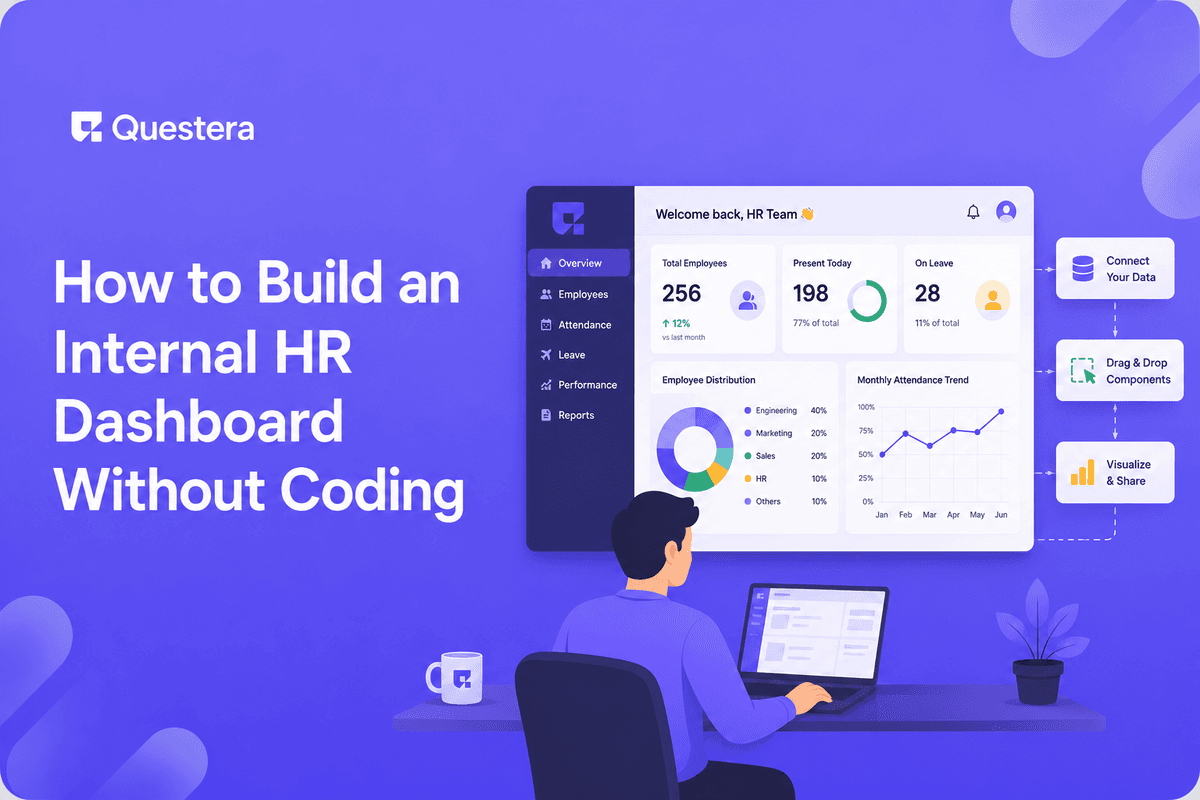
An internal HR dashboard is one of the highest-leverage no-code builds for small companies and indie teams. The v1 covers employee profiles, time-off tracking, document storage, onboarding workflows, and basic reporting — all in 1–2 days with modern AI app builders. The cost: your time. The result: stop paying $8–$15/employee/month to BambooHR, Gusto HR, or Rippling for features you'll customize to your workflow anyway.
Introduction
HR software is one of the most over-paid-for categories in modern small companies. BambooHR, Gusto HR, Rippling, Justworks — they all charge $8–$15/employee/month for features most small teams customize to their specific workflow anyway. For a 20-person company, that's $2,000–$3,500/year in HR software subscriptions, much of it for features the team rarely uses.
The 2026 alternative for small teams and indie companies: build the internal HR dashboard that fits your exact workflow. With modern AI app builders, the v1 covers employee profiles, time-off tracking, document storage, onboarding workflows, and basic reporting in 1–2 days. The cost is your time.
When to Build vs Buy HR Software
Build Makes Sense When
- Small team (1–25 employees) where per-employee pricing dominates the math
- Specific workflow that off-the-shelf HR tools handle awkwardly
- Data sovereignty matters — you want to own employee data on your own database
- Strong privacy considerations (founders concerned about employee data sitting on a third-party SaaS)
- Integration with existing internal tools matters more than HR-specific features
Buy Makes Sense When
- Payroll is required — Payroll has heavy compliance requirements that aren't suitable for a weekend build
- Benefits administration — Health insurance, retirement plan administration require specialized vendors
- Tax filing and compliance — Federal/state/local tax filing has serious accuracy requirements
- Larger team (50+) where automation pays for licensed software multiple times over
- Team without internal tech capability — Off-the-shelf has support; custom needs internal maintenance
The honest pattern: build the internal dashboard for employee data, time-off, documents, and onboarding workflows. Buy specialized vendors for payroll, benefits, and tax. Many small companies end up with this hybrid: custom HR dashboard + Gusto/Justworks for payroll specifically.
The HR Dashboard Data Model
| Entity | Key Fields | Relationships |
|---|---|---|
| Employee | Name, Email, Role, Manager, Start Date, Status, Custom Fields | Has many Documents, TimeOff Requests; reports to Employee (manager) |
| Department | Name, Lead, Description | Has many Employees |
| TimeOff Request | Employee, Type, Start Date, End Date, Status, Approver, Notes | Belongs to Employee |
| Document | Employee, Type, File, Visibility, Uploaded At | Belongs to Employee |
| OnboardingTask | Employee, Task, Due Date, Assignee, Status | Belongs to Employee |
| PerformanceReview | Employee, Reviewer, Period, Rating, Notes | Belongs to Employee |
| Compensation | Employee, Effective Date, Salary, Bonus, Equity | Belongs to Employee (audit log) |
The 1–2 Day Build Sequence
Day 1, Hours 1–2: Spec and Scaffold
- Write the 1-page PRD: team size, what's needed, what's NOT needed (payroll, benefits — typically skip these for v1)
- Scaffolding prompt: 'Build an internal HR dashboard. Pages: Employees (list and detail), Time Off (request and approve), Documents (upload and view), Onboarding (task tracking), Settings. Auth via SSO with Google Workspace.'
- Auth via Google Workspace SSO is ideal for internal tools — every employee already has an account
- Data model implementation: tables for each entity, RLS so employees see their own data + admins see everything
Day 1, Hours 3–4: Employee Profiles
- Build the employee list view — filter by department, manager, status, role
- Add employee detail page with editable fields (admin-only for sensitive data like compensation)
- Add custom fields per employee (emergency contact, equipment, certifications, training)
- Org chart view — visual hierarchy of who reports to whom
Day 1, Hours 5–6: Time-Off Tracking
- Build time-off request form — type (vacation, sick, personal), dates, notes
- Approval workflow — manager receives notification; can approve/reject with comments
- Time-off balance tracking — accrual rates by employee, used vs available
- Calendar view — team time-off visible to all (privacy-aware: see who's out, not always why)
Day 1, Hours 7–8: Documents
- File upload per employee (offer letters, tax forms, ID copies, signed agreements)
- Document types with visibility rules — Tax forms admin-only; Offer letters visible to employee
- Version history for documents that update (annual reviews, salary changes)
- Bulk upload for HR transitioning from existing files
Day 2, Hours 1–3: Onboarding Workflows
- Onboarding template — defined list of tasks new hires need to complete (IT setup, paperwork, team intros, training)
- Per-employee onboarding instance — when a new hire is added, tasks are auto-generated from the template
- Task assignment — some tasks for the new hire, some for HR, some for the manager, some for IT
- Progress tracking — visual indicator of where each new hire is in onboarding
Day 2, Hours 4–5: Notifications and Integrations
- Email notifications for time-off requests, onboarding tasks, document uploads
- Slack integration — Time-off approvals notify in HR channel; onboarding milestones post to team channels
- Calendar integration — Approved time-off auto-creates calendar events
- Optional: Payroll integration — Sync new hires and terminations to your payroll vendor (Gusto, ADP, Rippling)
Day 2, Hours 6–8: Reporting, Polish, Launch
- Reports: headcount over time, time-off usage by department, onboarding completion rates, anniversary and birthday tracking
- Mobile responsive — HR data is often checked on phones
- Empty states, error handling, permissions edge cases
- Soft launch to the team — pilot with a few employees first, gather feedback, refine
Permissions: The Layer That Matters Most
Permission Model
- Employee role — Sees own profile, own documents, own time-off, team calendar (visible time-off only)
- Manager role — Sees direct reports' profiles, time-off requests, performance reviews, basic info
- HR Admin role — Sees all employees, all documents, all compensation, all reviews
- Owner / Founder — Full access including admin-only compensation history
Row-Level Security (RLS) Implementation
- Supabase RLS policies enforce permissions at database level — UI cannot accidentally expose data
- Employees see WHERE employee_id = current_user_employee_id (own data only)
- Managers see WHERE employee_id IN (SELECT id FROM employees WHERE manager_id = current_user_employee_id)
- Admins bypass row-level restrictions via service role on backend
- Test permissions thoroughly — accidental exposure of compensation data is the worst-case bug
Compliance Considerations (Even for Internal Tools)
- Employee data privacy — Most jurisdictions require reasonable protection of employee personal data
- GDPR — If you have EU-based employees, GDPR applies even to internal tools. Right to access, right to delete, data minimization.
- CCPA — California-based employees have CCPA rights
- Background check data — If stored, requires extra care (often regulated separately under FCRA in US)
- Compensation data — High sensitivity; access controls strict
- Audit log — Track who accessed what employee data when; required for some regulated industries
Integrations Worth Wiring
- Google Workspace / Microsoft 365 — SSO + user provisioning. New hires auto-provisioned to email and basic tools.
- Slack / Microsoft Teams — Notifications for time-off, onboarding, anniversaries
- Calendar — Time-off auto-creates calendar entries; new hire start dates on team calendar
- Payroll vendor (Gusto, ADP, Rippling, Justworks) — Sync employee changes to payroll
- Document signing (DocuSign, HelloSign, Dropbox Sign) — Offer letters and contracts signed digitally
- Background check (Checkr) — Pre-employment background checks integration
Specific Niche-Fit Features Worth Adding
Want to try one of these? Start on Greta.sh — no setup, no boilerplate — just a prompt.For Remote-First Companies
- Time zone tracking per employee
- Distributed work logistics (equipment shipping, home office reimbursement)
- Async-first onboarding flows
- Remote team coordination (overlap hours, collaborative time windows)
For Agencies and Consultancies
- Project assignment tracking (which employees on which client projects)
- Skill matrix (who has what expertise)
- Billable rate tracking per employee
For Software Companies
- GitHub access management (auto-grant on hire, revoke on departure)
- Equipment provisioning workflow tied to onboarding
- Engineering levels and ladder tracking
Common Mistakes Building Internal HR Tools
- Underestimating permissions complexity — Permissions are the most error-prone part. Test thoroughly before launch.
- Building payroll yourself — Don't. Payroll has heavy compliance requirements. Use Gusto/Rippling/ADP for payroll.
- Skipping the audit log — Knowing who accessed what employee data matters. Build it from day one.
- Over-building before launching — v1 = profiles + time-off + documents + onboarding. Iterate based on team feedback.
- Treating it as set-and-forget — Internal tools need ongoing maintenance. Plan 1–2 hours/month for upkeep.
- Ignoring mobile UX — HR data is checked on phones during travel.
- Skipping the deletion process — Departed employees' data needs to be archived or deleted per policy.
Frequently Asked Questions
Is building HR software really practical for a small team?
Yes for internal employee data, time-off, documents, and onboarding workflows. No for payroll specifically — payroll has compliance requirements that aren't suitable for a weekend build.
What about BambooHR — isn't it good?
BambooHR is genuinely good for the price. For larger teams (50+), the value calculation favors BambooHR. For smaller teams, custom dashboards can deliver fit that BambooHR doesn't, at lower total cost.
How do I handle compliance?
Most small companies operate within reasonable defaults. For EU/UK employees, GDPR requires specific patterns. For California, CCPA. Consult counsel if uncertain.
Can I integrate with my existing payroll?
Yes — most modern payroll vendors (Gusto, Rippling, ADP) have APIs. Build integration to sync employee changes. This is the most common pattern: custom HR dashboard + dedicated payroll vendor.
Key Takeaways
- Internal HR dashboards are one of the highest-leverage no-code builds for small companies. 1–2 days of focused work replaces $2,000–$3,500/year in HR software subscriptions.
- v1 scope: employee profiles, time-off tracking, document storage, onboarding workflows, basic reporting. Skip payroll (use dedicated vendors).
- Permissions are the most error-prone part. Implement Row-Level Security carefully; test thoroughly. Compensation exposure is the worst-case bug.
- Compliance considerations matter even for internal tools — GDPR for EU employees, CCPA for California, basic encryption and access controls everywhere.





© 2026 Questera
Follow in Google