






How to Build a Habit Tracker App with AI
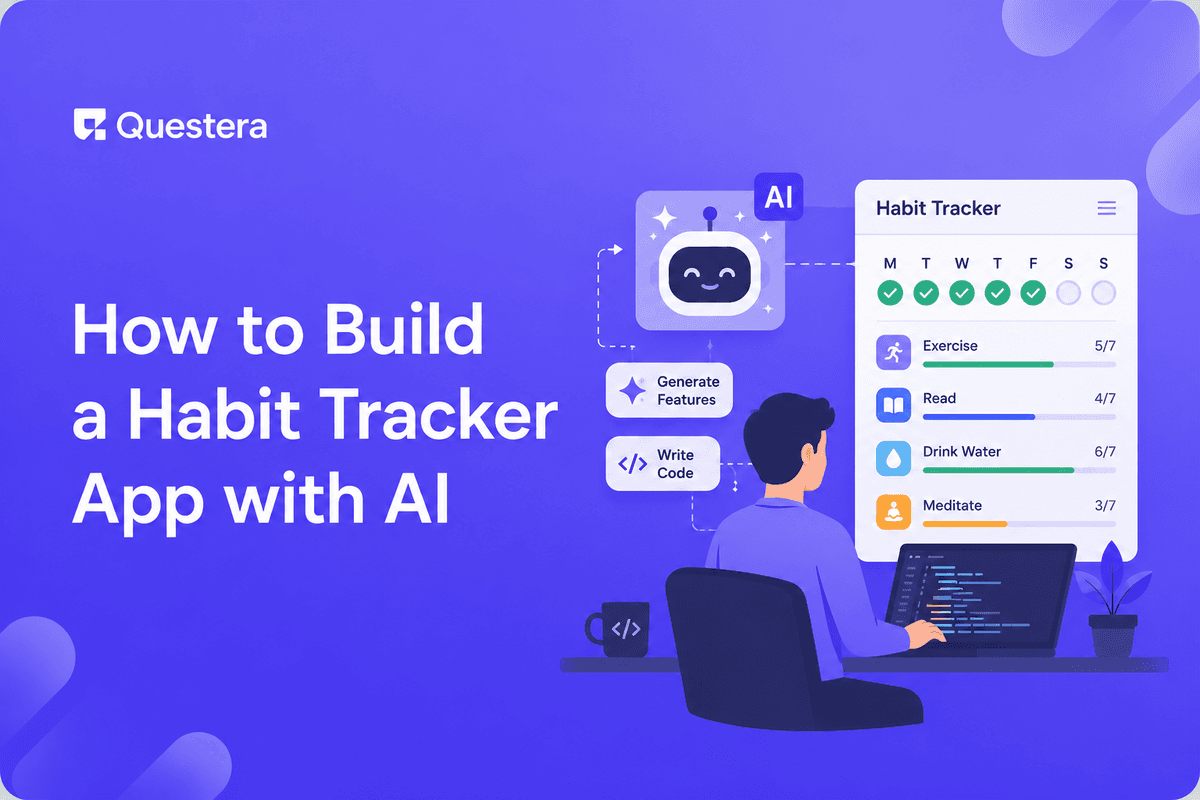
You can build a habit tracker app with AI in 3–7 days using vibe coding platforms like Greta, Lovable, or Bolt. The build covers habit creation, daily check-ins, streak tracking, progress charts, reminders, and accounts. The result is a focused, customizable habit app — not a clone of Streaks or Habitica — tailored to one niche (founders, fitness, recovery, study, parenting).
Introduction
Habit tracker apps are a deceptively crowded category. In 2026, AI vibe coding makes it realistic for a solo founder to ship a habit tracker tailored to a specific audience in under a week. The key is picking a psychology angle and a niche before writing a single prompt — the tools are fast enough that the decisions matter more than the build time.
What Kind of Habit Tracker Can You Build with AI?
A habit tracker you can realistically build with AI is a focused, niche-targeted app — not a do-everything competitor to Streaks.
What the AI-Built Habit Tracker Includes
A realistic v1 has seven things: habit creation with frequency settings (daily, weekly, custom), daily check-in screen, streak tracking with visual feedback, a calendar or grid view of past activity, progress charts (completion rate over time), basic reminders, and customer accounts.
What It Doesn't Include
- Social features (friend feeds, sharing)
- Gamification with avatars and quests (Habitica's territory)
- AI coach conversations
- Deep wearable integrations (Apple Health two-way sync)
- Complex routines (chained morning routines with timers)
Which AI Platform Should You Use to Build a Habit Tracker?
| Platform | Best For | Why It Works for Habit Trackers |
|---|---|---|
| Greta | Solo founders, full SaaS + landing page | Mobile-responsive, bundled growth tooling, predictable pricing |
| Lovable | Design-led trackers with brand identity | Strong UI polish, Visual Edits mode for daily-use interfaces |
| Bolt.new | React-comfortable builders | WebContainers speed, Figma import for designer-led builds |
How to Build a Habit Tracker with AI — Step by Step
Day 1: Pick Your Psychology Angle and Scaffold
Psychology angles to choose from: shame avoidance (don't break the streak), positive reinforcement (celebrate every check-in), identity (you're becoming a runner), or community (your accountability partners are watching). Then scaffold with this prompt:
"Build a habit tracker app for [target audience]. Core psychology: [streak avoidance / positive reinforcement / identity-based / community]. Include 4 screens: Today (check-in for today's habits), Habits (list of all habits with edit/delete), Stats (streak summary + progress charts), Settings. Use bottom tab navigation. Design vibe: [warm + supportive / clinical + precise / playful + motivating], with a single accent color [hex]."
Build this with a prompt on Greta.sh — describe the app, Greta writes and deploys it.Day 2: Build the Data Model
- "Create a User table with fields: id, email, name, timezone, created_at, reminder_time (default 8:00 AM)."
- "Create a Habit table with fields: id, user_id, name, description, frequency (daily/weekly/custom), target_count, color, icon, active (boolean), created_at, archived_at."
- "Create a CheckIn table with fields: id, habit_id, user_id, completed_at (timestamp), value (number for trackable habits), notes (optional). Composite index on habit_id + completed_at for fast streak queries."
- "Add row-level security: each user can only read/write their own habits and check-ins. Use Supabase RLS policies."
Day 3: Build the Daily Check-In Flow
- "Build the Today screen showing all active habits for the current day. Each habit appears as a card with name, target, current streak, and a large completion button."
- "When a user taps the completion button, log a CheckIn record with completed_at = now() and update the visual to show completed state. Add a small celebration animation (200ms scale up, accent color flash)."
- "Show the current streak prominently on each habit card. Calculate streak as consecutive days the habit was completed."
- "Allow undo for the last 5 minutes — if a user accidentally taps complete, they can revert."
Day 4: Build Habit Management and Stats
- "Build the Habits screen as a list of all habits with name, frequency, current streak, and quick toggle to archive. Tap a habit to edit (name, frequency, target, color, icon)."
- "Build an Add Habit flow — name, frequency (daily/weekly/custom), target count, color picker, icon picker."
- "Build the Stats screen with: total habits completed this week, longest active streak, a 30-day grid view (like GitHub contributions but for habits), and a line chart of weekly completion rate."
- "For each habit, show a calendar heat map of completion history when the user taps into it."
Day 5: Add Auth, Sync, and Reminders
- "Add email magic link authentication. New users land on a friendly onboarding that asks them to create their first habit before showing the dashboard."
- "Sync check-ins in real time across devices. If a user marks a habit complete on their phone, the iPad app updates within 1 second."
- "Add a daily reminder email at the user's chosen time. Include the day's habits and current streaks. Skip the reminder for users who have already checked in all habits."
- "Add browser push notifications as an alternative to email reminders (with permission prompt on first use)."
Day 6: Polish for Mobile and Onboarding
- "Make every screen feel native on mobile — large tap targets (minimum 48px), bottom-sheet modals instead of center modals, safe area handling for notched devices."
- "Build a 3-step onboarding: welcome (your psychology angle), create first habit, set reminder time."
- "Add empty states for every screen."
- "Test the full flow on a real phone."
Day 7: Add Monetization and Launch
- "Add a Free tier (up to 3 habits) and Pro tier ($4.99/month or $39/year, unlimited habits + history export + advanced charts). When a free user tries to add a 4th habit, show an upgrade modal with Stripe Checkout."
- "Set up basic analytics with conversion event tracking on Sign Up, First Habit Created, First Check-In, and Upgrade."
- "Connect a real domain (not a platform subdomain)."
- "Switch Stripe from test mode to live mode."
- "Build a simple landing page focused on the psychology angle."
What Features Should You Skip in v1?
- Social features and friend feeds
- AI coach conversations
- Wearable integrations
- Gamification with avatars and quests
- Complex chained routines with timers
- Multi-language support
- Public profile pages
- Detailed habit templates and library
Which Audiences Are Habit Trackers Most Profitable For?
- Solo founders and high-performers — Willing to pay for productivity tools, recurring revenue works.
- People in recovery (sobriety, smoking cessation) — High emotional stakes, willingness to pay $10–$15/month or higher.
- Students and exam preppers — Concentrated willingness to pay during exam periods.
- Parents coordinating family routines — Higher household budget but more comparison shopping.
- Fitness niches (running, lifting, yoga consistency) — Crowded but proven.
- Therapy supplements (CBT-style tracking) — Real value, sensitive market.
Audiences that rarely pay: casual general users, people looking for free productivity apps.
Common Mistakes to Avoid
- Building for everyone — the category is crowded with generalists; pick a niche.
- Skipping the psychology angle — the psychology is the product differentiation.
- Over-engineering streaks — start simple; users care about the number, not the algorithm.
- Ignoring mobile from day one — habit trackers are used on phones, not desktops.
- Forgetting reminders — without reminders, users drop off in days.
- Building a free-forever app — freemium with a $4.99+ tier is the proven path.
- Trying to monetize through ads — habit tracker users won't tolerate ads in a daily-use app.
- Skipping the data export — users who care about their streak data will leave if they can't export it.
Frequently Asked Questions
Can a non-developer really build a habit tracker app with AI?
Yes — modern AI vibe coding platforms like Greta, Lovable, and Bolt can scaffold a working habit tracker in 3–7 days using structured prompts. The bottleneck isn't engineering; it's clarity of audience and psychology angle.
How long does it take to build a habit tracker with AI?
A focused solo founder can ship a usable v1 habit tracker in 3–7 days. Simple single-habit-type apps can be built in 1–2 days. Multi-habit apps with reminders, multi-device sync, and analytics take closer to 7 days.
How does an AI-built habit tracker compare to Streaks or Habitica?
For specific audiences with focused psychology angles, custom-built habit trackers win on fit. Streaks and Habitica are excellent generalists; custom apps win by being deliberately narrow.
Will the AI-built habit tracker work as a native app?
Modern AI builders produce mobile-responsive web apps that work as PWAs (installable on home screens). For App Store and Play Store distribution, you'll need either a React Native wrapper or a native build — typically v2+ for most indie habit trackers.
How do I monetize a habit tracker?
The fastest path is freemium — free for up to 3 habits, $4.99/month or $39/year for unlimited habits plus advanced features. Habit trackers have proven willingness to pay in the $3–$10/month range.
How much does it cost to build and run a habit tracker?
Total cost is typically $50–$150/month: AI platform subscription ($20–$50), AI API credits ($0–$30), domain ($12/year), transactional email ($0–$20/month), and Stripe (2.9% + 30¢ per transaction).
What's the biggest risk when building a habit tracker?
Building for everyone. The habit tracker category is crowded with generalists; specific audiences with focused psychology angles are how new entrants win.
Key Takeaways
- Building a habit tracker with AI in 2026 is genuinely realistic — for focused, niche-targeted audiences with a clear psychology angle. The build takes 3–7 days.
- The right scope is focused: habit creation, daily check-ins, streaks, basic stats, reminders. Skip social, gamification, AI coaches, and wearable sync for v1.
- Psychology angle matters more than features — it's what differentiates your app from every generic tracker.
- Mobile-first design and daily reminders are table stakes. Freemium pricing ($3–$10/month) is the proven monetization path.





© 2026 Questera
Follow in Google