






How to Build a Freelancer Portfolio + Client Portal in One Prompt
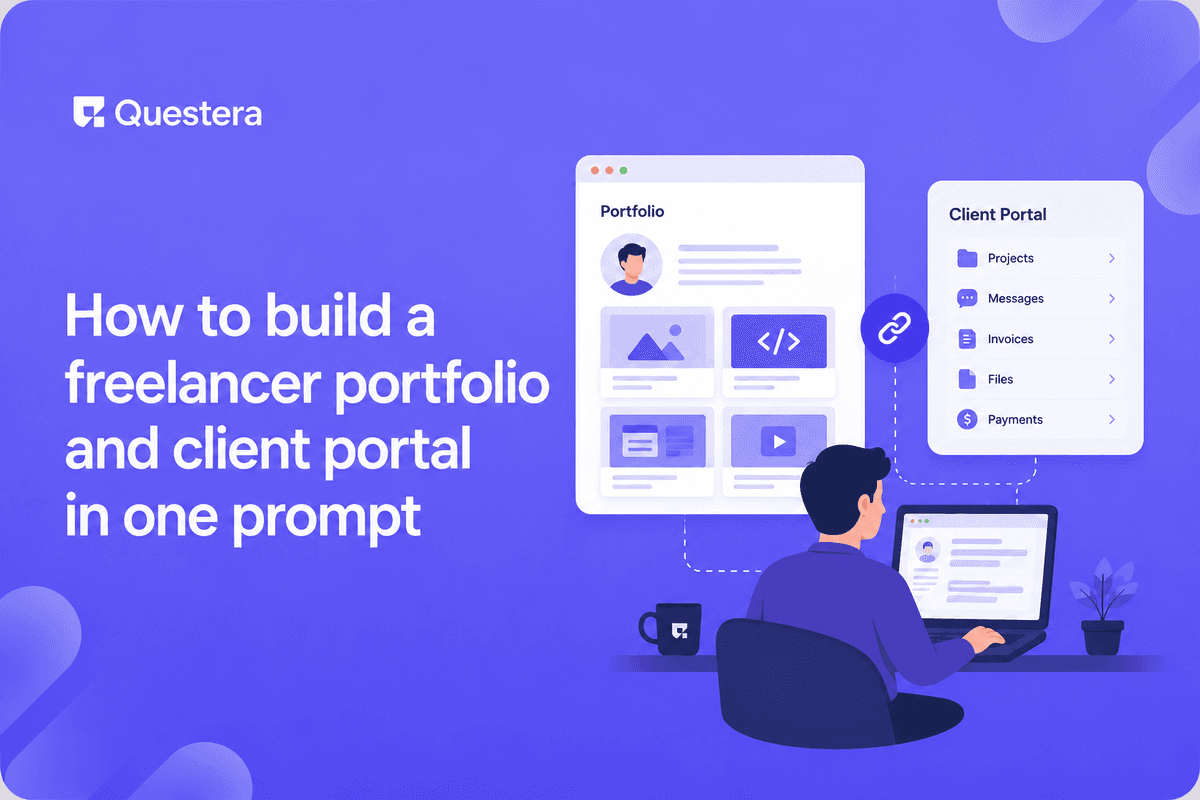
Freelancers juggle a stack of tools: a portfolio site (Webflow, Squarespace) to win work, a client portal or shared folder (Google Drive, Dropbox) to deliver it, an invoicing tool (FreshBooks, Stripe) to get paid, and email for everything else. The handoffs are clunky, the client experience is fragmented, and the freelancer pays for and maintains four things.
A single app can do all of it: a public portfolio that wins the work, and a private client portal that delivers it — projects, files, invoices, approvals, messages — all in one place the client logs into. With an AI app builder, this is one app from one well-structured prompt. This guide shows the exact prompt structure, the architecture, the security model (critically, each client must see only their own workspace), and the realistic build sequence.
Got an idea? Build it now!
Just start with a simple Prompt
Get Started Today


The Two Halves of the App
Public Portfolio (Wins Work)
- Work samples / case studies
- About / services
- Testimonials
- Contact or inquiry form
- Clear call to action
- SEO-friendly (it's how prospects find you)
Private Client Portal (Delivers Work)
- Client login
- Per-client project workspace
- File sharing (deliverables, assets)
- Invoices and payment (Stripe)
- Approval / feedback on deliverables
- Messaging / project updates
- Each client sees only their own workspace
The One-Prompt Structure
A single well-structured prompt can generate the whole app. The key is being specific about both halves, the data model, and the security requirement. Here's the structure to give an AI app builder:
- App purpose: 'A freelancer portfolio with an integrated client portal'
- Public side: 'A public portfolio with work samples, about, services, testimonials, and a contact form'
- Private side: 'A client login where each client sees a private workspace with their projects, shared files, invoices they can pay via Stripe, deliverable approvals, and a message thread'
- Data model hint: 'Clients, Projects (belong to a client), Files (belong to a project), Invoices (belong to a client), Messages (belong to a project)'
- Security requirement: 'Each client must only be able to access their own projects, files, invoices, and messages — enforce row-level security'
- Stack: 'Next.js, Supabase for auth and database, Stripe for invoice payment'
Why structure matters: vague prompts produce vague apps; specific prompts produce usable ones. Naming the data model gets the relationships right. Explicitly stating the security requirement (RLS) reduces the chance it's missed. Specifying the stack keeps output consistent and ownable. One detailed prompt beats many vague iterations.
The Data Model
- Freelancer (the single owner — you)
- Client (id, name, email, company, status)
- Project (id, client_id, title, description, status, start_date)
- File (id, project_id, name, file_url, uploaded_by, uploaded_at)
- Invoice (id, client_id, project_id, amount, status, stripe_payment_id, due_date)
- Deliverable (id, project_id, name, file_url, approval_status, feedback)
- Message (id, project_id, sender, body, created_at)
- PortfolioItem (id, title, description, image_url, category) — public side
Got an idea? Build it now!
Just start with a simple Prompt
Get Started Today
The Security Model (the Critical Part)
- Each client sees ONLY their own projects, files, invoices, messages
- RLS on every client-data table keyed to the logged-in client
- Test with two client accounts — Client A must not reach Client B's data
- Public portfolio is open; everything behind login is isolated
- The freelancer (owner) sees everything; clients see only theirs
- This is the single most important thing to get right — a leak exposes client work and invoices
Core V1 Scope
- Public portfolio (samples, about, contact)
- Client login and per-client workspace
- Project workspace (status, description, timeline)
- File sharing (upload, download, organize)
- Invoices with Stripe payment
- Deliverable approval and feedback
- Project messaging
- Owner dashboard (manage clients, projects, invoices)
What to Skip in V1
- Time tracking (integrate or add later)
- Contracts/e-signature (integrate DocuSign later)
- Recurring retainers (one-off invoices v1)
- Multi-freelancer / agency mode (single freelancer v1)
- Advanced file versioning (basic v1)
- Calendar/scheduling (link Calendly v1)
The Build Sequence (4-7 Days)
- Day 1: One-prompt generation and review — run the structured prompt, review structure, verify data model and RLS present, identify gaps
- Day 2: Public portfolio — portfolio items and case studies, about/services/testimonials, contact form, SEO basics
- Day 3-4: Client portal core — client login and workspace, project workspace, file sharing, verify RLS isolation with two test clients
- Day 5: Invoices and payment — invoice creation (owner), Stripe payment (client), payment status tracking
- Day 6: Approvals and messaging — deliverable approval and feedback, project messaging, notifications (email on new message, invoice, deliverable)
- Day 7: Security review, polish, launch — security audit (RLS isolation is critical), polish client experience, onboard first real client
Why One App Beats Four Tools
- Unified client experience (one login, not scattered links)
- Professional impression (custom portal vs shared Drive folder)
- You own it (no per-tool subscriptions stacking up)
- Consistent branding across portfolio and portal
- Less context-switching for you
- Easier to add features as your freelance business grows
Got an idea? Build it now!
Just start with a simple Prompt
Get Started Today
Common Mistakes
- Skipping RLS — Clients seeing each other's work and invoices is catastrophic. Enforce and test isolation.
- Vague prompt — 'Make me a freelancer site' produces a vague app. Use the structured prompt.
- Not testing with two clients — RLS bugs only show with multiple accounts. Test Client A can't reach Client B.
- Treating the portal as an afterthought — The portal is the differentiator vs a plain portfolio.
- Building agency features in v1 — Single freelancer first; agency mode is more scope.
- No payment integration — Getting paid is core. Wire up Stripe invoices.
- Skipping the security review — Client data and invoices demand an audit before real clients.
- Forgetting notifications — Clients won't check the portal unprompted. Email on key events.
- Over-scoping v1 — Time tracking, contracts, retainers can wait. Ship the core.
- Neglecting the public portfolio's SEO — It's how prospects find you. Don't ignore it.
- Rebuilding invoicing from scratch — Use Stripe; don't reinvent payment.
- Poor file organization — Clients need to find deliverables easily. Organize by project.
Frequently Asked Questions
Can this really be one prompt?
The initial generation can come from one well-structured prompt covering both halves, the data model, the security requirement, and the stack. You'll iterate to refine and harden, but a detailed prompt produces a working foundation in one shot — far better than vague back-and-forth.
What's the most important thing to get right?
RLS — each client seeing only their own workspace. A freelancer portal leaking one client's files or invoices to another is a serious breach of trust and confidentiality. State the requirement in the prompt and test isolation with two accounts before any real client.
How do clients pay invoices?
Stripe. The owner creates an invoice; the client sees it in their portal and pays via Stripe Checkout. Payment status updates automatically. Don't rebuild payment — Stripe handles it.
How do clients know there's something new?
Email notifications on key events — new message, new deliverable, new invoice. Clients won't log in unprompted. Notifications drive them back to the portal. Build them in v1.
Do I own this app?
With Greta or a similar code-generating builder, yes — real code in your GitHub. You own the portfolio and portal, can customize freely, and avoid stacking subscriptions for four separate tools. Ownership is part of the appeal vs assembled no-code tools.
A freelancer's public portfolio and private client portal can be one app from one well-structured prompt — winning work and delivering it in the same place. The prompt structure matters: specify both halves, name the data model, state the RLS security requirement explicitly, and specify the stack. RLS is the critical thing to get right — each client sees only their own projects, files, invoices, and messages; test with two accounts before any real client. One app you own beats four tools you rent, and the professional client experience wins repeat work. Prompt it. Harden it. Win and deliver work in one place.
Got an idea? Build it now!
Just start with a simple Prompt
Get Started Today
Ready to be a
10x Marketer?
See it in action



