






How to Build an AI Travel Itinerary Planner App
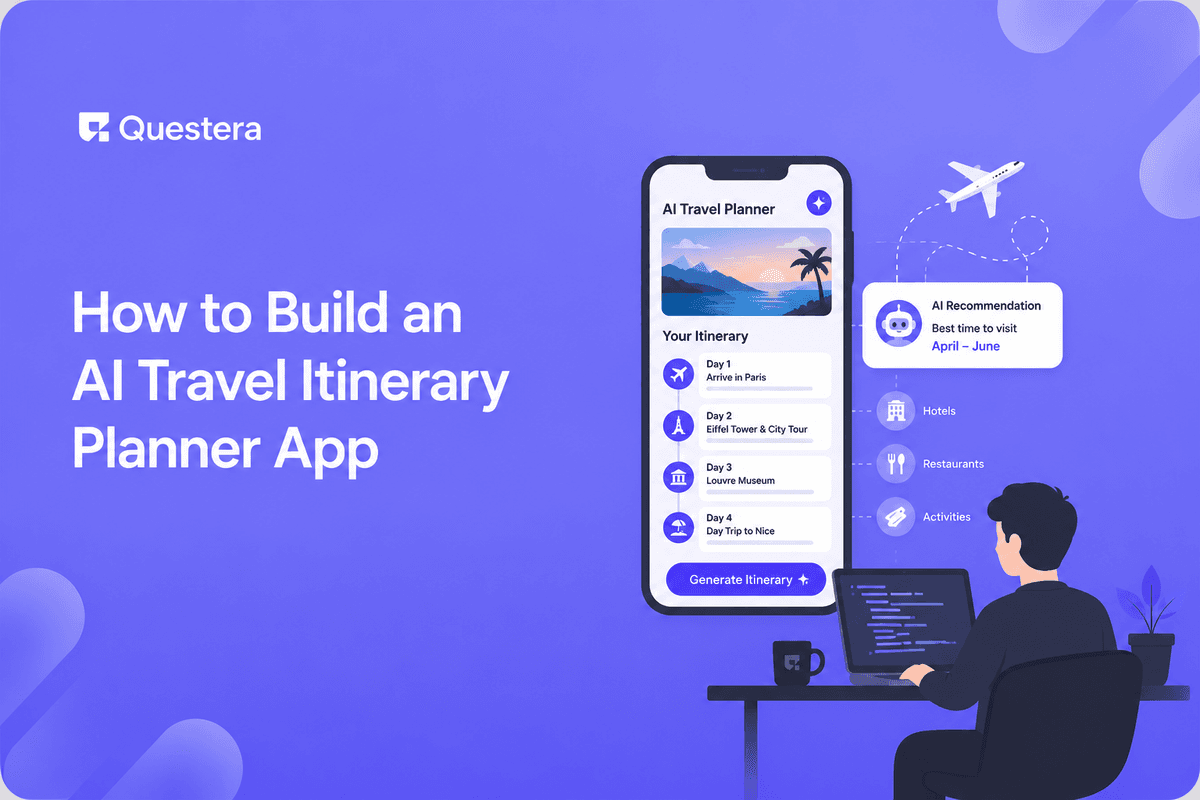
AI travel itinerary planners are a popular build — the value is obvious (planning a trip is tedious; AI can draft a plan in seconds) and the demo is delightful. Type 'Tokyo, 5 days, food and culture,' get a day-by-day itinerary with activities, timing, and a map. The space is crowded (many apps, plus ChatGPT itself does this), but niches and better execution remain viable.
With AI app builders, the core of a travel itinerary planner is buildable in 6-9 days. Trip input, AI-generated itinerary, maps integration, an editable plan, and save/share. The harder parts are specific to AI travel apps: controlling AI generation cost, data accuracy (LLMs hallucinate places and get hours wrong), maps and places API costs, and monetization in a crowded category. This guide covers the build, the architecture, grounding the AI to reduce hallucination, cost control, and the honest take on differentiation.
The Crowded-Space Reality (Read First)
- Many AI travel planners exist; ChatGPT does this conversationally too
- Differentiation matters — generic 'AI plans your trip' isn't enough
- Niches work: specific travel styles (budget backpacking, luxury, family, accessibility, foodie, adventure)
- Execution matters: accurate data, real bookings, beautiful maps beat a raw LLM dump
- Decide your wedge before building — what makes yours worth using over ChatGPT?
Core V1 Scope
- Trip input (destination, dates, travelers, preferences/interests, pace, budget)
- AI-generated day-by-day itinerary (activities, timing, brief descriptions)
- Places grounding (real places via a places API, not just LLM memory)
- Map view (pinned locations, day routing)
- Editable itinerary (reorder, add, remove, adjust timing)
- Save trips (user accounts)
- Share itinerary (public link)
What to Skip in V1
- Real-time booking integration (link out to booking sites v1)
- Flight search (huge scope; link to existing tools)
- Hotel booking (link out; affiliate later)
- Collaborative editing (single-user v1; collaboration v2)
- Offline mode (defer)
- Native mobile apps (PWA suffices)
- Live pricing for activities (static info v1)
The Architecture
Three Core Pieces
- LLM (Claude/GPT) — generates the itinerary structure and descriptions
- Places API (Google Places, Foursquare) — real places, hours, locations, ratings
- Maps (Google Maps, Mapbox) — display pins and routing
The Generation Flow
- User submits trip parameters
- LLM generates itinerary structure (which types of activities, rough plan per day)
- For each suggested place, query places API to confirm it's real and get accurate data (hours, location, rating)
- Drop or replace hallucinated/closed places
- Assemble grounded itinerary with real coordinates
- Render on map with day routing
- Present editable plan to user
Why Grounding Matters
- LLMs hallucinate places that don't exist or have wrong details
- LLMs have stale knowledge (places close, hours change)
- Grounding with a places API confirms reality and gets current data
- Without grounding, your app confidently sends users to closed or fictional places
- This is the single biggest quality differentiator vs a raw LLM dump
Cost Control (the Part That Surprises People)
AI Generation Cost
- Each itinerary generation uses LLM tokens (cost per generation)
- Long itineraries (10-day trips) use more tokens
- Free users generating many itineraries can run up cost fast
- Mitigate: cache common destinations, limit free generations, use cheaper models for structure
Places and Maps API Cost
- Places API charges per query (grounding each place costs)
- Maps charges per load and per feature
- A single itinerary can trigger many API calls
- Mitigate: cache place data, batch queries, set quotas, monitor usage
- These costs can exceed LLM costs if not managed
Cost-Aware Design
- Free tier with generation limits
- Cache popular destinations and place data aggressively
- Monitor per-user cost; flag abuse
- Price paid tiers to cover generation + API cost with margin
- Don't offer unlimited free generation — it's a cost trap
The Data Model
- User (id, email, preferences)
- Trip (id, user_id, destination, start_date, end_date, travelers, preferences, status)
- ItineraryDay (id, trip_id, day_number, date)
- Activity (id, day_id, place_id, name, type, start_time, duration, notes, lat, lng, order)
- Place (id, external_place_id, name, address, lat, lng, hours, rating, cached_at)
- SharedTrip (id, trip_id, public_slug, created_at)
The 6-9 Day Build Sequence
- Day 1-2: Scaffolding and trip input — auth, data model, dashboard, trip input form, trip list and management
- Day 3-4: AI generation with grounding — LLM integration, places API grounding, drop/replace hallucinated places, cache place data
- Day 5-6: Maps and itinerary display — map integration (pins, routing), day-by-day view, activity detail (hours, rating, description)
- Day 7: Editing — reorder activities, add/remove with places search, adjust timing, regenerate a single day
- Day 8: Save and share — save trips to account, public share link, cost controls (generation limits, quota monitoring)
- Day 9: Niche features, polish, launch — your wedge (budget tracking, accessibility info, foodie focus), mobile polish, soft launch
Differentiation Strategies
- Travel style niche (budget backpacking, luxury, family with kids, accessibility, solo female travel, foodie, adventure/outdoor)
- Destination depth (deep expertise in specific regions vs shallow everywhere)
- Real bookings (integrate so users can book, not just plan)
- Beautiful, shareable output (Instagram-worthy itineraries)
- Community (user-shared itineraries as inspiration)
- Accuracy obsession (grounded data that's actually right)
- The wedge is what makes you worth using over ChatGPT
Common Mistakes
- Not grounding the AI — Raw LLM output sends users to fictional or closed places. Ground with a places API.
- Unlimited free generation — AI + API costs add up fast. Limit free tier.
- Ignoring API costs — Places and maps APIs can exceed LLM cost. Cache and monitor.
- No differentiation vs ChatGPT — 'AI plans your trip' isn't enough. Find your wedge.
- Trusting LLM hours/details — They're stale. Get current data from places API.
- Building flight/hotel search — Huge scope. Link out; affiliate later.
- Skipping the editable plan — Users want to adjust AI output. Make it editable.
- No caching — Regenerating and re-querying everything is expensive. Cache aggressively.
- Crowded-space denial — The space is crowded. Differentiate or don't build.
- Pricing below cost — Free unlimited generation loses money. Price to cover generation + API.
- Ignoring mobile — Travel planning happens on phones. Mobile-first.
- Hallucinated routing — Map routing on fictional places is worse than no map. Ground first.
Frequently Asked Questions
Why build this when ChatGPT does it?
ChatGPT generates raw text without grounding, maps, editing, or saving. A dedicated app grounds in real places (accurate hours/locations), shows maps with routing, lets users edit and save, and can serve a niche better. Your wedge is what makes the dedicated app worth it — define it before building.
How do I stop the AI from hallucinating places?
Ground with a places API. Generate structure with the LLM, then confirm each suggested place exists via Google Places/Foursquare, get current data, and drop or replace anything that doesn't check out. Grounding is the biggest quality lever.
What will this cost to run?
AI generation tokens plus places/maps API calls per itinerary. Costs add up with free unlimited use. Cache aggressively, limit free generations, monitor per-user cost, and price paid tiers to cover it with margin. API costs can exceed LLM costs if unmanaged.
Which places API — Google or Foursquare?
Google Places has the broadest coverage and best data but charges per query. Foursquare is competitive and sometimes cheaper. Both work; compare pricing for your expected volume. Cache results to reduce repeat queries regardless.
Can the itinerary be wrong in ways that hurt users?
Yes — sending someone to a closed restaurant or fictional museum is a real failure. Grounding reduces this. Always show current hours, link to maps for verification, and date-stamp data. Set expectations that users should verify before relying on details.
An AI travel itinerary planner's core is buildable in 6-9 days. Ground the AI with a places API — generate structure with the LLM, confirm each place exists and get current data, drop hallucinations. This is the biggest quality differentiator vs a raw LLM dump. Control cost: AI tokens plus places/maps API calls add up; cache aggressively, limit free generation, monitor per-user cost. Differentiate or don't build — the space is crowded (ChatGPT included). Define your wedge first, run the build with grounding as the priority, control costs from day one, and ship something travelers actually rely on.





