






11 Ways to Collaborate With AI on Large Codebases
Managing large codebases has long been one of the most challenging tasks in software engineering. As systems grow, complexity compounds. Code sprawls across services, ownership blurs, documentation lags behind reality, and even small changes can introduce unexpected risks. What once felt manageable slowly becomes overwhelming.
This is where AI in software development moves beyond hype and becomes a strategic advantage.
Modern AI coding assistants are no longer limited to autocomplete or basic code generation. When used correctly, they become collaborators—helping engineers reason about architecture, understand legacy decisions, detect hidden dependencies, and reduce cognitive load. The real transformation isn’t about replacing developers, but about augmenting their ability to think clearly in complex environments.
TL;DR
- AI code collaboration is no longer optional for teams managing large, evolving systems
- Treat AI as a thinking partner, not just an autocomplete tool
- Use AI to understand legacy code, not just write new code
- Apply AI for large codebases through architecture mapping, refactoring, and dependency analysis
- Make AI part of code reviews, testing, and documentation workflows
- Use AI coding assistants to enforce standards and consistency at scale
- AI-assisted software development works best when humans stay in control of decisions
- Use AI for onboarding, debugging, and performance optimization
- AI code management helps reduce cognitive overload across teams
- AI-powered development scales best with clear boundaries and prompts
1. Use AI as a Codebase Cartographer
Large codebases fail when developers lose the mental map of the system.
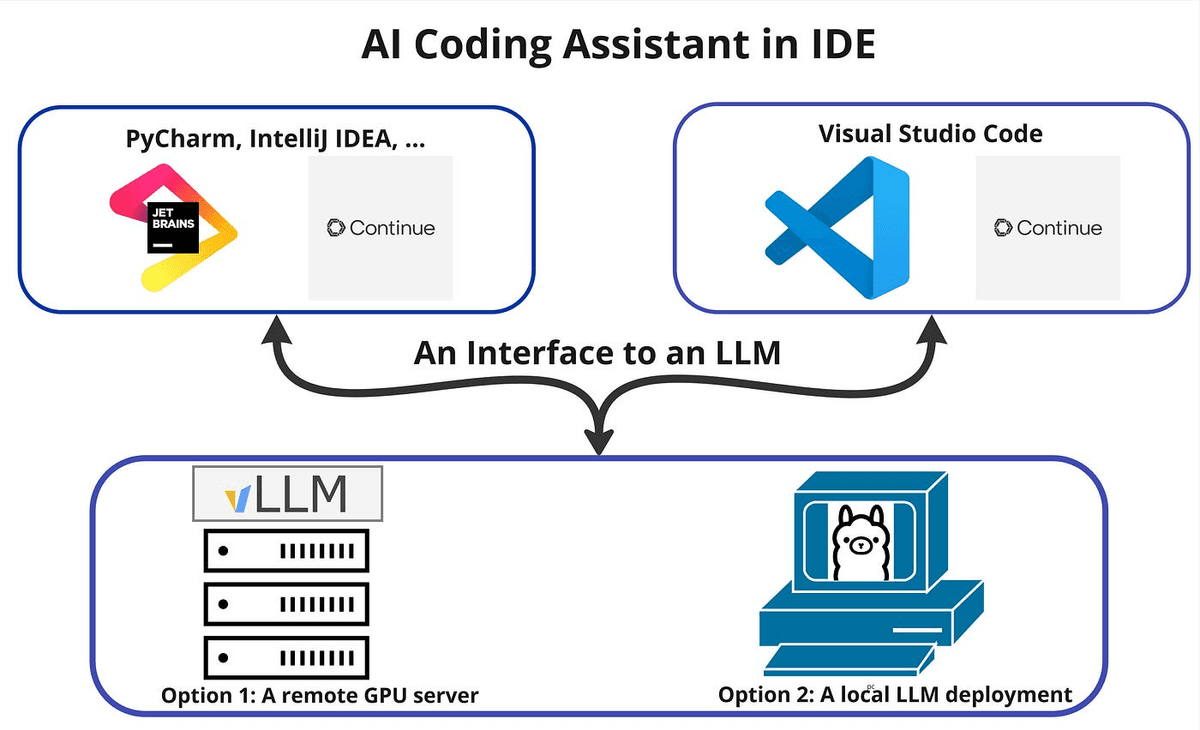
AI for large codebases can act as a cartographer by summarizing directory structures, explaining module responsibilities, and identifying architectural layers. Instead of manually tracing files, teams can collaborate with AI to answer high-level questions like:
- What does this service actually do?
- Which components are core to the business logic?
- Where are the major integration points?
This form of AI code collaboration significantly enhances comprehension and reduces the time spent navigating unfamiliar parts of the system. Around 84% of developers report they are either using or planning to use AI tools in their development workflows, up from 76% last year.
2. Collaborate With AI to Understand Legacy Code
Legacy code is rarely bad—it’s simply context-heavy.
AI-assisted software development helps teams understand why legacy code exists, what assumptions it relies on, and how risky it is to modify. Rather than jumping straight to refactoring, teams can collaborate with AI for coding to uncover intent and hidden constraints.
This leads to smarter decisions, fewer regressions, and more respectful evolution of existing systems.
3. AI-Powered Code Reviews at Scale
Human code reviews struggle to scale in large organizations.
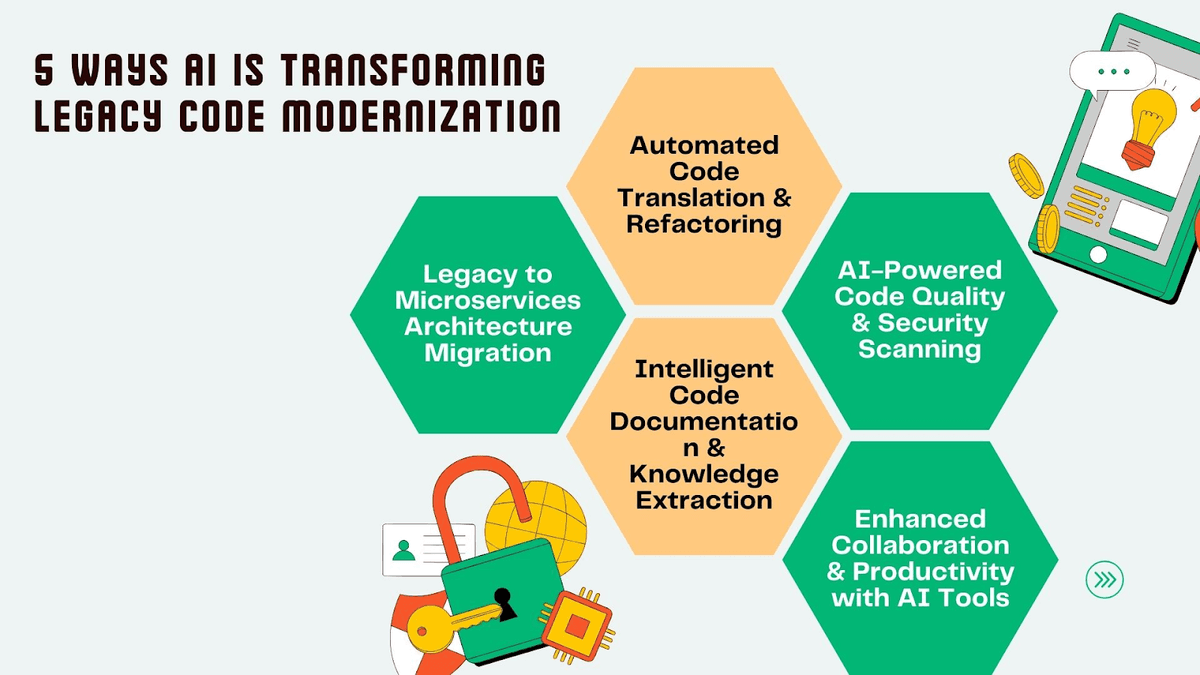
AI coding assistants can review changes for consistency, detect duplicated logic, and surface architectural concerns that are easy to miss. Instead of replacing reviewers, AI enhances them by shifting attention from syntax to intent.
With AI code collaboration, code reviews become more thoughtful, more consistent, and less exhausting. 82% of developers use AI coding tools daily or weekly, showing that AI coding assistants have become a core part of software development.
4. Use AI to Enforce Consistency Across Teams
As teams grow, consistency erodes.
AI code management tools help enforce naming conventions, architectural patterns, and error-handling standards across large codebases. AI-powered development ensures that new code aligns with existing practices without relying on constant manual enforcement.
This makes collaboration smoother and reduces friction between teams.
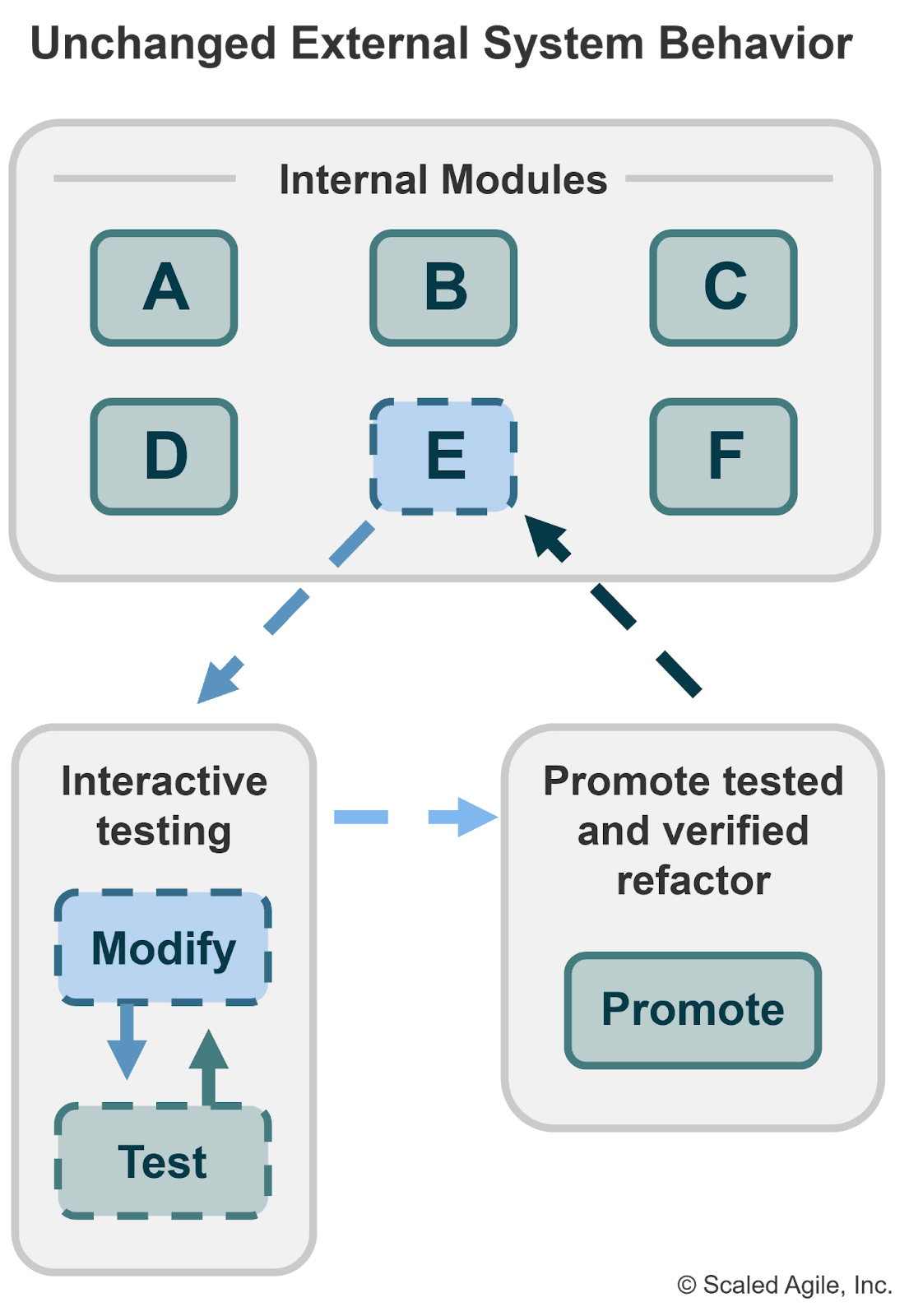
5. Collaborate With AI for Safer Refactoring
Refactoring large codebases is risky because dependencies are often invisible.
AI for large codebases helps identify usage patterns, predict downstream impact, and suggest incremental refactoring strategies. Instead of risky rewrites, teams can use AI-assisted software development to make small, confident improvements over time.
This encourages continuous improvement without destabilizing production systems.
6. Use AI to Generate Living Documentation
Documentation fails when it’s static.
AI code collaboration enables teams to generate and maintain documentation that evolves with the code. AI can explain modules, summarize complex logic, and update documentation as changes are made.
This turns documentation into a living asset rather than a neglected obligation. Developers using AI coding assistants report an average 10–30% productivity increase, especially for repetitive tasks, testing, and error detection.
7. AI-Assisted Debugging Across Systems
Bugs in large systems rarely live in one place.
AI in software development can trace execution paths, correlate logs, and suggest likely root causes based on system behavior. Collaborating with AI for coding during debugging reduces guesswork and speeds up incident resolution.
This is especially valuable in distributed systems where visibility is fragmented.
8. Use AI for Smarter Test Coverage
More tests don’t always mean better coverage.
AI-assisted software development helps teams identify untested critical paths, redundant tests, and edge cases that matter most. Instead of chasing coverage metrics, AI code collaboration focuses testing efforts on real risk.
This leads to more reliable systems with less maintenance overhead.
9. Collaborate With AI for Performance Optimization
Performance issues in large codebases are often emergent and non-obvious.
AI for large codebases can highlight hotspots, inefficient data flows, and expensive operations across services. AI-powered development helps teams optimize where it matters most, without premature or unnecessary tuning.
10. AI as an Onboarding Accelerator
Onboarding into large codebases is traditionally slow and frustrating.
AI code collaboration allows new developers to ask contextual questions, explore the system conversationally, and understand patterns without constant interruptions. This dramatically shortens the learning curve and increases early productivity.
Tools like Greta are designed specifically for this kind of structured, contextual collaboration—helping teams interact intelligently with complex systems.
11. Treat AI as a Teammate, Not a Replacement
The most important principle of AI-assisted software development is mindset.
AI should augment human judgment, not replace it. Effective AI code collaboration enables humans to remain responsible for decisions while leveraging AI to reduce cognitive load, surface insights, and enhance clarity.
When teams treat AI as a collaborator rather than an authority, they unlock its full potential.
Final Thoughts
Managing large codebases will only become more challenging as systems grow in scale and complexity. The teams that succeed won’t be the ones writing the most code—they’ll be the ones that understand their systems best.
AI code collaboration is not just about speed. It’s about clarity, safety, and sustainability. When you learn how to use AI for coding as a partner in managing large codebases, you create software that can evolve without collapsing under its own complexity.
AI-powered development isn’t the future—it’s already here. The advantage lies in how well you collaborate with it.
FAQs
1. How does AI code collaboration help with large codebases?
AI code collaboration enables teams to understand the structure, dependencies, and intent across large codebases. It reduces cognitive overload by summarizing code, highlighting risks, and improving navigation without requiring developers to read every file.
2. Can I really collaborate with AI for coding, or is it just code generation?
You can genuinely collaborate with AI for coding by using it to reason about architecture, review changes, explain legacy code, and support decision-making. The biggest value comes from understanding and managing code, not just generating it.
3. Is AI for large codebases safe to use in production systems?
Yes, when used correctly. AI-assisted software development is safest when humans remain responsible for final decisions and AI is used to surface insights, detect patterns, and suggest improvements rather than making autonomous changes.
4. How does AI help in managing large codebases over time?
AI code management helps maintain consistency, improve documentation, guide refactoring, and enforce standards as systems evolve. This makes managing large codebases more sustainable as teams and code grow.
5. What makes Greta useful for AI-powered development?
Greta is built for structured AI code collaboration, allowing teams to interact contextually with complex systems. It helps engineers understand, manage, and evolve large codebases without losing architectural clarity.





© 2026 Questera
Follow in Google